Annex
265
Mitel 470 as of R4.1
syd-0585/1.2 – R4.1 – 08.2016
7. 5. 3 Function commands (macros)
Function commands are used mainly for automatically activating/ deactivating features
using the function keys of the system phones. The following function commands are
available:
Tab. 126 Function commands for system phones
The function commands can be stored directly on the system phones via Self Service
Portal or on the function keys via WebAdmin.
Note:
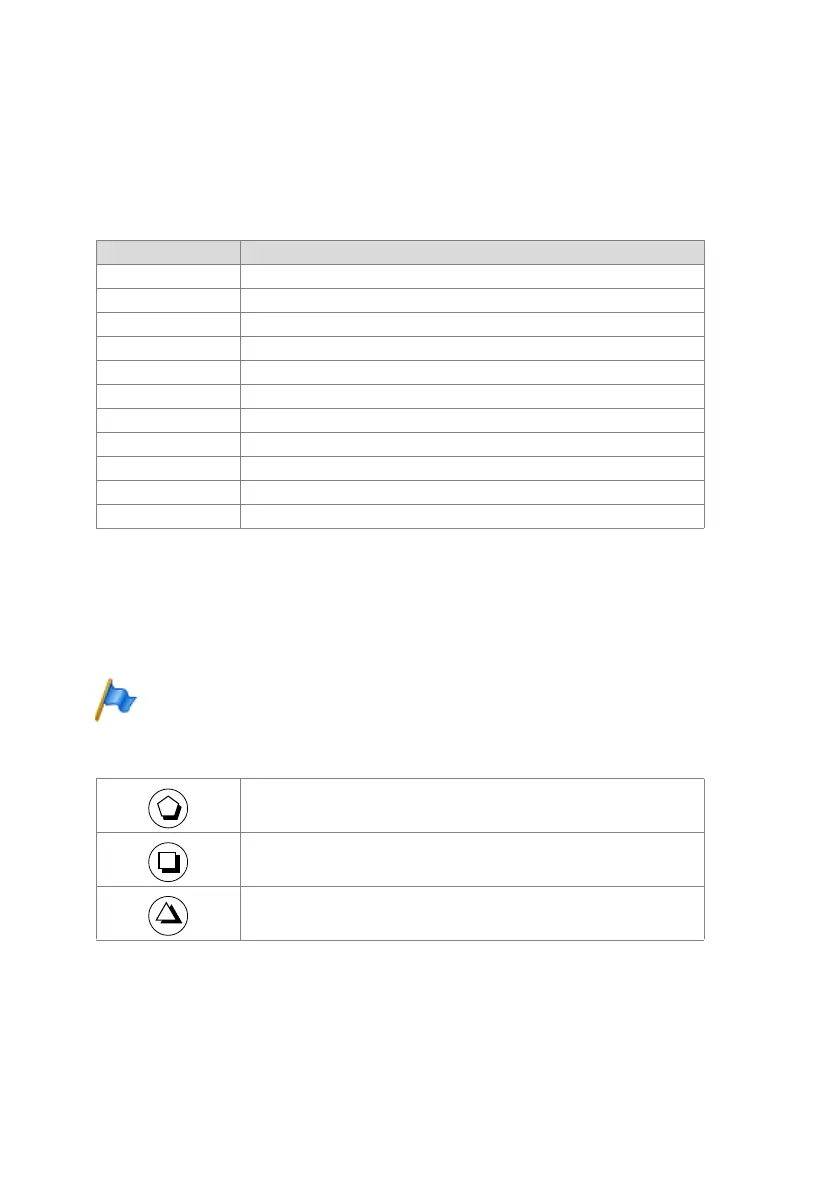
As the Office 10 does not have a text mode, only 3 function commands can be stored on func-
tion keys on this phone. The 3 function commands are entered using the following keys:
Tab. 127 Function commands on function keys Office 10
Function command Meaning
"A" Seize line with maximum priority
1)
1) Available only with the key telephones.
"I" Seize line
"H" Seize line in hands-free mode
2)
2) Available for Mitel 600 DECT only.
"X" Disconnect
"P" Pause 1 second before next action
"Lxx" Seize line xx (line keys)
1)
"N" Enter call number keyed in during call preparation
"." Control keys function
"Z" Activate / deactivate DTMF mode (tone dialling)
"R" Use call number last dialled
"Y" End call and reseize line
3)
3) Not available for Office 10.
Pause 1 second before next action
Control keys function
Activate / deactivate DTMF mode (tone dialling)



 To Next Page