System Overview
25
Mitel 470 as of R4.1
syd-0585/1.2 – R4.1 – 08.2016
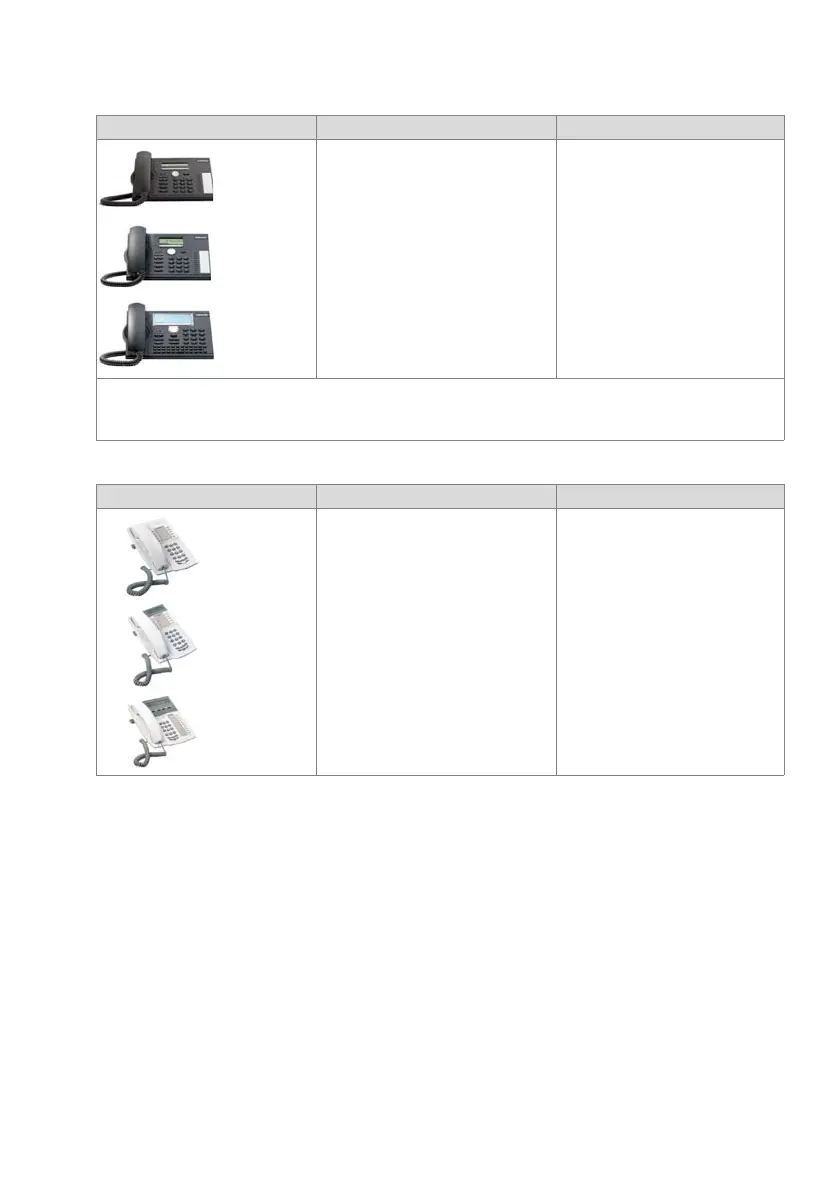
Tab. 7 Digital system phones of the MiVoice 5300 family
Tab. 8 Digital system phones of the Dialog 4200 family
Product Principal common features Additional model-specific features
• Intuitive and user-friendly menu
prompting with Foxkey and central
navigation key
• All the system features can be used
• Automatic update of the phone soft-
ware
• Connection via DSI interface
• Two phones can be connected per
DSI interface
• Powered via DSI bus or power supply
• Wall mounting possible
MiVoice 5370/MiVoice 5380:
• Expansion key modules can be
connected
• Headset socket with DHSG stand-
ard
MiVoice 5380:
• Backlit display
• Optional Bluetooth module
• Can be used as operator console
when combined with expansion
key module
Note:
The digital system phones of the Office family (Office 10, Office 25, Office 35, Office 45 and Office 45pro) are sup-
ported as before (not all system features can be used).
Product Principal common features Additional model-specific features
• Configurable number and function
keys with LED
• System features can be used via
function codes
• Hearing aid compatible
• Connection via DSI interface
• One phone can be connected per DSI
interface
• Powered via DSI bus or via optionally
power supply
• Wall mounting possible
Dialog 4222, Dialog 4223:
• Graphics-compatible display
• System features operated using
menu prompting
• Expansion key module(s) can be
connected
• Headset socket
• Hands-free feature
• Configurable team keys
Dialog 4223:
• 4 softkeys
MiVoice 5361
Digital Phone
MiVoice 5370
Digital Phone
MiVoice 5380
Digital Phone
MiVoice 5361
Digital Phone
MiVoice 5370
Digital Phone
MiVoice 5380
Digital Phone
Dialog 4220
Dialog 4222
Dialog 4223



 To Next Page