26/1531-ANF 901 14 Uen S 2019-10-18 38
C
ONFIGURING THE PHONE
Do as follows:
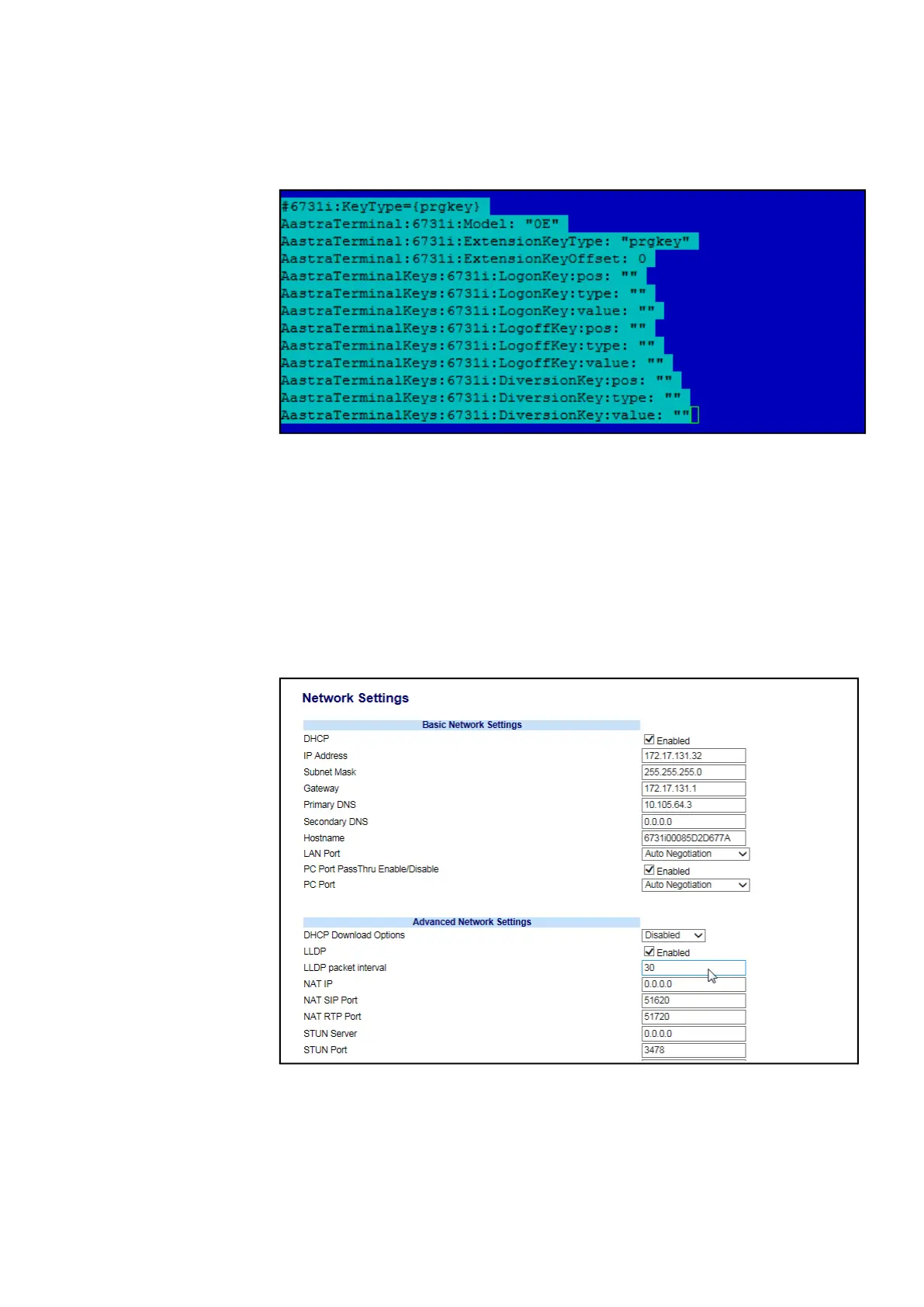
Edit /etc/opt/eri_sn/ip_telephony.conf in MX-ONE Service Node so it looks like the
following example :
Figure 17: Configure file
Note: Each MX-ONE Service Node holds a copy of the ip_telephony.conf file. For
consistency and simplicity, any change to it should be made consistently on all
MX-ONE Service Nodes. Settings apply to all telephones of the same model: In
the example above, the logon/logoff key is disabled for all 6731 telephones, and
all keys are open for programming since the offset value is zero.
5. Restart unit SIPLP, to activate changes. Use command restart -u SIPLP --lim
x.
6. Logon to the web interface of the phone. Unmarke (Disable) the option DHCP
download Options, and save the options.
Figure 18: Network Settings
7. Select the right SW Server.



 To Next Page