Maintenance
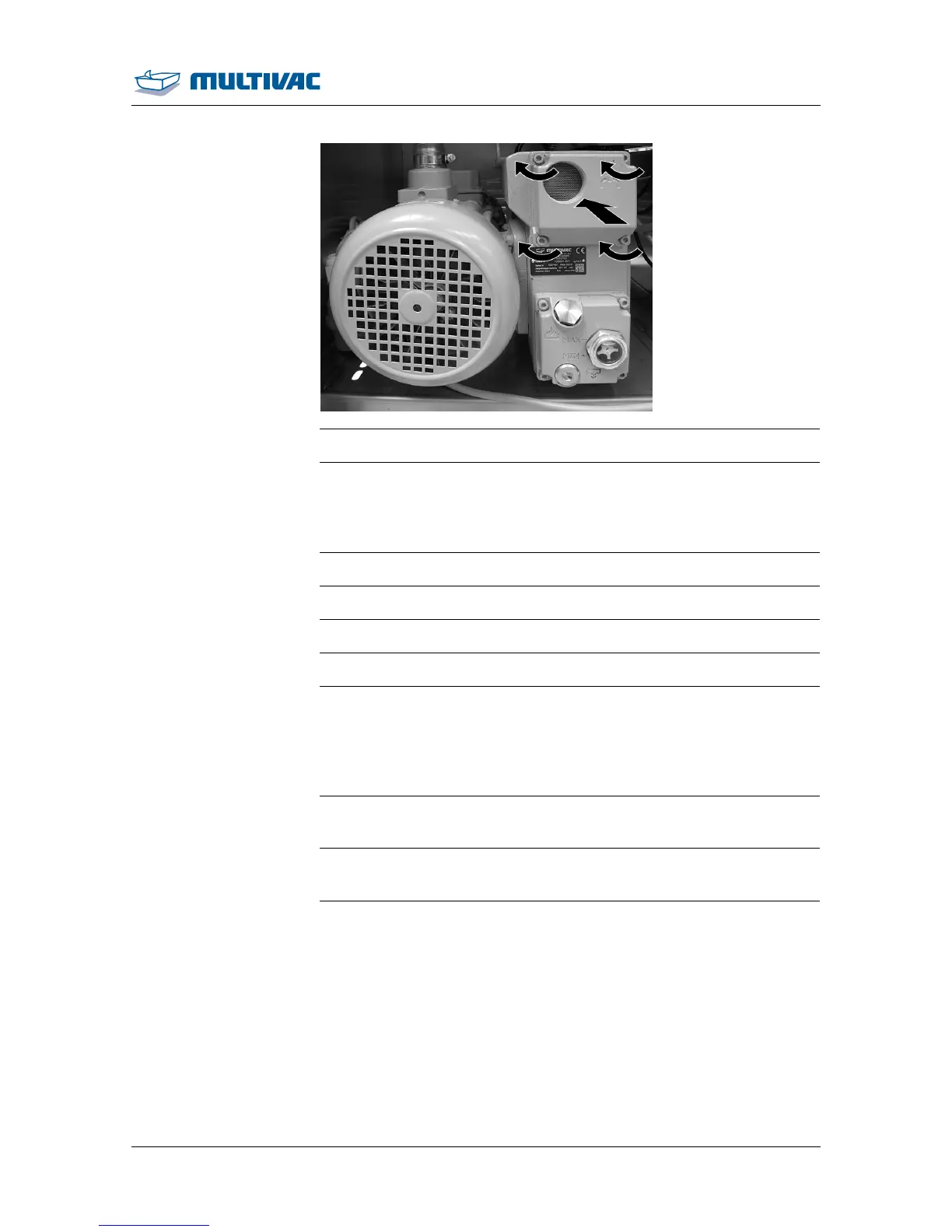
Change the air de-oiling element MRP60
10.06.2014 103
¾ Fasten the safety guard on the back of the machine.
7.5 Performing the vacuum test
¾ Call up the "Service" menu.
¾ Call up the "test" menu.
¾ Select Vacuum test.
¾ Switch on the vacuum test.
¾ Return to the status display.
¾ Close and press down the chamber lid.
– The evacuation system is being checked.
– The processes in the machine run automatically.
– The corresponding diagnostic message appears.
– The chamber lid opens.
¾ Acknowledge the diagnostic message.
– The vacuum test is switched off.
¾ If the vacuum test is not successful, see the displayed diagnostic
message to correct the fault, see Section 8 "TROUBLESHOOTING".



 To Next Page