Adjustment work and setup
68 10.06.2014
5 Adjustment work and setup
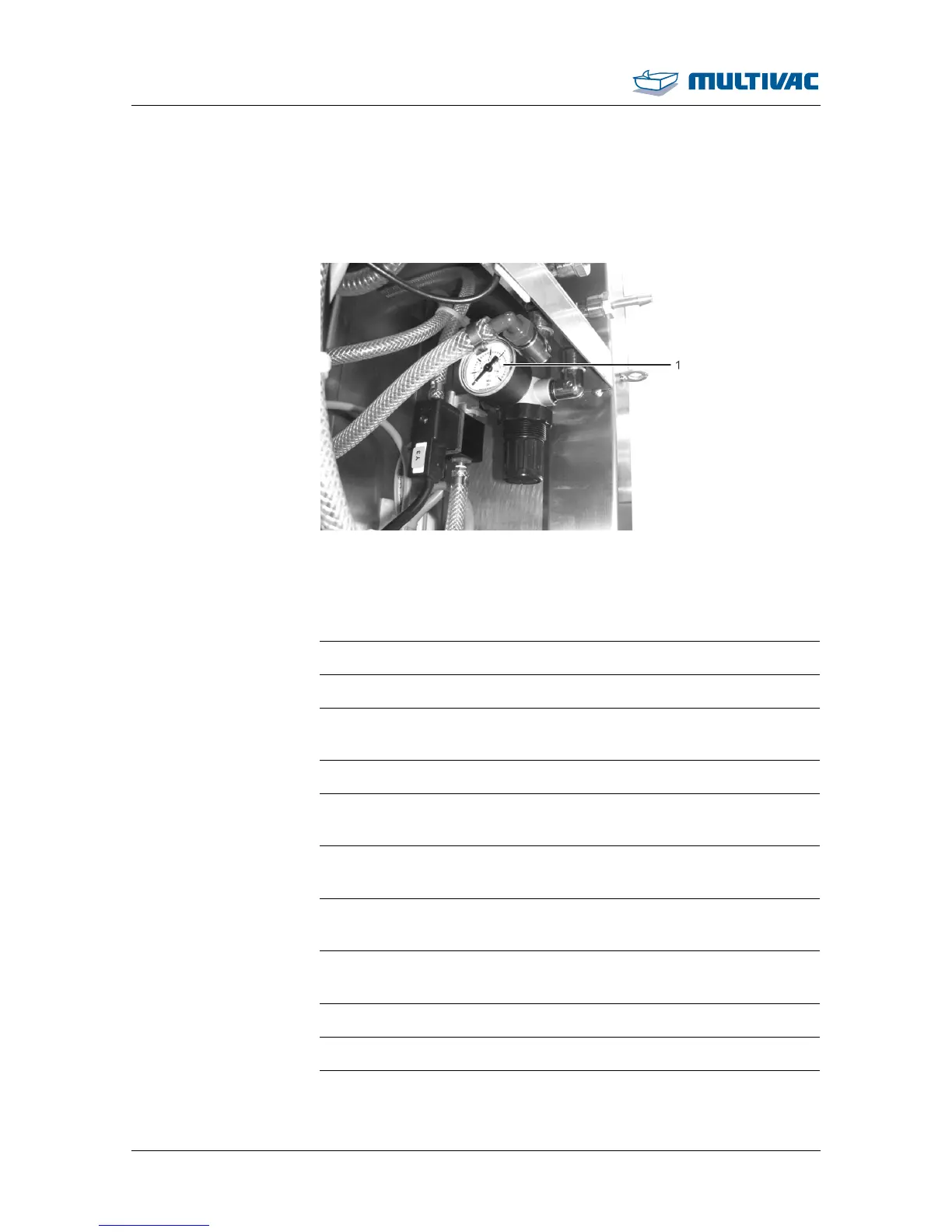
5.1 Setting the pressure regulators
Fig. 43: Pressure regulator
1
Sealing pressure regulator
¾ Switch off the machine.
¾ Disconnect the machine from the mains electricity.
¾ Remove the safety guard on the back of the machine.
¾ Set the operating pressure for sealing, see Section 5.1.1 "SETTING
THE OPERATING PRESSURE FOR SEALING ".
¾ Fasten the safety guard.
5.1.1 Setting the operating pressure for sealing
¾ For setting the operating pressure on the "Sealing" pressure regu-
lator, see "Technical specifications".
¾ Turn the regulator clockwise.
– The operating pressure is increased.
¾ Turn the regulator anticlockwise.
– The operating pressure is decreased.
¾ Check the set operating pressure on the manometer.
¾ If necessary, readjust the operating pressure.



 To Next Page