Description
Display
38 10.06.2014
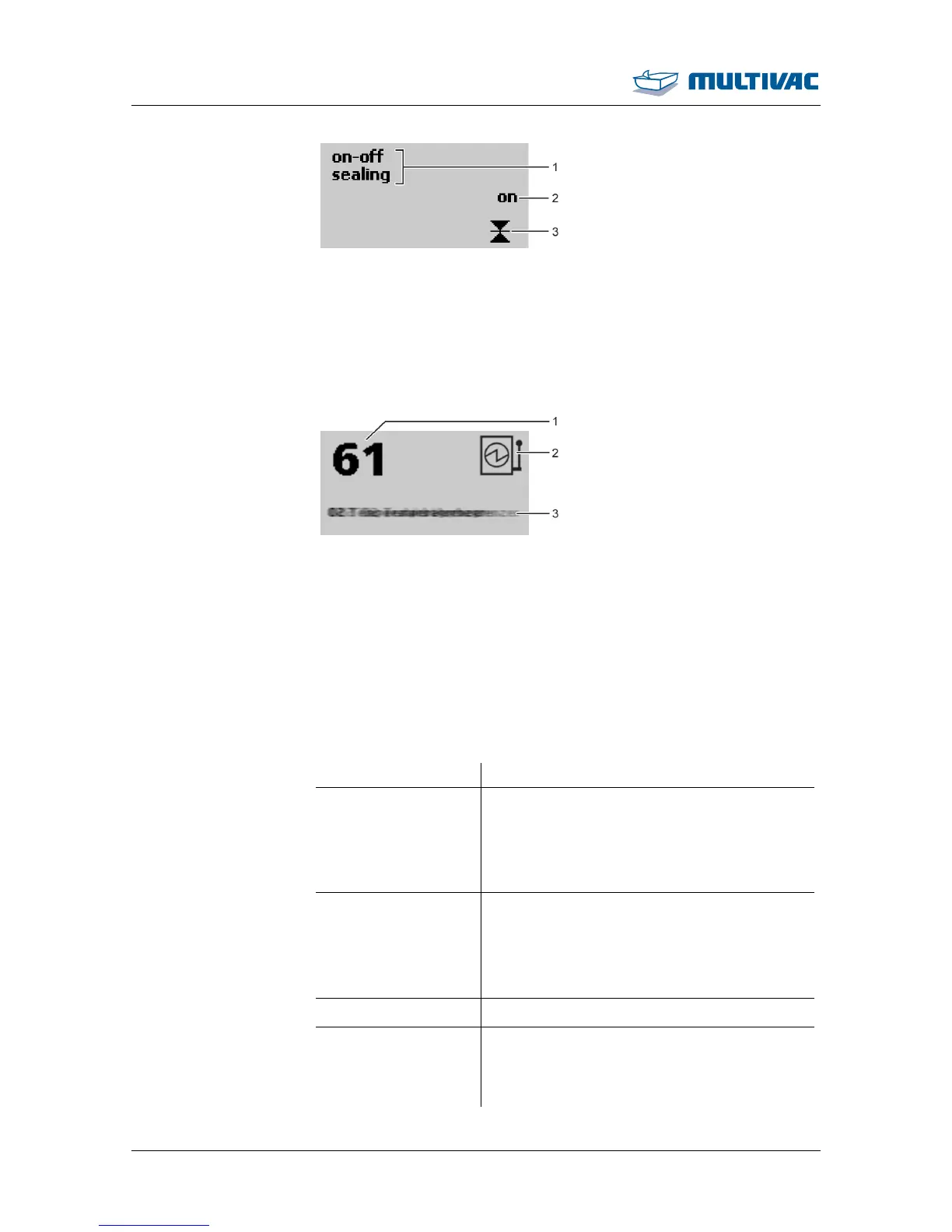
Fig. 37: Function display on/off (013)
1
Selected function
2
Switch status
3
Symbol of function (e.g. sealing)
2.4.5 Diagnostic display
Fig. 38: Diagnostic display
1
Diagnostic number
2
Type of error acknowledgement
3
Error text (in ticker)
Eliminate the malfunction, see Section 8 "TROUBLESHOOTING".
2.4.6 Access rights
To avoid incorrect operation, the following access rights are assigned.
Access right Explanation
Operator Not password protected.
The operator may enter settings that are re-
quired to operate the machine (e.g. Lan-
guage choice).
The operator cannot modify values.
Set-up personnel Password protected.
The set-up personnel can modify values and
switch statuses.
Only a limited number of settings in the ser-
vice menu are possible (e.g. vacuum test).
Service Unrestricted authorisation.
Super-PIN
• Reset password for access right Set-up
personnel to factory setting.
• Reset machine control.



 To Next Page