Receiving a Phone Call
When the machine rings, pick up the optional handset or the external phone
1
handset.
When the connection is established, talk with the other party.
2
If you hear a beeping sound from the other party or hear nothing, it signifies a fax. Press
<Start> to receive the fax.
Adjusting the Speaker Volume
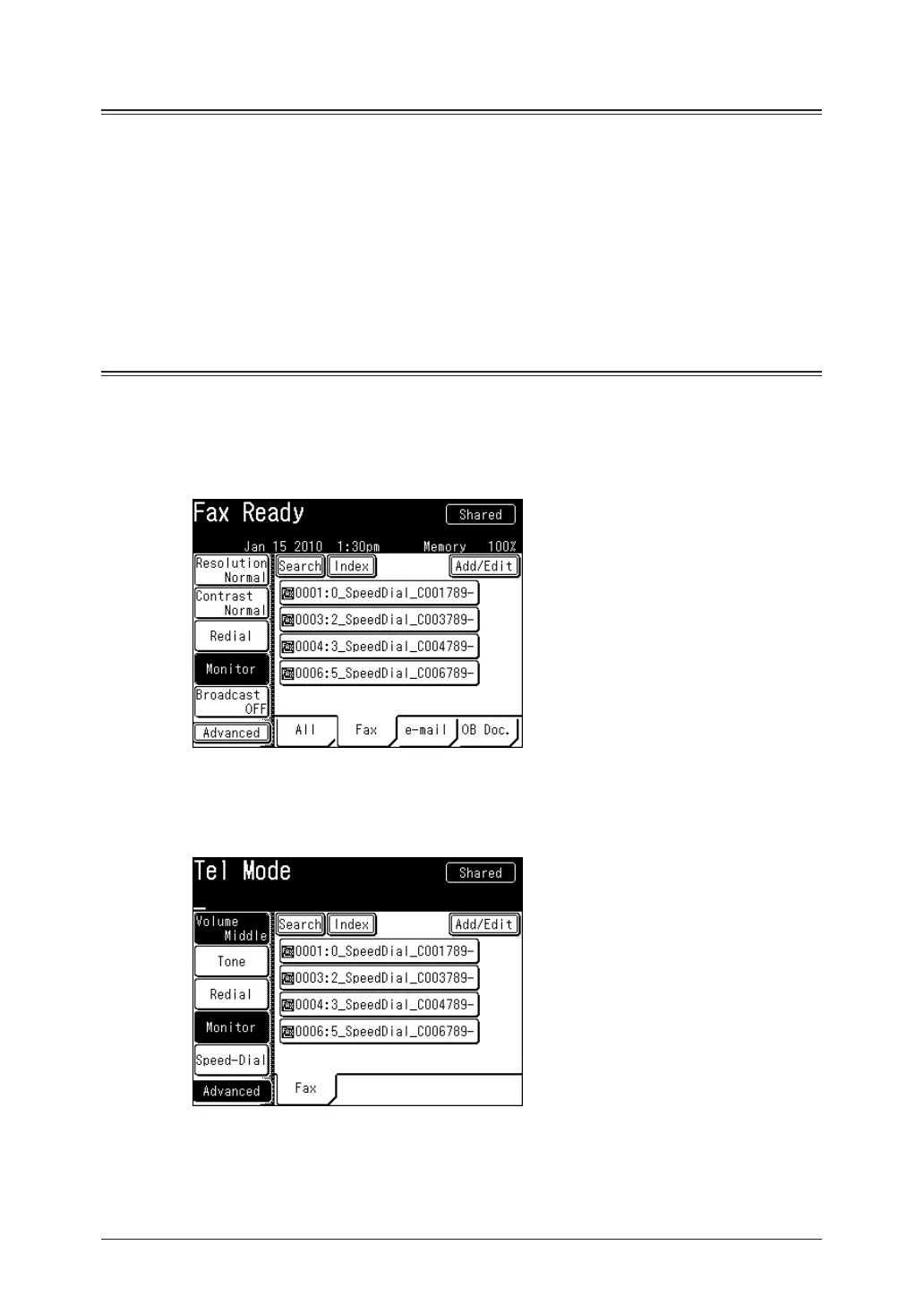
Press <F
1
ax>.
Press [Monitor].
2
If [Monitor] is not displayed, press [Advanced] and then select [Monitor].
Press [Volume].
3







 To Next Page