1
2
Advanced Scan Functions
Advanced Scan Features 2-21
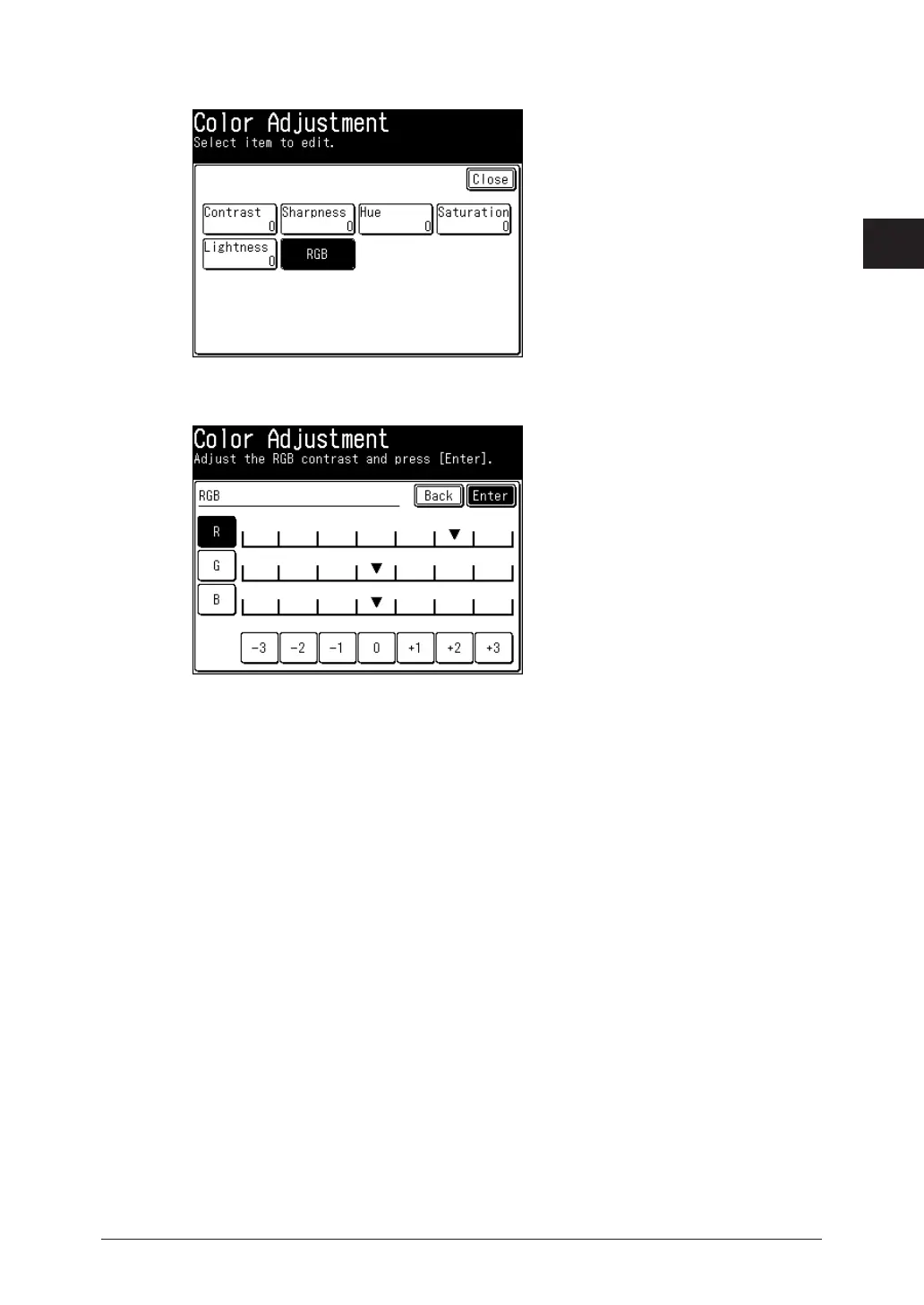
Press [RGB].
4
Select [R], [G], or [B], select the color ratio, and press [Enter].
5
Press [Close] twice.
6
Specify the destination, and press <Start>.
7
For details on the procedure, refer to “Basic Scanning”. (See page 1-2.)









 To Next Page