Section 75 00-02-0878
2013-03-07 - 7 -
Menu
The Menu can be viewed without password entry.
The measured values are displayed from this view.
Log Menu This menu displays the Event, Alarm, and Battery Logs.
Setup Menu
Used for setting up the unit, and detailed information.
Changing of parameter settings is password-protected.
Alarm List
This list shows active acknowledged and unacknowledged
alarms. In addition, while in this list the alarms can be
acknowledged by pressing the ENTER button.
Service Menu
This menu contains input, output, M-Logic status, and data
about the unit
View Menu
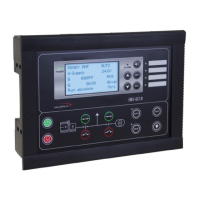
The View Menu is used daily by the operator. There are up to 20 configurable display
views, with up to three configurable display lines in each view. View configuration is
done through the PC utility software (USW).
In the View Menu, various measured values are on the display.


 To Next Page