System configurations of this product 13
The CDROM supplied with this printer contains two print application; Layout and Print Tool 2 and MUTOH Layer Editor.
To perform layer printing on XPJ-461UF, please use Layout and Print Tool 2.
Each print application has following features.
Note
For more details of layer printing and supported file format, see the Layout and Print Tool 2 Operation Manual and MUTOH Layer Editor
Operation Manual.
Appropriate Use of Layout and Print Tool 2 and MUTOH Layer Editor
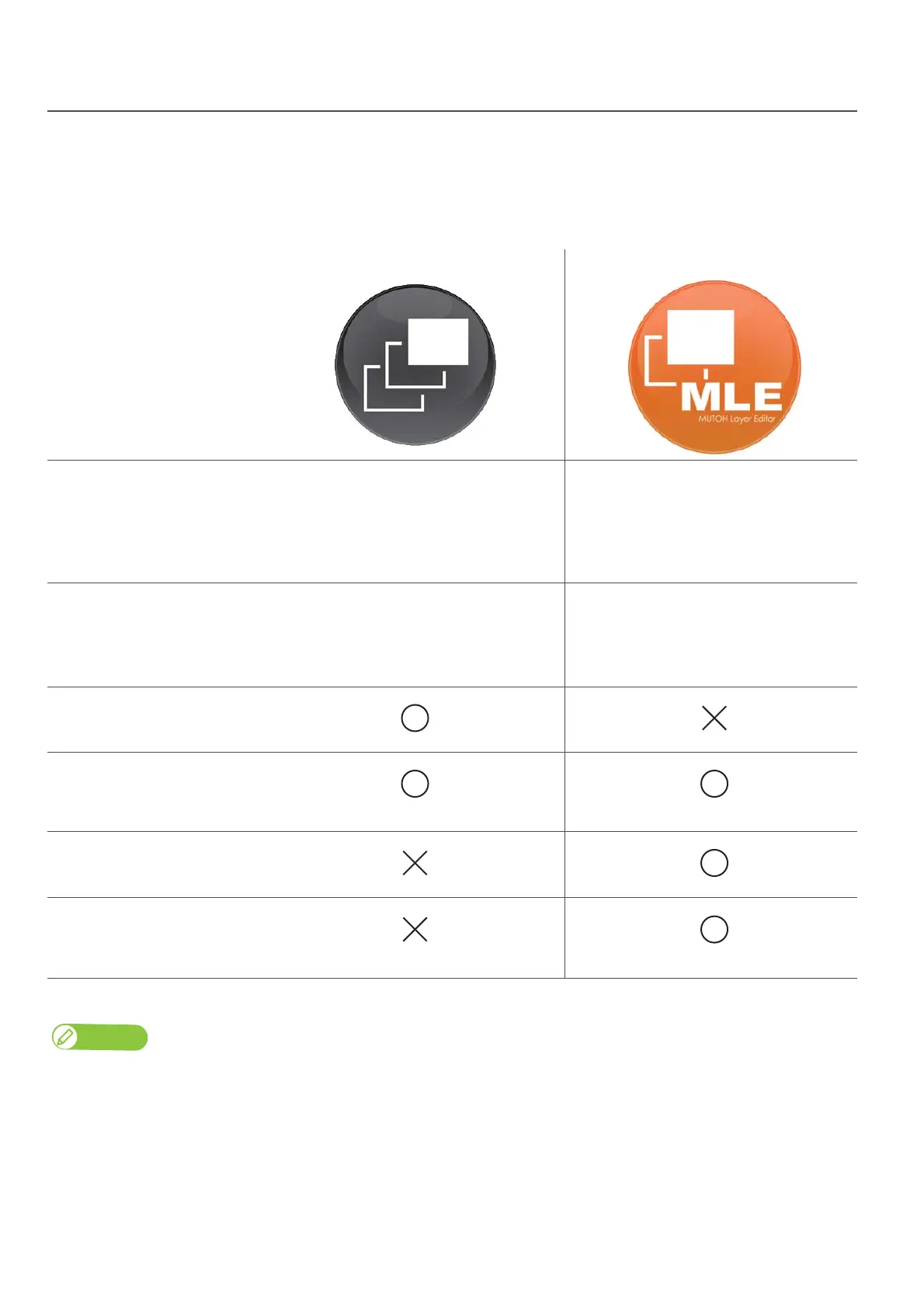
Layout and Print Tool 2 MUTOH Layer Editor
Functions Enables to print more than one image layer
by layer on the same media.
Users can edit layer printing layout for up to
15 layers and save them.
• Receives print data from the printer driver.
Users can assign the received data to each
layer to perform layer printing.
• To create print data file, use Layout and
Print Tool 2 or other graphic applications.
Intended use • Suitable for small print production or
adding text to an image.
• Recommended to use MUTOH Layer Editor
for large print production.
Saves print data with format converted for
the printer to print soon after sending from
MUTOH Layer Editor and efficiently reprint
the same data.
Image printing (PNG/TIFF)
Multi layer printing
(Print layer by layer on the same
media)
Single layer printing
(Print 2 or 3 layers in one pass)
Change printer settings on output
data
(Change carriage speed, vacuum fan and more)














 To Next Page