134 Replacing the Emitting Window Glass on the UV-LED Lamp
The emitting window glass protects the UV-LED lamp from ink mist. Using the printer with dirty glass will cause damage to the
lamp or insufficient ink curing. Replace the glass as needed.
Replacing period:
• When the glass has cracks or chips.
• When the ink cannot be removed from the glass.
Replacing the Emitting Window Glass on the UV-LED Lamp
Skin or eye contact with UV curable ink may cause skin inflammation or allergic reaction.
When using this product, wear personal protective equipment (supplied gloves or solvent-resistant
gloves, goggles or protective eyewear, protective mask, protective clothing) to avoid skin contact
with ink.
After printing, the UV-LED lamp may get hot.
Leave it for 30 minutes to cool down and then start maintenance.
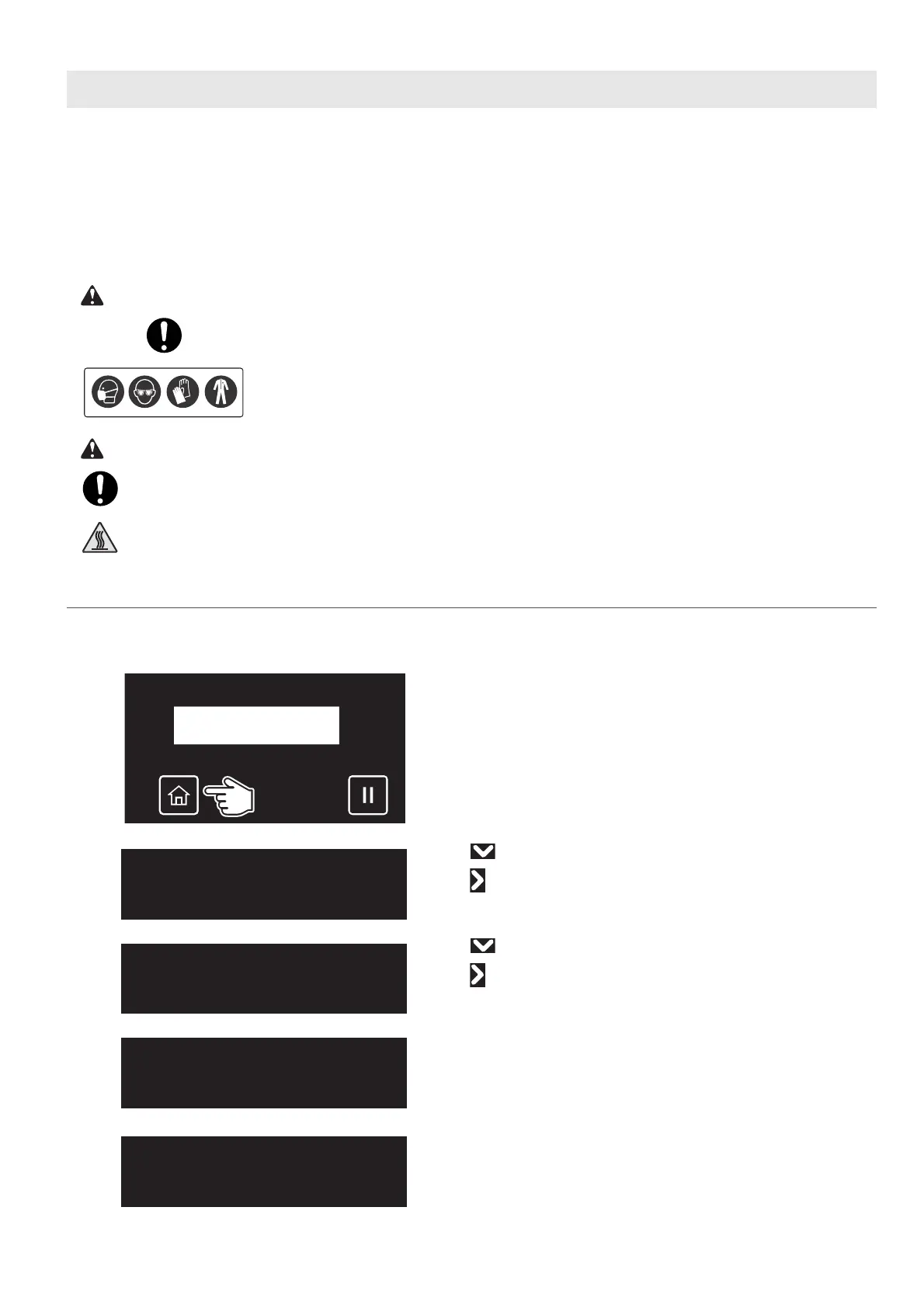
Replacing steps
[1]
Check that the media and jig are removed from the printer.
[2]
Tap [Home].
[3]
• Use to choose the menu shown left.
•Tap .
[4]
• Use to choose the menu shown left.
•Tap .
[5]
Tap [Enter].
• The carriage will move to the left side of the printer.
• The cleaning wiper will move upward.
The message on the left will appear.
Maintenance3
CRMaintenance
CRMaintenance
Start ー> Enter
CRMaintenance
End ー> Enter














 To Next Page