Turning the power ON 23
1 Powering ON / OFF
If you need to power off your printer temporarily, follow these steps.
Turning the power ON
[1]
Close the front cover.
[2]
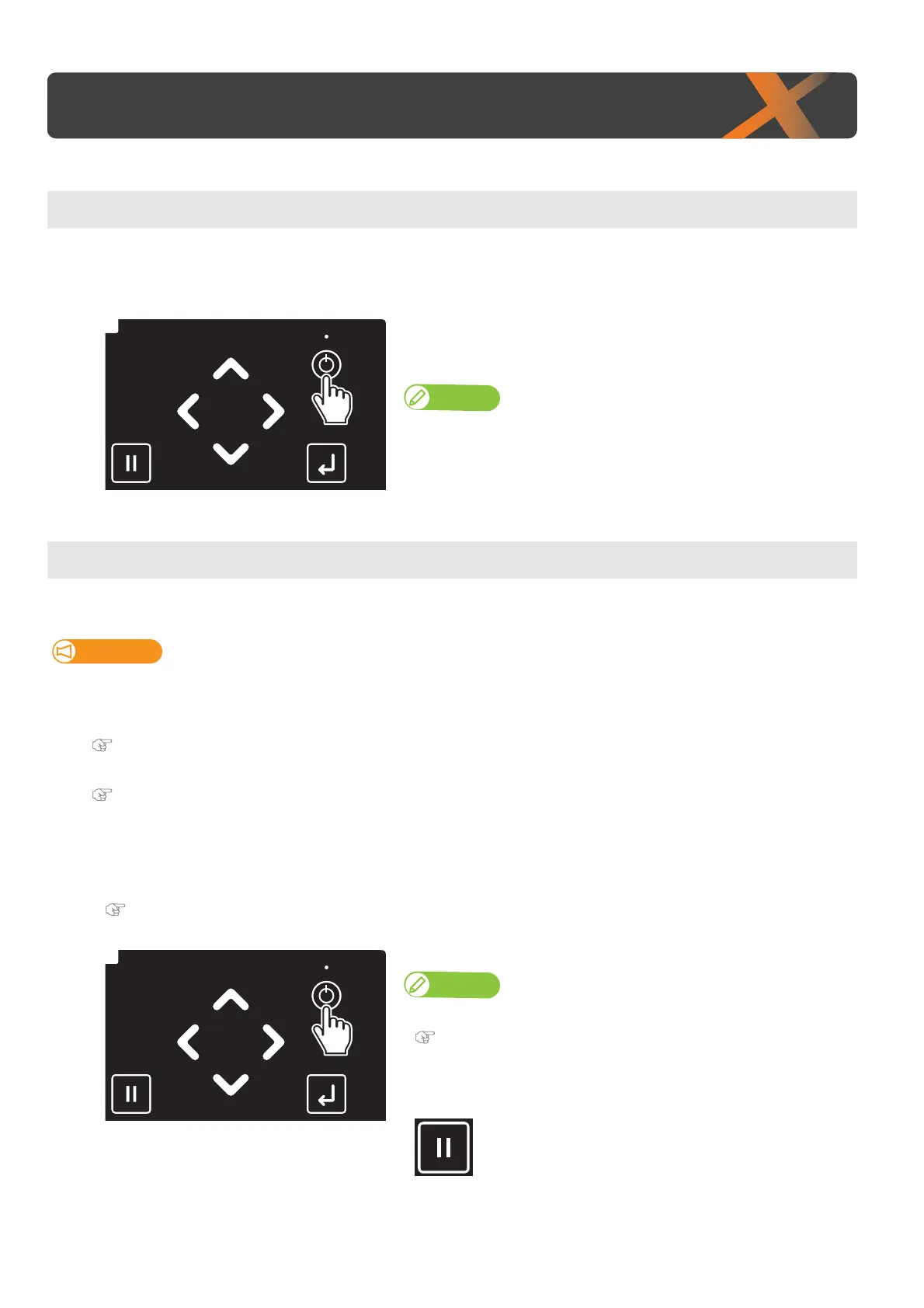
Long press the Power button.
• The keys on the operation panel light up.
• The printer will start mechanical initialization.
Note
When the message "Welcome" appears and the LED lights on the panel turns
on, release the button.
Turning the power OFF
Important!
• Use the printer with its power turned permanently on. When you are not using the printer, always leave the power on and put
the printer into the sleep mode while not in use. If you do not put the printer into the sleep mode, the ink inside the printer
could settle out and/or coagulate, causing poor image quality or printer failure.
"Sleep Mode" P. 28
• If you are not using the printer for an extended period of time (up to one month), follow these steps to power off the printer.
"If not using the printer for a long time" P. 25
[1]
Check that the printer completes printing and no object including a jig is loaded on the table.
[2]
Prepare items required for daily maintenance.
"Preparing for Daily Maintenance" P. 115
[3]
Long press the Power button.
Note
To skip a daily maintenance and power off the printer, tap [Cancel].
"Powering off the printer without daily maintenance" P. 27
• Powering off the printer without daily maintenance will cause ink accumulation
around the print head, leading to damage to the printer.
Normally, be sure to perform daily maintenance.














 To Next Page