If not using the printer for a long time 27
The message on the left will appear.
• Discharging the ink will start.
When the message on the left appears, transfer the waste ink into a container.
"Drain waste ink into a container" P. 110 under "Emptying waste ink
tank"
[8]
Reset the waste ink counter.
"Resetting waste ink counter" P. 113
3. Powering off the printer without daily maintenance
[1]
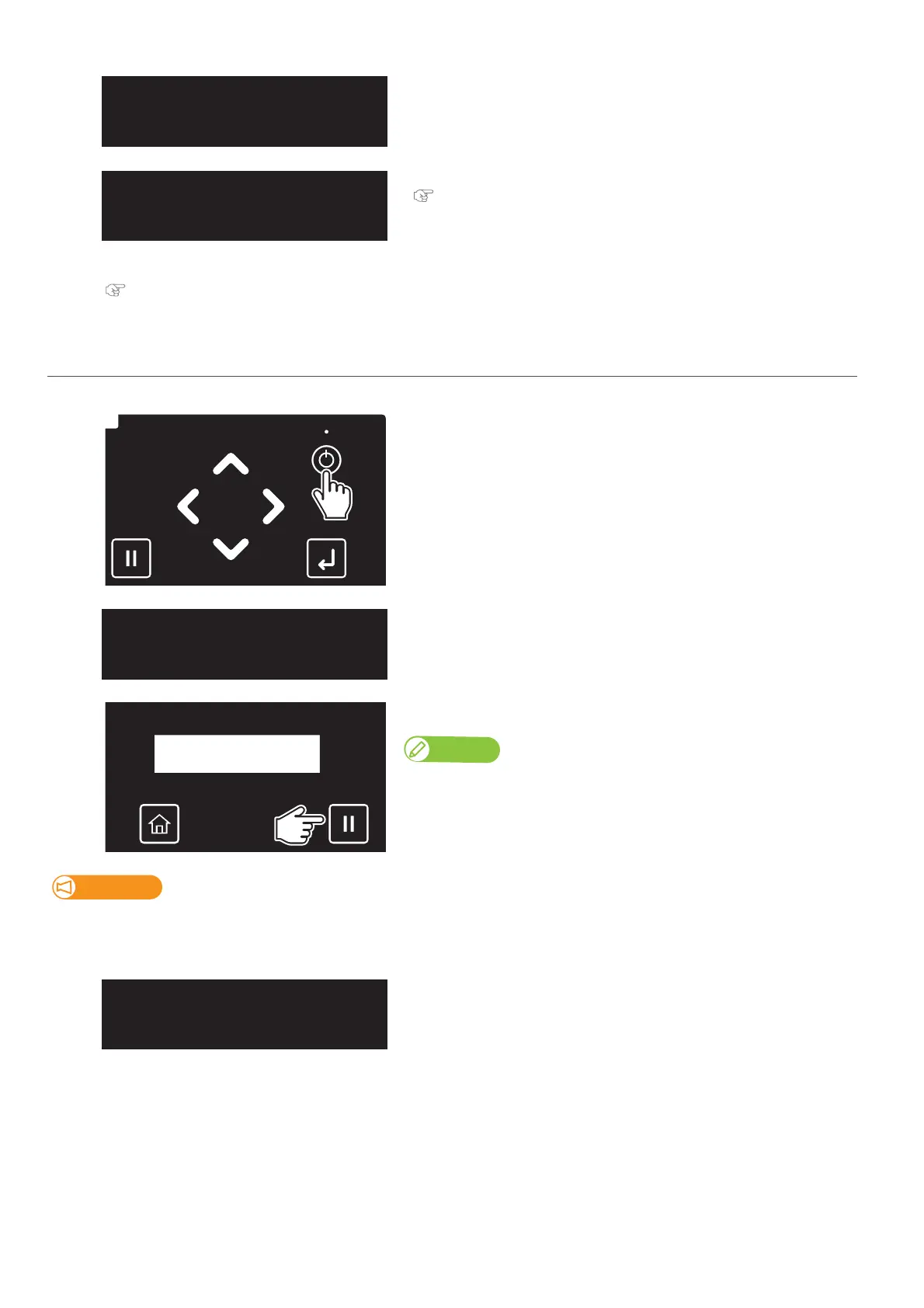
Long press the Power button.
The message on the left will appear.
[2]
Tap [Cancel].
Note
This will skip a daily maintenance.
Important!
Make sure to perform daily maintenance before powering off the printer.
Failure to do so will cause nozzle clogging.
[3]
The printer will start turning off.
DailyMaintenance
Start ー> Enter














 To Next Page