Nozzle check and cleaning 39
Before starting everyday operation, please perform nozzle check printing to check the print head condition. If nozzle clog is
found, conduct cleaning.
This printer offers the following 2 kinds of nozzle checks:
• Nozzle Check - Prints the nozzle check patterns
"For the Nozzle Check pattern printing" P. 39
• Nozzle Check B - Prints the nozzle check patterns on the partially colored background.
"For the Nozzle Check B pattern printing" P. 40
Nozzle check and cleaning
Note
• “Nozzle Check B” will only appear in the menu if 6-color is set.
• When using white ink, colored media, transparent films or semi-transparent films (such as OHP film, tracing paper and more) are
recommended to use for nozzle check.
1. Run a nozzle check print
For the Nozzle Check pattern printing
[1]
Load a roll media for Nozzle check.
"Loading media" P. 31
[2]
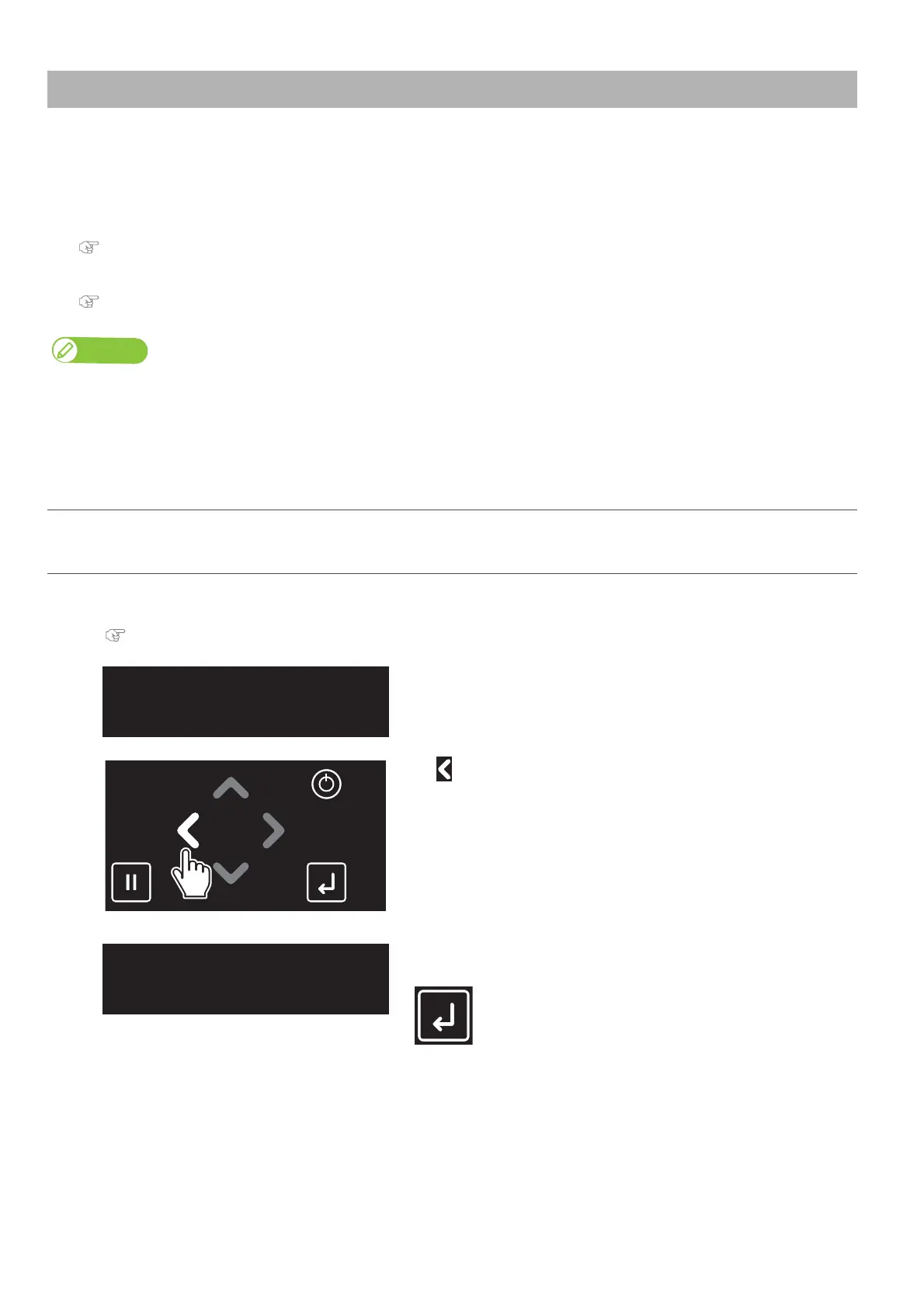
Check that the message on the left is displayed.
[3]
Tap .
[4]
Tap [Enter].
• The printer will print the nozzle check pattern.
PrintReady
Type1
NozzleCheck
Start ー> Enter














 To Next Page