30 Printing area
1Printing
• When loading new media, you need to enter the media size (width and length) and origin position (print start position)
from the operation panel.
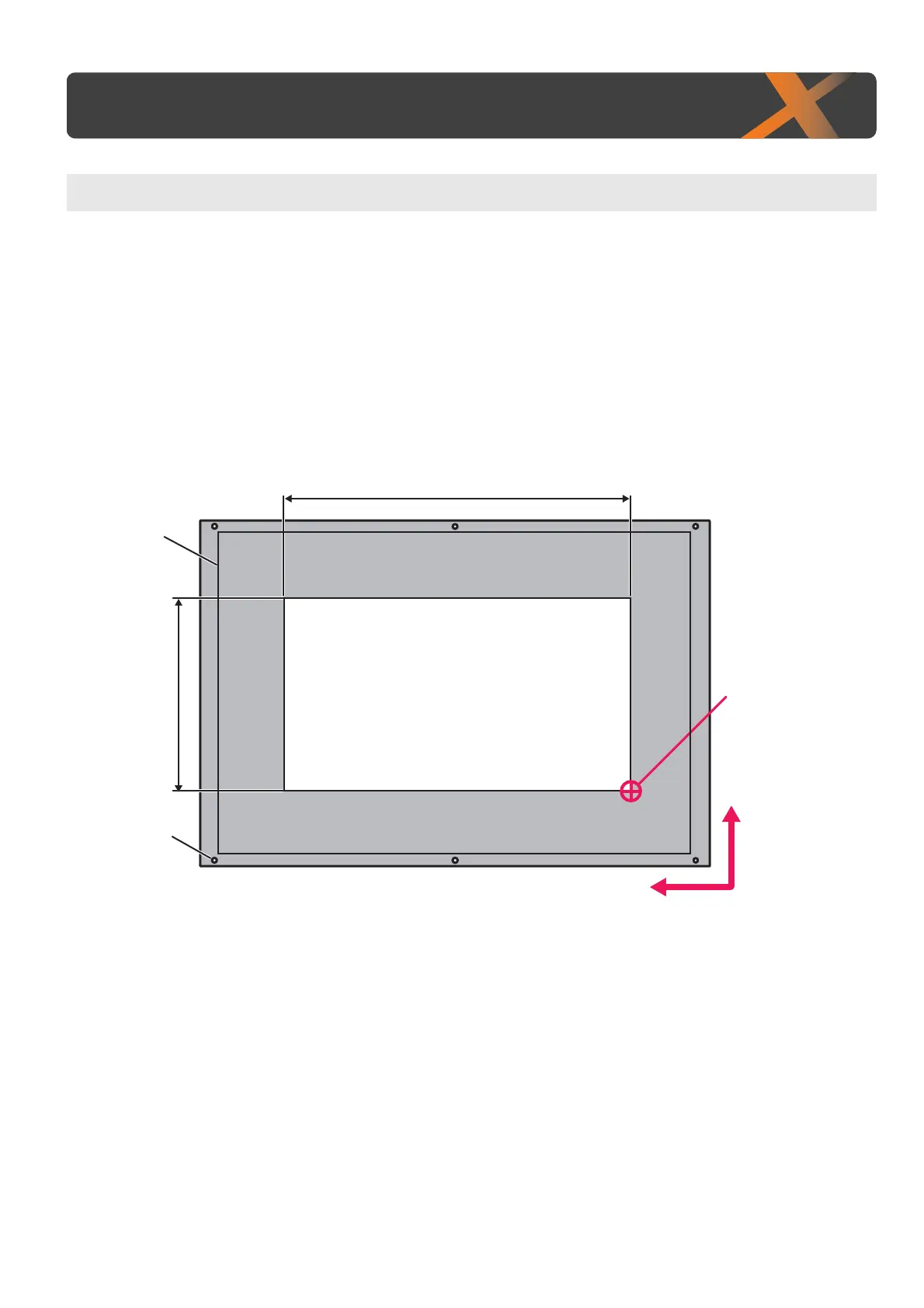
• The guide groove on the table shows the maximum printable area (483 mm × 329 mm).
• Use the screw hole (M4) to attach your own jig.
• Printing is always started from Origin position (print start point).
• The figure below is an example of when printing on medial loaded on the standard table.
•See
"Table Dimensions & Diagrams" P. 19 for detailed dimension.
Printing area
ABC
PF-direction
CR-direction
Guide groove
Media width
Media length
(Printer Front side)
Media set position(PF, CR)
Screw holes for
jig installation
(M4 6)














 To Next Page