Performing Daily Maintenance 117
Performing Daily Maintenance
1. Cleaning of UV Lamp
After printing, the UV-LED lamp may get hot.
Leave it for 30 minutes to cool down and then start maintenance.
[1]
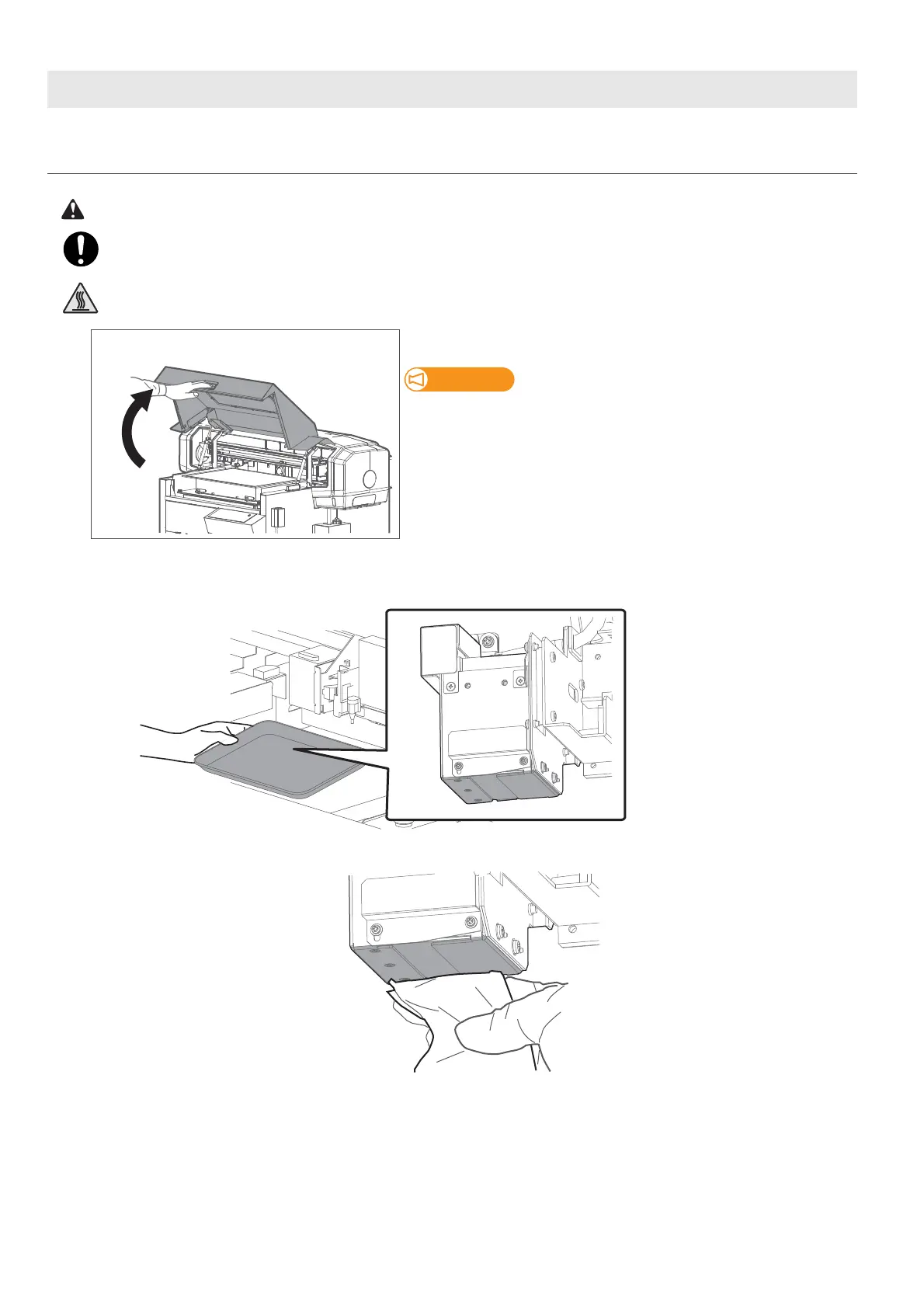
Hold the handle on the front cover to gently open it.
Do not place any object inside the printer.
[2]
Look in the stainless tray to check for ink or dust on the UV-LED lamp.
If no ink or dust is found on the UV lamp, skip this step and move on to
"Moistening the surface of print head nozzles"
P. 119
.
[3]
Use a paper towel to clean dust or ink off the underside of the UV-LED lamp.














 To Next Page