If not using the printer for a long time 25
If your printer will be not in use for a long period of time (up to one month), follow these steps to power off the printer.
If not using the printer for a long time
1. Performing Daily Maintenance
[1]
Check that the media and jig are removed from the printer.
[2]
Prepare items required for daily maintenance.
"Preparing for Daily Maintenance" P. 115
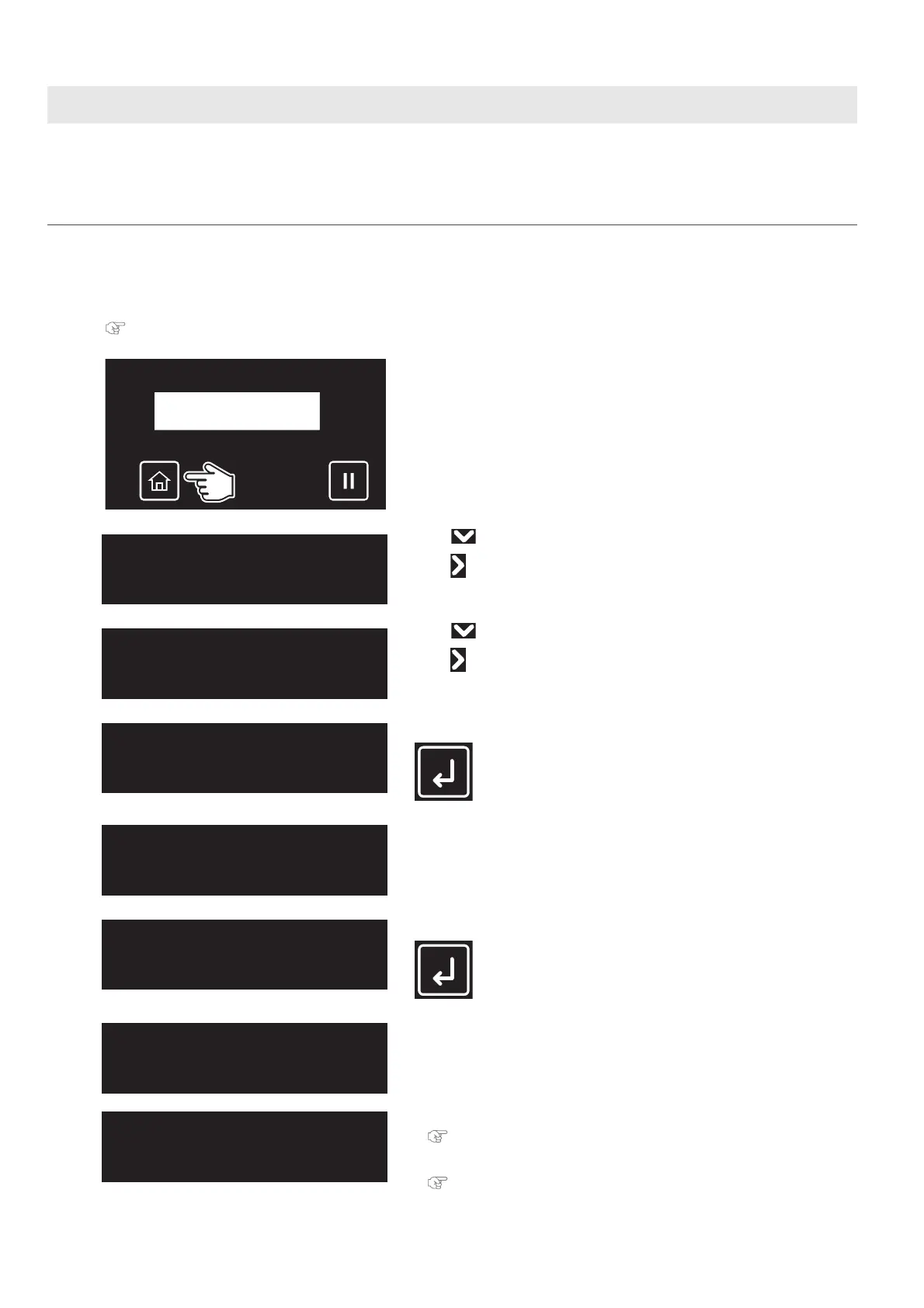
[3]
Tap [Home].
[4]
• Use to choose the menu shown left.
•Tap .
[5]
• Use to choose the menu shown left.
•Tap .
[6]
Tap [Enter].
The table moves to the front side of the printer.
[7]
Remove the media and the jig on the table, and then tap [Enter].
• The table, carriage and cleaning wiper move to gain access to daily
maintenance.
[8]
• You can start maintenance.
"Performing Daily Maintenance" P. 117
• Once the maintenance is finished, close the front cover, then tap [Enter].
"Finishing maintenance" P. 126
Maintenance7
DailyMaintenance
DailyMaintenance
Start ー> Enter
UnloadMedia
thenTapEnter
DailyMaintenance
End ー> Enter














 To Next Page