126 Clean daily maintenance parts
The maintenance procedure and parts to be cleaned are the same as
"Daily Maintenance" P. 114.
Follow the steps described in
"Performing Daily Maintenance" P. 117 to clean each part.
•
"Cleaning of UV Lamp" P. 117
• "Moistening the surface of print head nozzles" P. 119
• "Cleaning of print head circumference" P. 120
• "Cleaning of cleaning wiper and the circumference of the cap" P. 121
[7]
The message on the left will appear.
• You can start maintenance.
2. Cleaning daily maintenance parts
Important!
Make sure to complete this maintenance within 5 minutes while the printer is in Daily maintenance state.
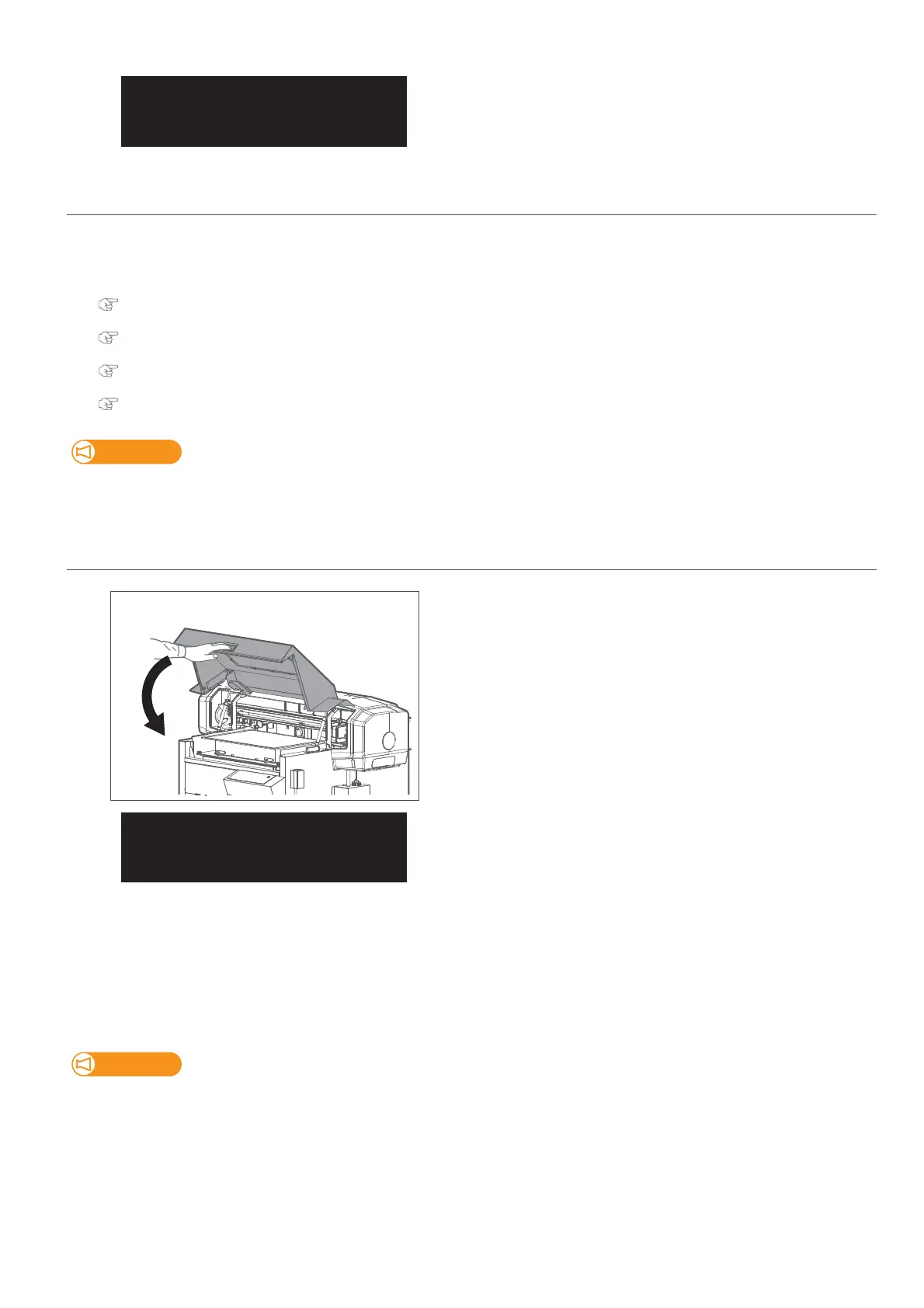
3. Finishing maintenance
[1]
Hold the position shown on the left and gently close the cover.
[2]
Tap [Enter].
[3]
The printer automatically performs the Short cleaning.
[4]
• Dispose of the used cleaning stick.
• Use a paper towel to wipe the maintenance cleaner off the dropper.
• Dispose of the maintenance cleaner in the plastic cup and dry the cup well using the paper towel.
• Use a paper towel to clean the tray.
Important!
• Do not reuse a cleaning stick.
Dusts can adhere causing damage to the print head.
• Check that the lid of the maintenance cleaner is shut properly and store it.
[5]
Now the maintenance is complete.
DailyMaintenance
End ー> Enter
DailyMaintenance
End ー> Enter














 To Next Page