120 Performing Daily Maintenance
3. Cleaning of print head circumference
[1]
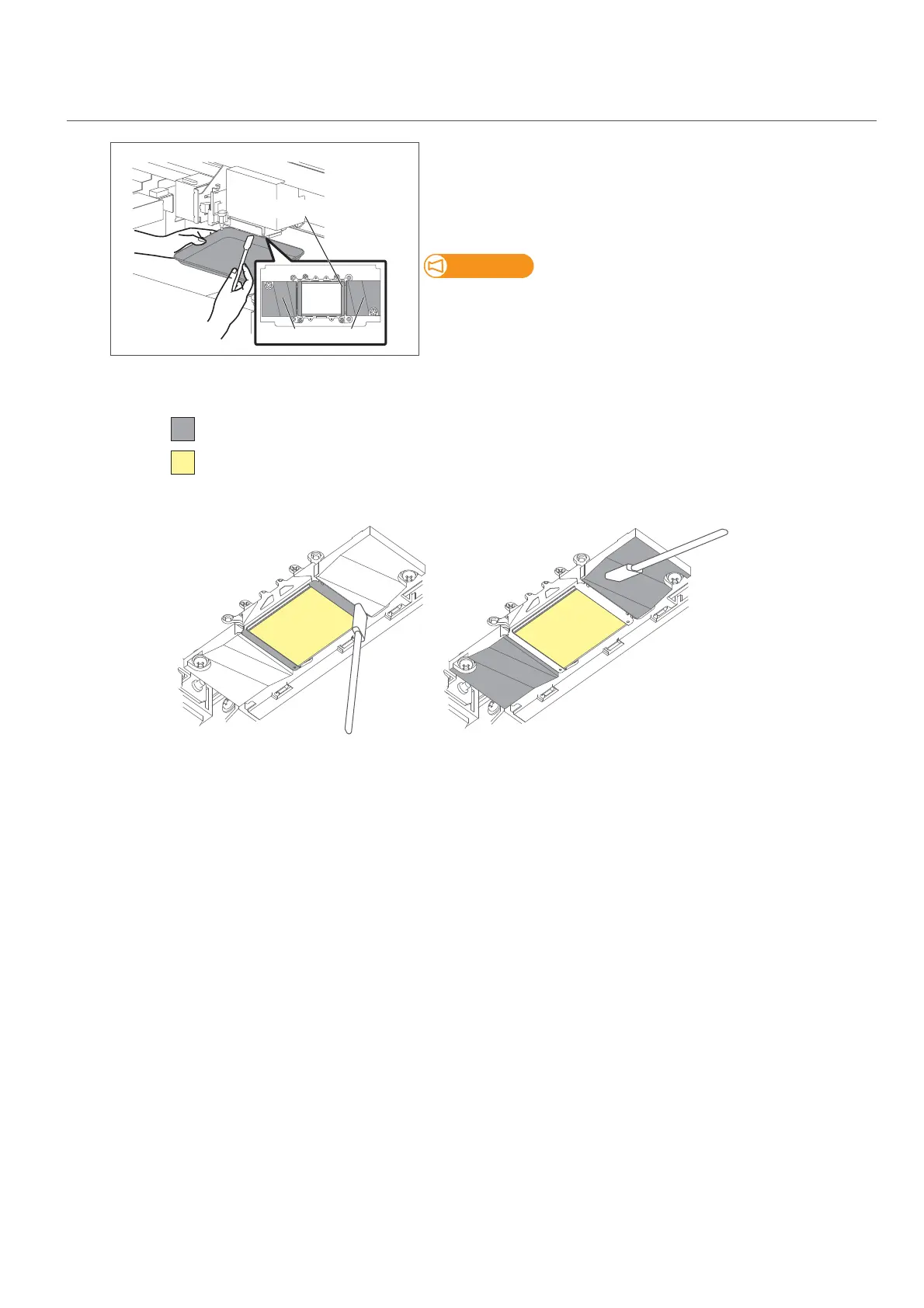
Look in the tray to check the bottom of the carriage.
Check if dusts and ink deposit are adhered.
• Print head circumference (silver metal part)
• Print head guide part (black plastic part)
If maintenance cleaner is splashed onto the printer, use a paper towel to
wipe it off.
[2]
Use the cleaning stick to remove the ink and dust on the circumference of the bottom of the carriage.
[3]
Next clean the cleaning wiper and the cap circumference.
Print head circumference
Print head guide part
DO NOT touch the surface of a print head (the yellow portions in the illustration below)
Cleaning required
Print head circumference (silver metal part) Print head guide part (black plastic part)














 To Next Page