54 Applying additional UV light after printing
If the print does not cure completely, you can apply extra UV curing after printing.
This is useful for the following cases.
• When printing on media that soaks ink, such as a cloth and so on.
• When printing an image that uses a lot of ink.
• When the multi-layered ink on the media is thick.
For details on the related sections of the Panel Setting menu, see the following.
"Maintenance4: UV Scan" P. 91
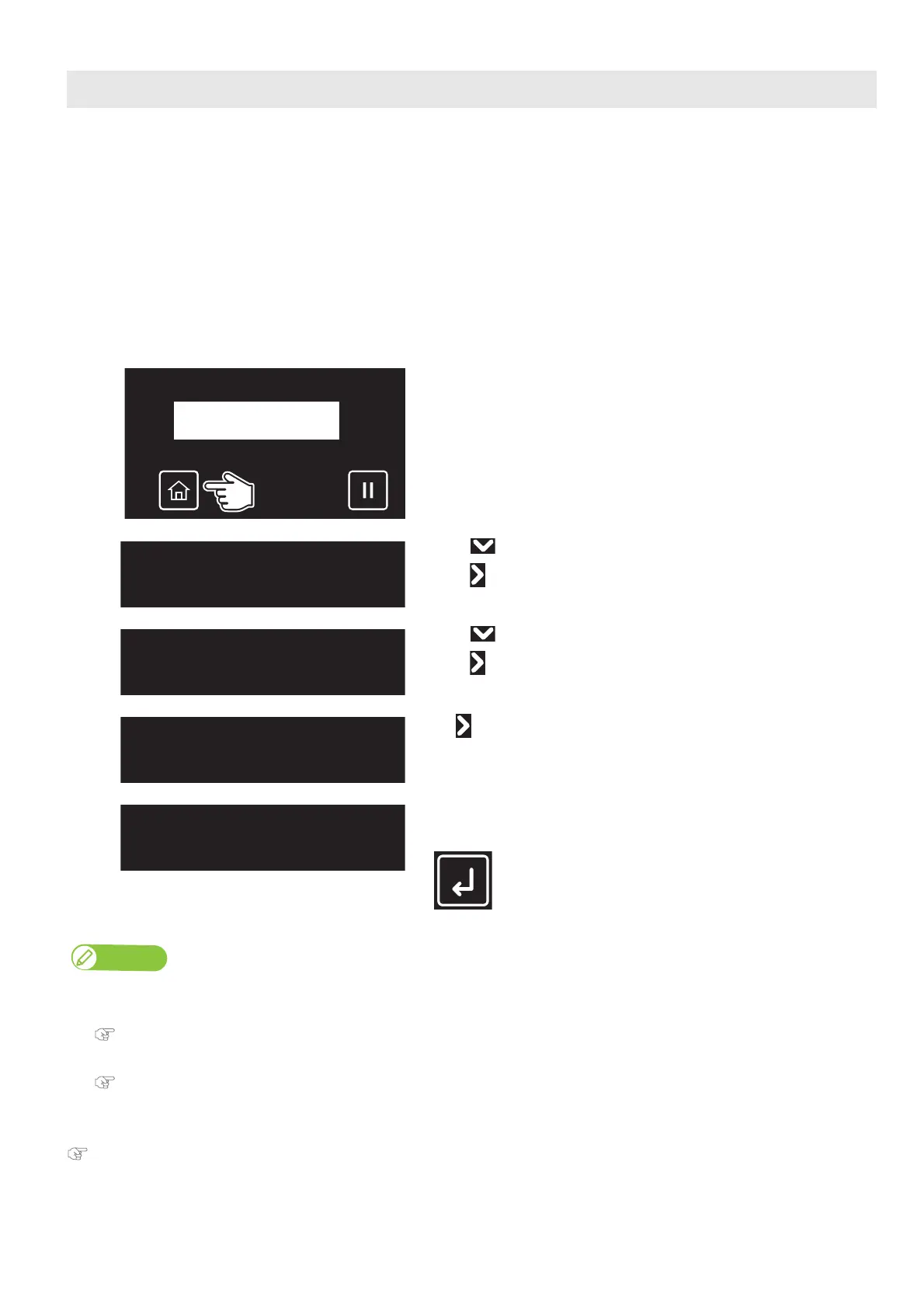
Applying additional UV light after printing
[1]
After printing, tap [Home].
[2]
• Use to choose the menu shown left.
•Tap .
[3]
• Use to choose the menu shown left.
•Tap .
[4]
Tap .
[5]
Tap [Enter].
• The printer applies UV light on the print.
Note
• The range to apply the UV light depends on the user type’s [MediaSetting] – [Size] and [Origin] settings that are currently selected.
• See the following when changing the number of reciprocating motions for every 1 inch in the media feeding direction while performing UV scanning.
"UV Scan2: Number of Scan" P. 92
• To apply additional UV-LED light automatically every time after printing, see the following.
"UV Scan3: Post Cure" P. 92
UVScan
Start ー>Enter














 To Next Page