Inside cleaning 127
Cleaning period:
• Monthly
Inside cleaning
Before cleaning inside the printer, turn the power off and unplug the power cord.
Steps
[1]
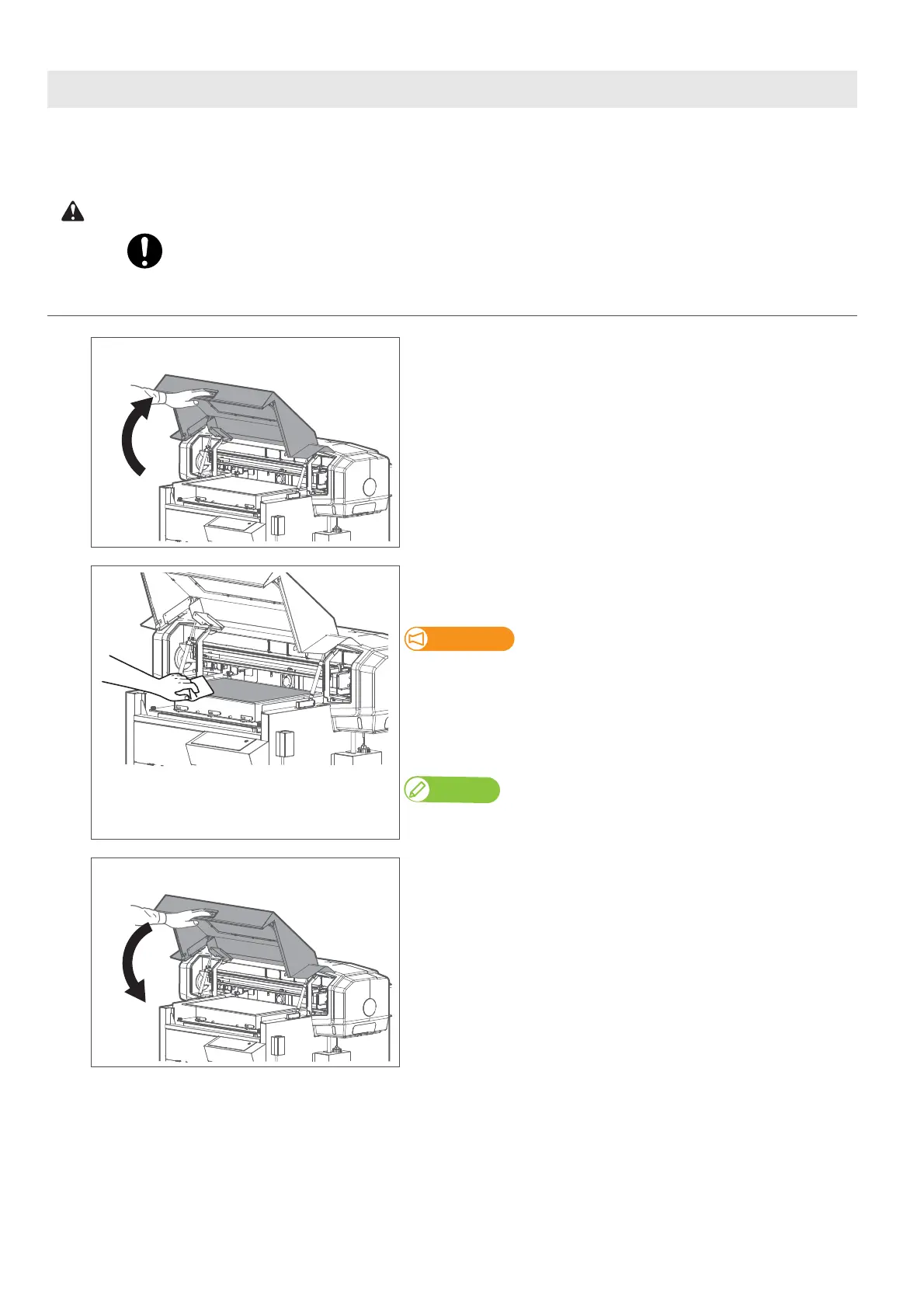
Hold the handle on the front cover to gently open it.
[2]
Clean away dirt from the table using a cloth soaked in water and
thoroughly wrung out.
• Do not blow off dusts inside the product with a gas duster.
Dust can attach to moving parts, causing abnormal sound or
malfunctions.
• Do not rub the hardened ink on the table with the included scraper.
The table may be damaged.
Note
If ink on the table cannot be removed, use your personal resin squeegee or scraper
to remove it. Be sure not to damage the table.
[3]
Hold the position shown on the left and gently close the cover.














 To Next Page