Pausing/Restarting printing 45
Pausing/Restarting printing
[1]
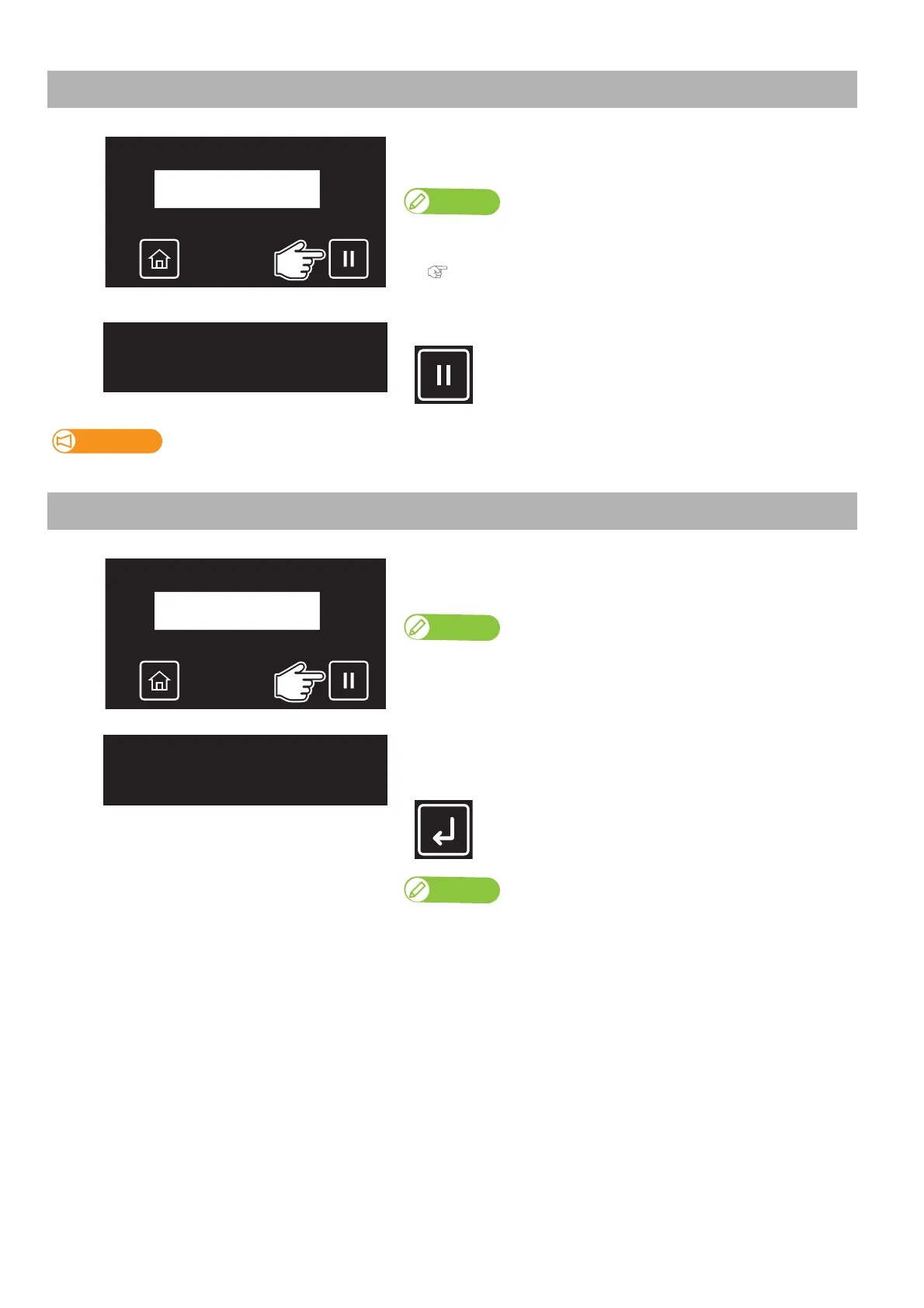
Tap [Cancel] while printing.
• The printer will pause printing.
Note
• You cannot cancel the job by tapping [Cancel].
• To cancel the job, see the following section.
"Canceling printing" P. 45
[2]
Tap [Cancel] again to resume printing.
MUTOH cannot guarantee the print quality when you resume the printing.
Canceling printing
[1]
Tap [Cancel] while printing.
• The printer will pause printing.
Note
To resume printing, tap [Cancel] again.
[2]
Tap [Enter] to cancel printing. (Once canceled, you cannot resume the job
again.)
• The data sent to the printer will be deleted.
You can also cancel the job from the remote panel on MSM.
PausingPrint
CanselPrint −> Enter
PausingPrint
CanselPrint −> Enter














 To Next Page