44 Starting printing
In this section, a method to print from the printer driver is explained.
Printing from the Printer driver
[1]
Open printing data from application software to execute printing.
[2]
Open the print setup screen of the XPJ-461UF printer driver from the application software.
[3]
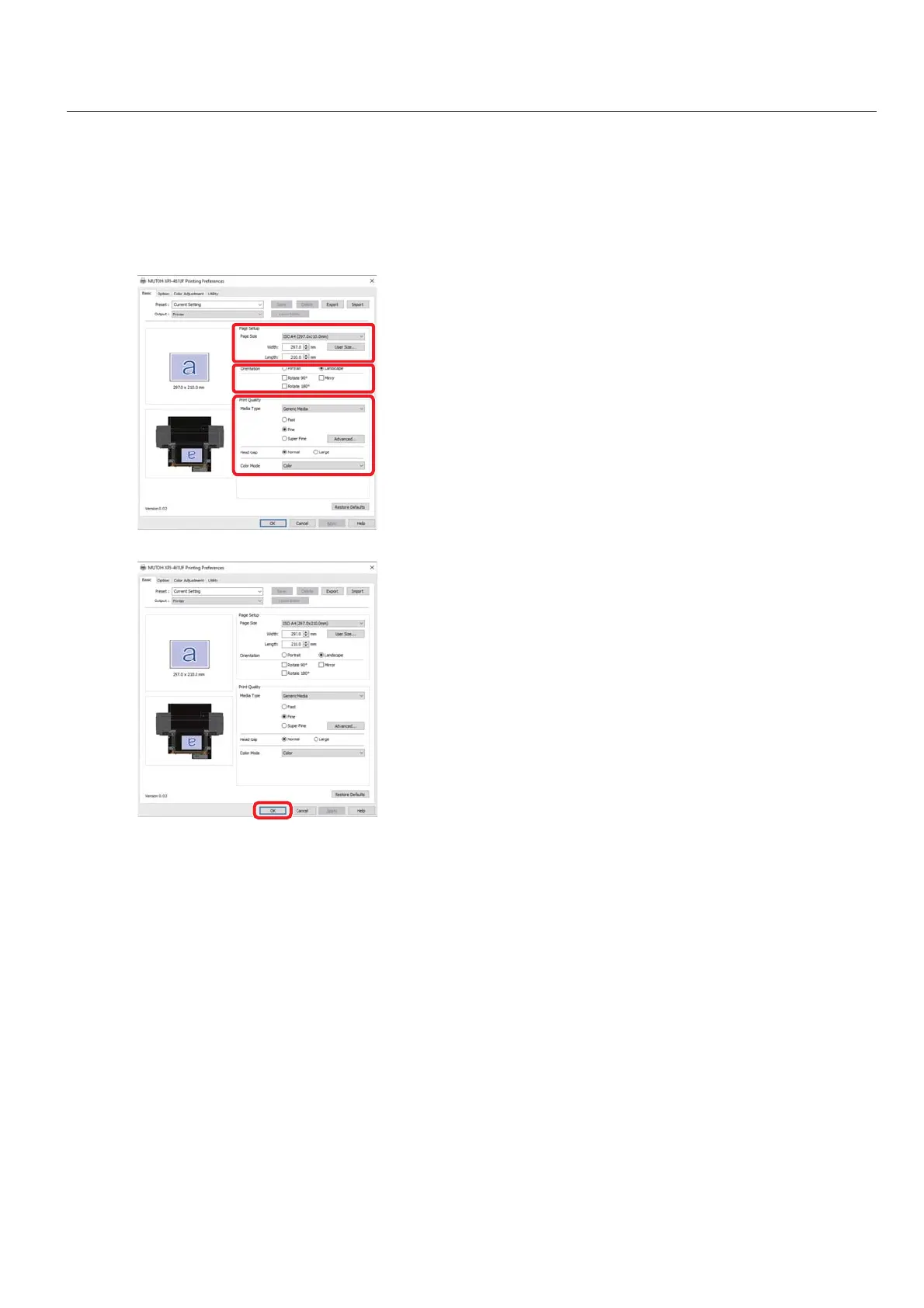
Conduct print setup.
• Set [Page Size], [Orientation] and [Print Quality].
[4]
Click [OK].
[5]
Printing is executed.














 To Next Page