58 Operating the keys to use the menus
4Introduction
Using the panel setting menus, configure various kinds of settings for the printer.
Operating the keys to use the menus
[1]
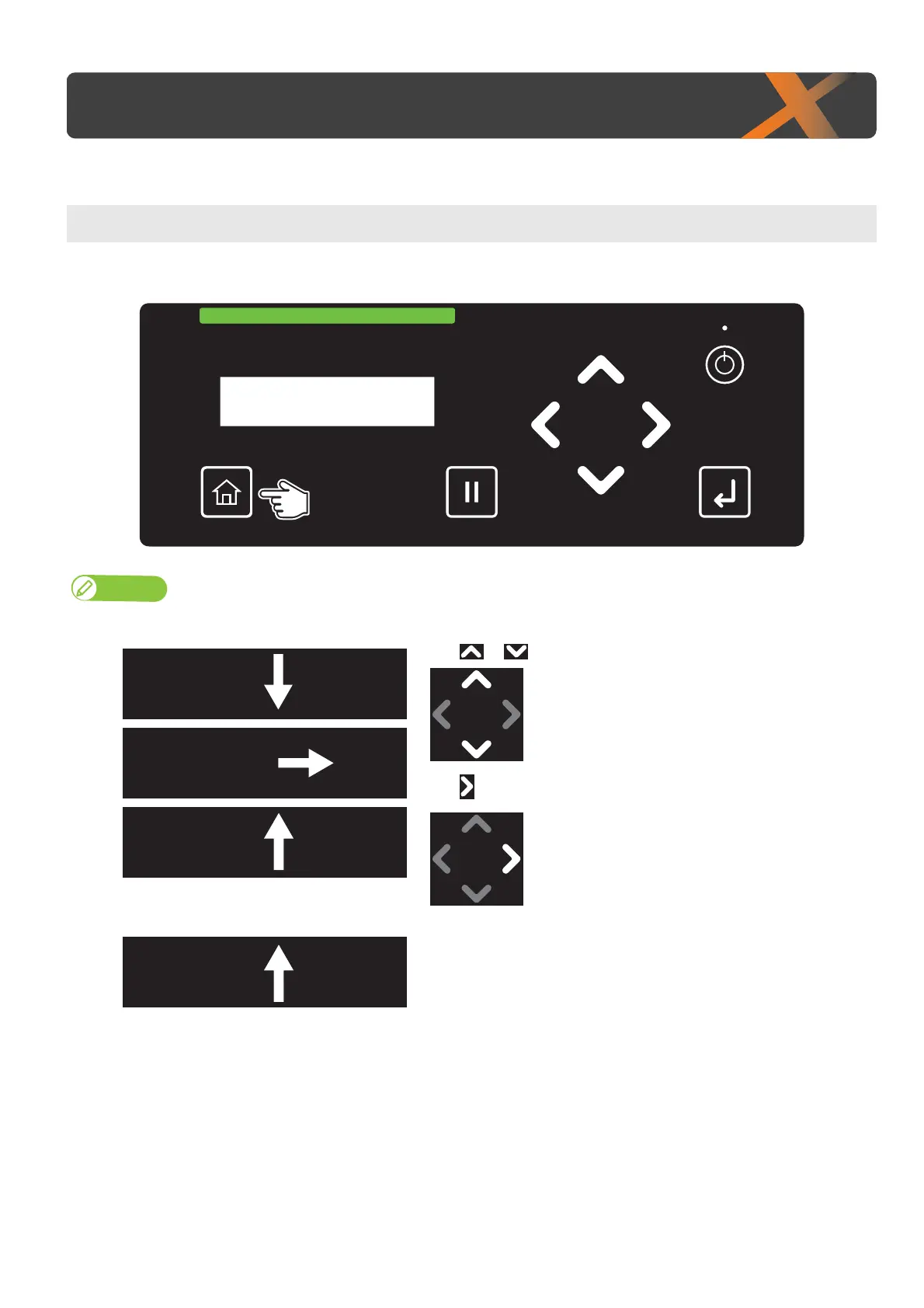
To access to the setup menu, tap [Home].
Note
You cannot access to the setup menu while printing or receiving data (the power button is flashing).
[2]
Use or to go to the previous item or next item.
Use to go to the sub menu.
Menu1
Setup
Menu2
TestPrint
Menu3
Maintenance
Menu5
SleepMode
・
・
・














 To Next Page