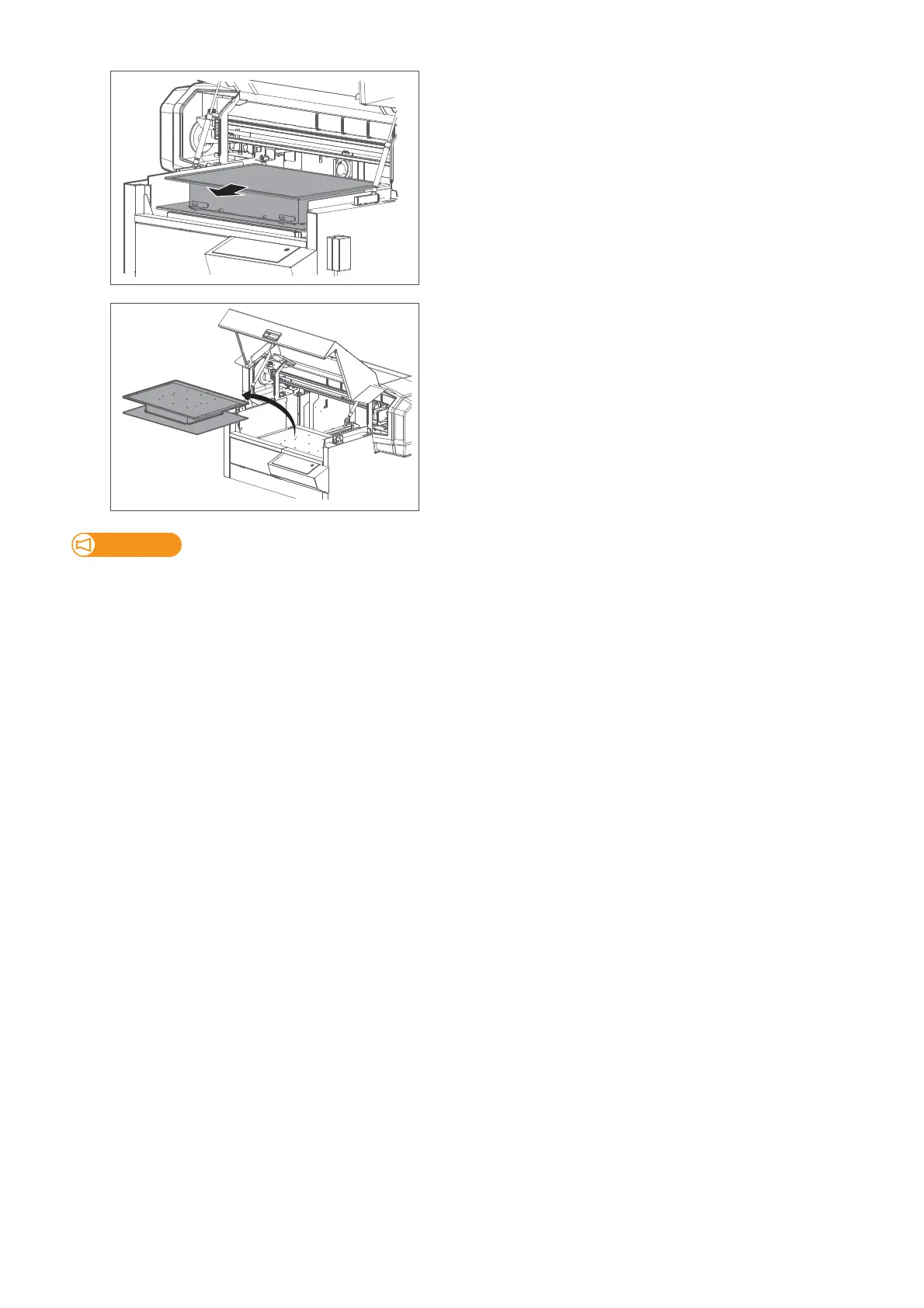
56 Removing the standard table from the printer
[5]
Slide the table to the front to remove the bottom plate of the table from the
spring clips at the back of the base table.
[6]
Remove the table from the printer.
Important!
Once removed, follow these instructions to store the table. Failure to do so will cause deformation or misalignment on the table,
leading to poor print quality or damage to the printer.
・ Keep the table on the flat surface.
・ Do not place any materials on the table.
・ Do not lean or tumble the table.














 To Next Page