Set up3: Initial Settings 85
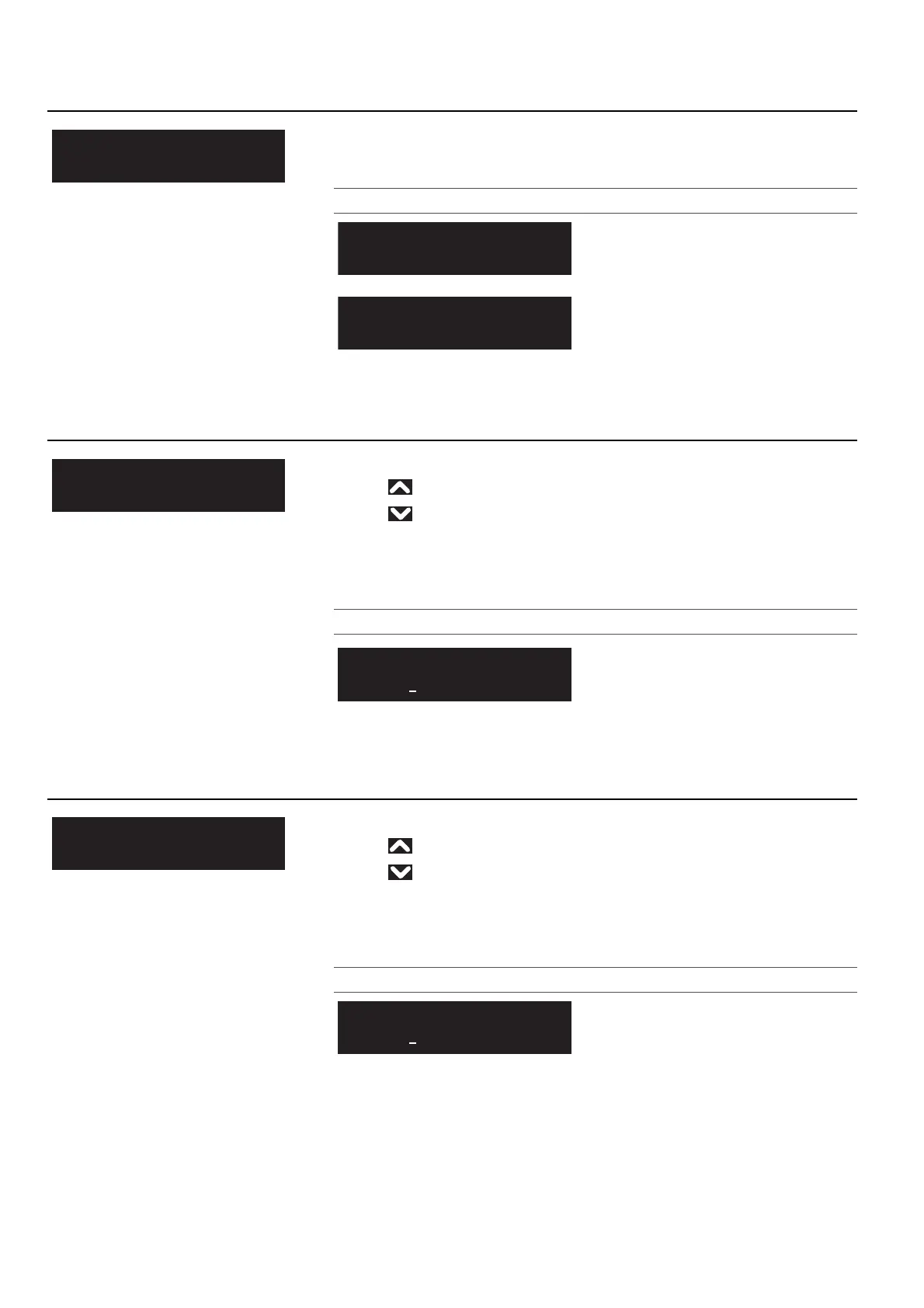
Initial Settings 3: Remain Ink
Selects how the remaining ink amount will be displayed.
Setting values
Remaining ink icons will not be displayed.
Slot numbers and remaining ink will be
displayed in numerals.
Remaining ink icons will be displayed.
This is the default setting.
Initial Settings 4: IP Address
Sets the IP address of the printer.
• Use to increase a setting value.
• Use to decrease a setting value.
• Tap [Enter] to confirm your input for a value. The cursor will move on to the
next setting value.
•Confirm your input for each value.
Setting values
0.0.0.0 to <192.168.1.253> to
255.255.255.255
<> indicates the default setting.
Initial Settings 5:Subnet Mask
Sets the subnet mask of the printer.
• Use to increase a setting value.
• Use to decrease a setting value.
• Tap [Enter] to confirm your input for a value. The cursor will move on to the
next setting value.
•Confirm your input for each value.
Setting values
0.0.0.0 to <255.255.255.0> to
255.255.255.255
<> indicates the default setting.
InitialSettings3
RemainInk
InitialSettings4
IPAddress
IPAddress:
192.168.1.253
InitialSettings5
SubnetMask
SubnetMask:
255.255.255.0














 To Next Page