Main components of your printer 9
The printer has a touch-screen panel located on the front right of the printer. The active keys are lit up on the panel for guidance.
• Tap: Lightly touch the key with your finger, then immediately release.
• Long-touch: Keep touching the key.
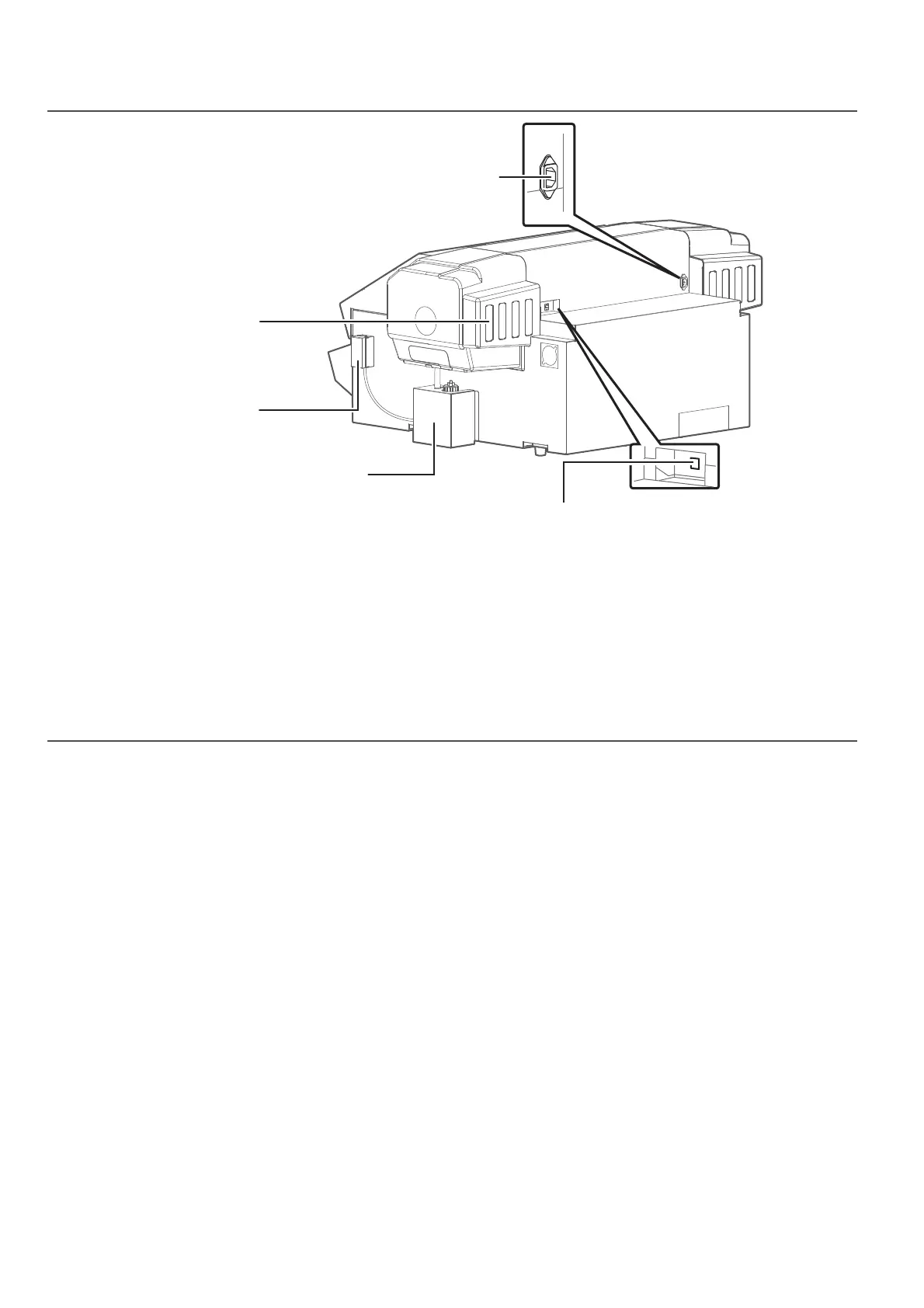
Rear side
How to use touch screen on front panel
AC inlet
Network interface cable connector
Connect an Ethernet cable.
Cartridge slots
Install an ink cartridge or
cleaning cartridge.
Two-way valve clamp
The two-way valve of the
waste ink drain tube is
hooked on this clamp to
store while not in use.
Waste ink tank
Collect waste ink produced
during printing and cleaning
cycle. Empty the tank as
needed.














 To Next Page