12.3 Using the Table view
Narda IDA-3106 215
12.3 Using the Table view
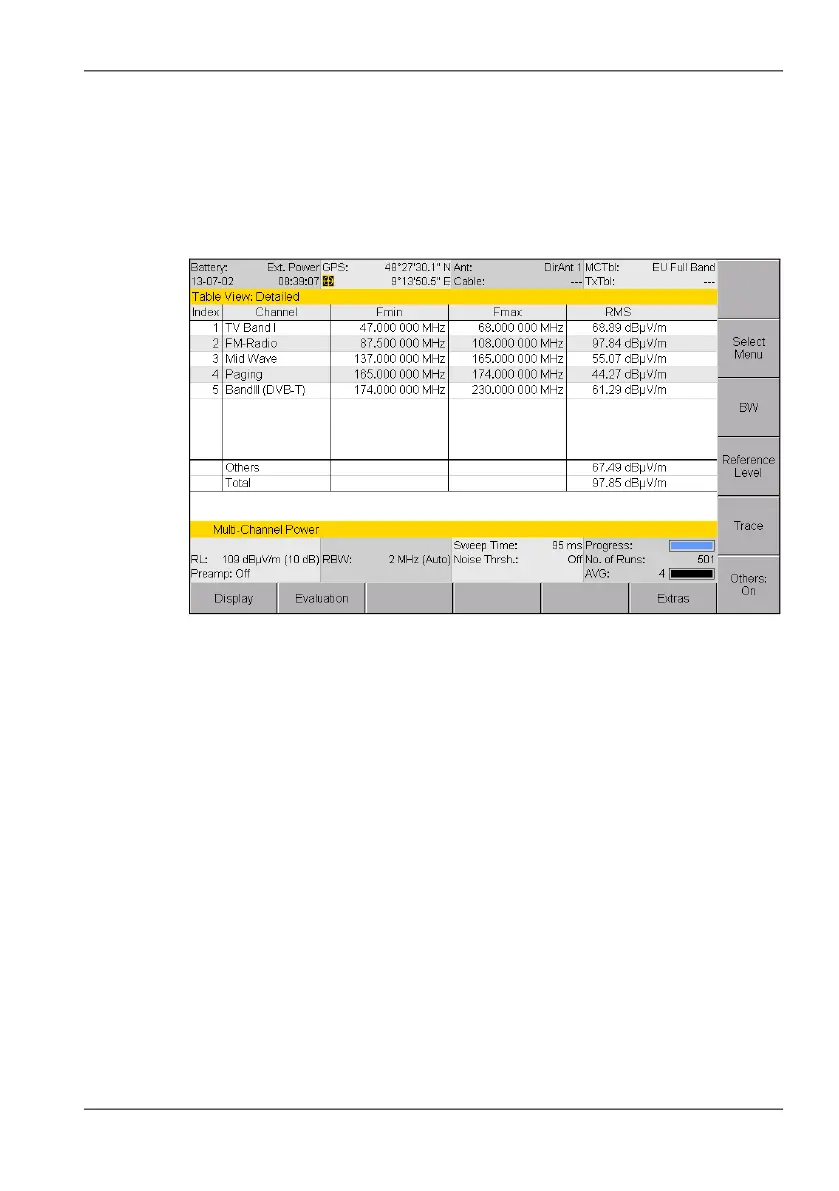
The channels and measured values are displayed as a table in the Table
view. The values displayed depend on the table type (see Changing the
table type on page 216) and from the selected trace types (see Selecting
the trace type (Trace) on page 101).
Figure 51: Table view in Multi-Channel Power mode
NOTE: Information about the status bars is found under The upper status bar on
page 47 and The lower status bar on page 48.
12.3.1 Changing the table displayed
You can make changes to the following table settings:
• Table type
• Units
• Sort order



 To Next Page