13.7 Saving measured values automatically
Narda IDA-3106 227
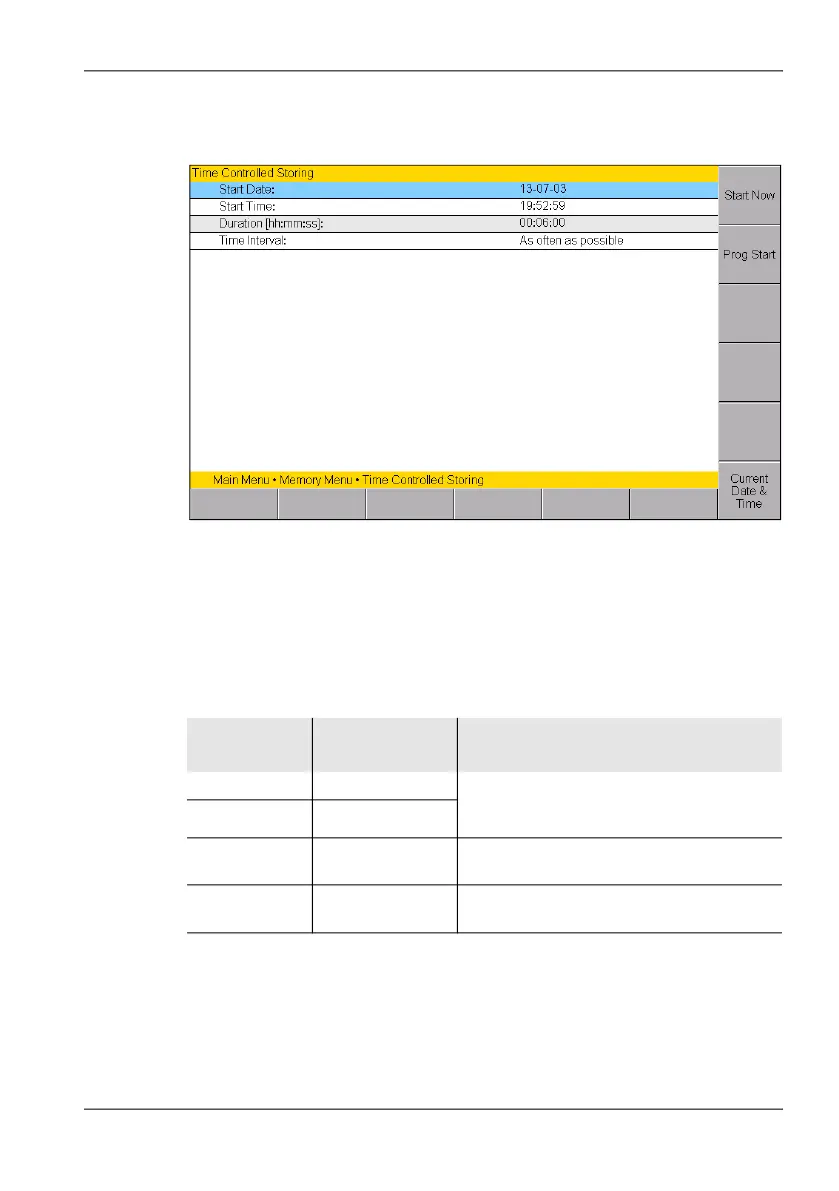
For time controlled storing you specify the start time, duration, and interval
between store events in the Time Controlled Storing menu.
Figure 54: Time Controlled Storing
To save measured values by time control:
1. Select the desired operating mode and then press the MENU key to
open the Main menu.
2. Press the Memory softkey, then press the Time Controlled Storing
softkey and set the parameters:
Table 41: Time Controlled Storing parameters
Condition Function /
Explanation
Possible settings
Start Date Start date You can use the date and time settings from
the IDA-3106 by pressing the
Current Date & Time softkey.
Start Time Start time
Duration Duration of
recording
Maximum 99 hours 59 minutes 59 seconds
Time Interval Time interval
between saves
• As often as possible
• Maximum 60 minutes



 To Next Page