4.1 Controls
Narda IDA-3106 43
4.1.2 Hotkeys
4.1.3 Softkeys
The softkey functions depend on the selected menu level, operating mode,
or function. The softkeys are therefore described in the menu and operating
mode descriptions.
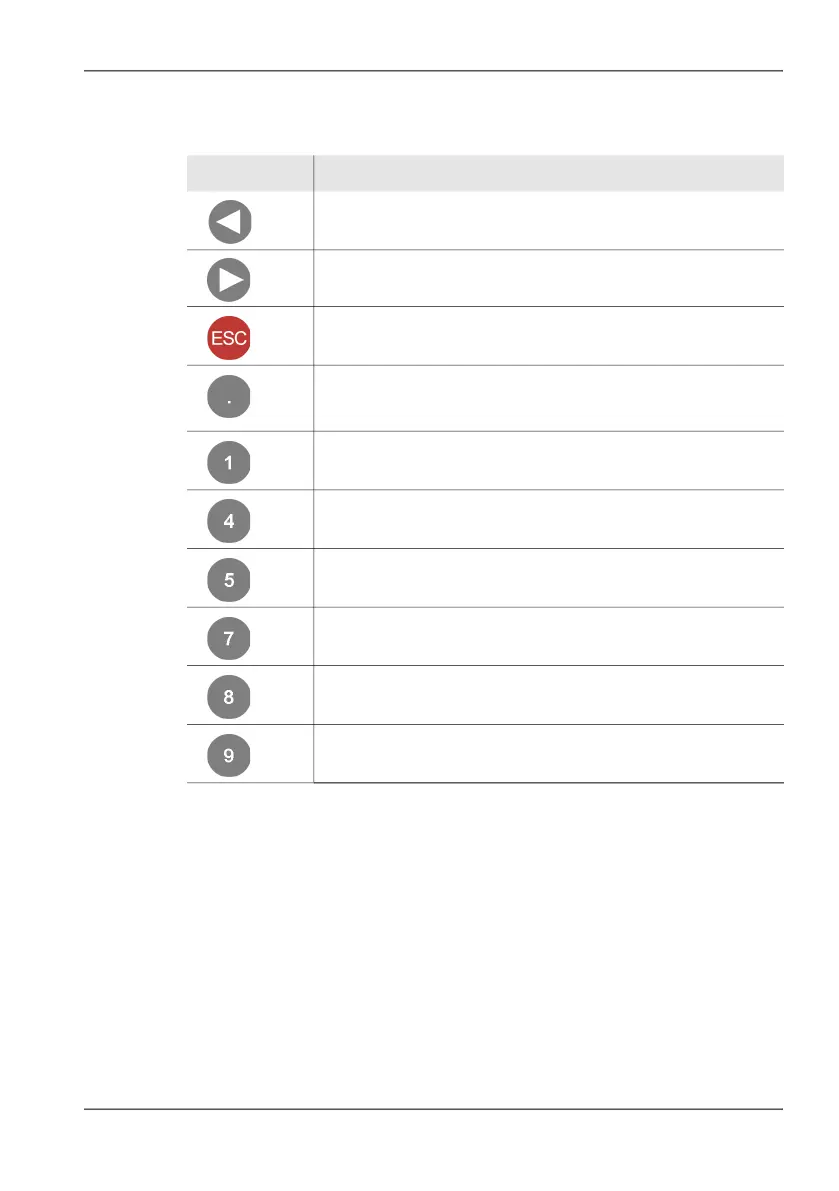
Key Function
Reduce sound volume (see Altering the volume (Volume)
on page 121).
Increase sound volume (see Altering the volume (Volume)
on page 121).
Hold down for 3 seconds to reset all device settings (see
Resetting all device settings on page 90).
Manual Dwell Time switching between audio demodulation at the
marker frequency and the spectrum measurement (see Starting
demodulation (Spectrum only) on page 120).
Magnify screen contents (see Navigating and zooming
on page 149).
Reduce size of screen contents (see Navigating and zooming
on page 149).
Move screen contents up (see Navigating and zooming
on page 149).
Move screen contents left (see Navigating and zooming
on page 149).
Move screen contents down (see Navigating and zooming
on page 149).
Move screen contents right (see Navigating and zooming
on page 149).



 To Next Page