AVIOR-24S ™ Appendix C
BINR Tool kit User’s Guide
155
NAVIOR-24S ™ Revision V1.00 20.05.2008
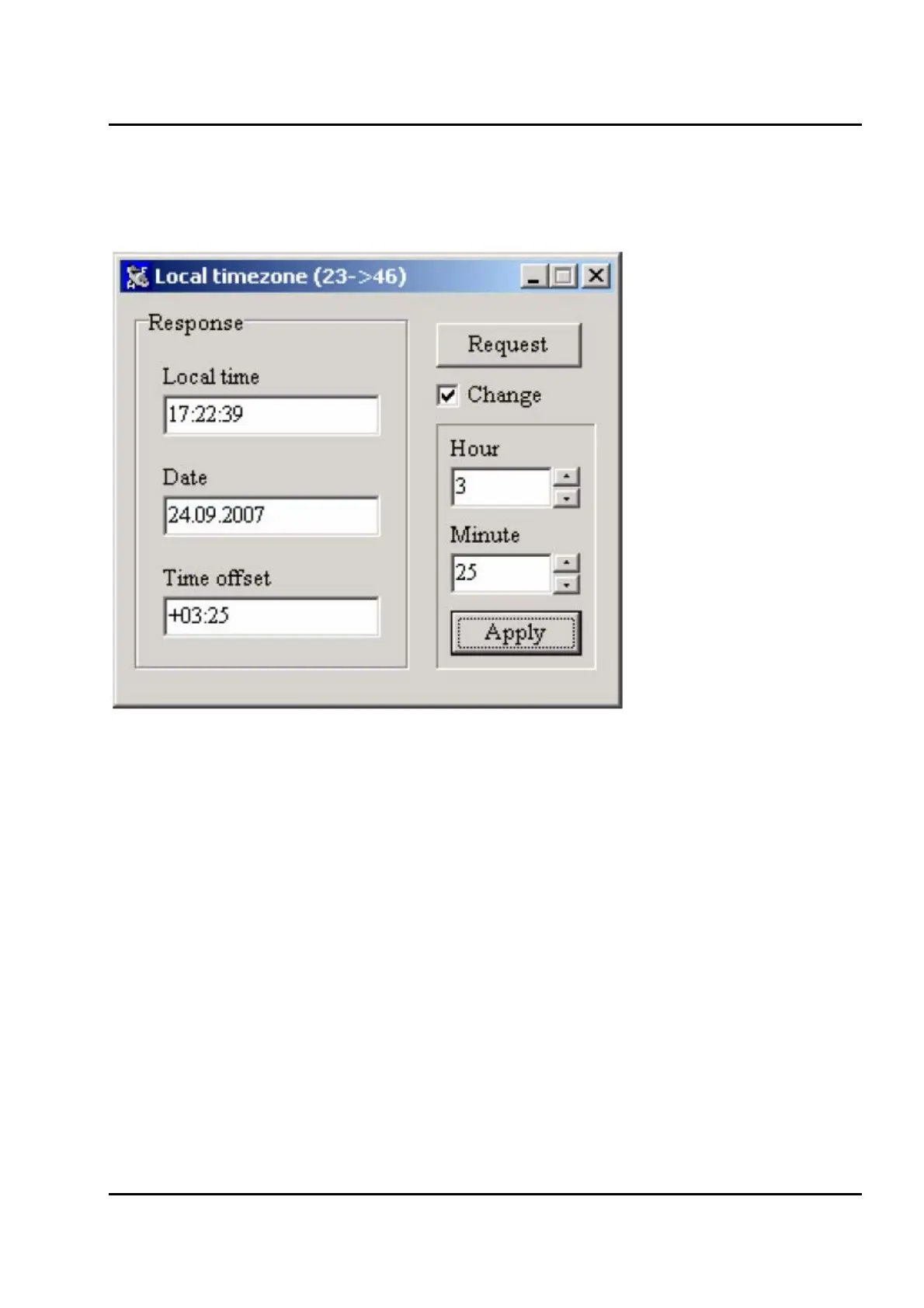
The Response group box contains local date, local time and local timezone offset from GMT. Those
data can be requested by clicking the Request button. Check the Change checkbox to enable offset
input fields. Clicking the Apply button will set the offset and will update the Response group box
(Figure IV-18).
Figure IV-18. Changing time offset in the Local Timezone window.
Local timezone offset affects every time related value displayed by BM_Ctrl.


 To Next Page