AVIOR-24S ™ Appendix E
MEA Tool kit User’s Guide
208
NAVIOR-24S ™ Revision V1.00 20.05.2008
- dMx – planar averaged coordinates deviation from the reference coordinates;
- dH – current altitude deviation from the reference altitude;
- dHx – averaged altitude deviation from the reference altitude;
- Set Statistic – set Bfix and Lfix to the averaged coordinates;
- Set Current – set Bfix and Lfix to the current coordinates.
Clicking anywhere in the chart with a left mouse button will set that point as a reference one.
Clicking anywhere in the chart with a right mouse button will bring up a menu with two
menu items: Clear (clear the chart) and Copy (copy the chart to clipboard). Statistical
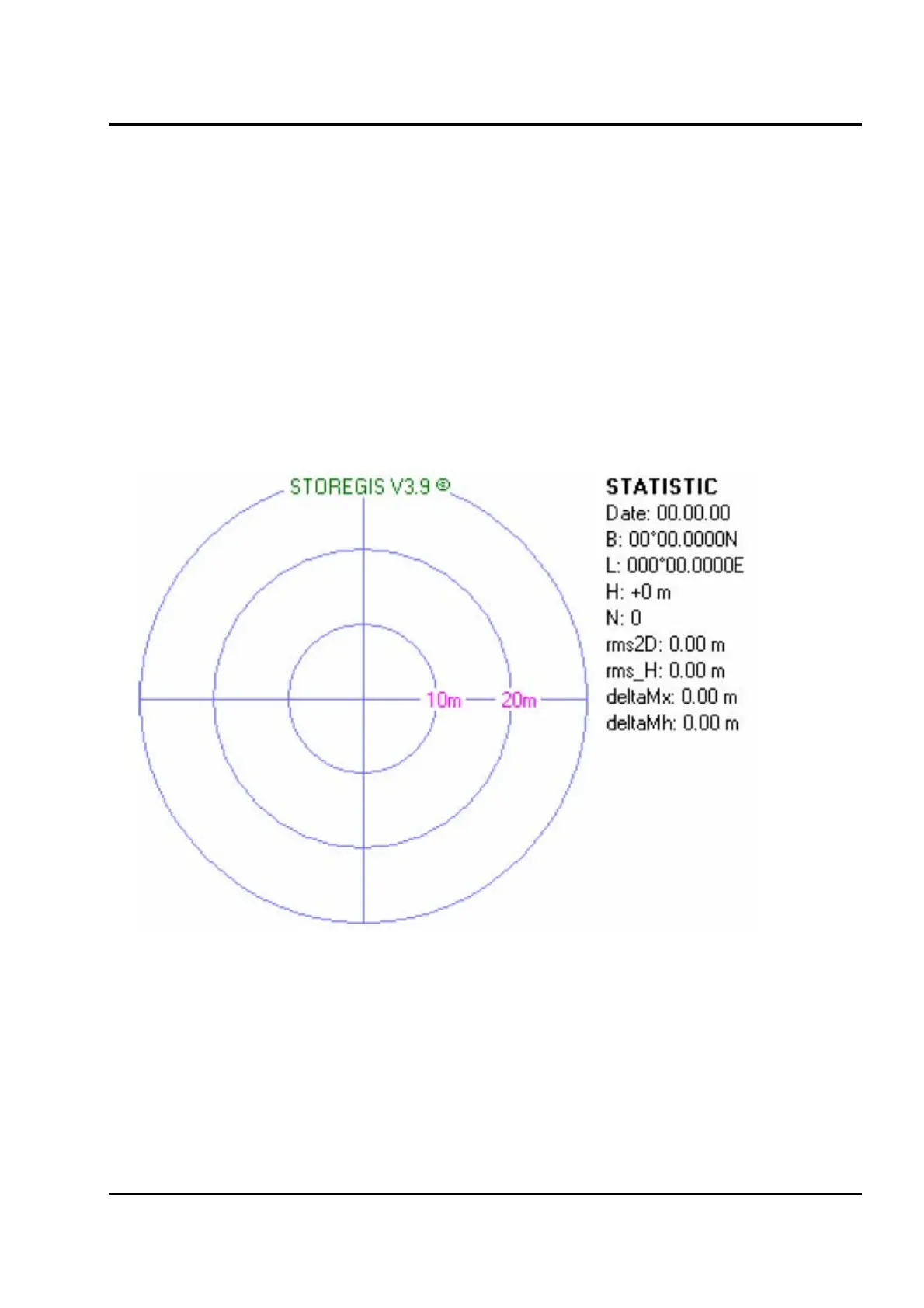
information is also copied to the clipboard (
Figure IV-33).
Figure IV-33. The VISUAL window



 To Next Page