ADVANCED PHONE FEATURES
Speed Dial and Programmable Keys
5-128 DT700 User Manual
Figure 5.134 More Soft and Edit Soft Keys
4 Select 3 Speed Dial.
5 Use the telephone keypad to enter a Speed Dial number for the entry and press Enter b
on the cursor pad or the OK Soft Key.
Speed Dial entries can be internal or external numbers.
Figure 5.135 Select Speed Dial Number
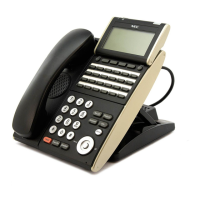
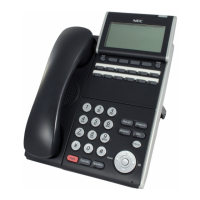
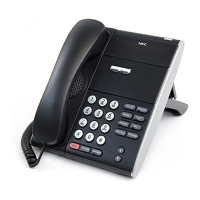
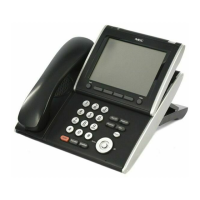
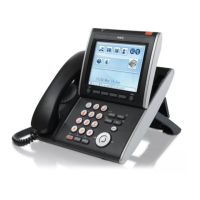
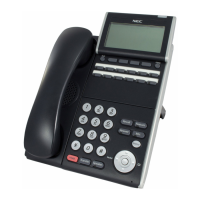
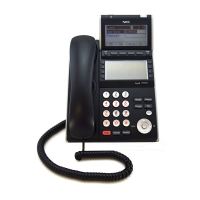
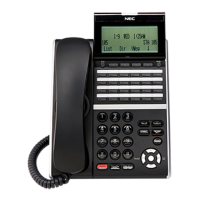
The number of available Sped Dial Keys and their associated numbers depend on
your model of DT700 phone. For more information on the valid Speed Dial Keys for
the specific phone models, see “Speed Dial Key Numbering” on page 5-110.
• You can also press the Delete Soft Key to delete the last character entered, or
press the Cancel Soft Key to return to the previous screen.
6 Select the monitor settings for this entry and press Enter b on the cursor pad or the
OK Soft Key.
Note:
Monitoring can only be done on other lines that are internal to your system.
You cannot monitor external or outside lines.
Figure 5.136 Monitor Settings
Valid options for monitoring are:
•
1 None - Do not monitor presence state changes for this Speed Dial Key
•
2 Visual - Presence state is shown visually using the LED on the Speed Dial Key,
and a Presence icon is shown in the Personal Directory.
•
3 Visual and Soft Ring - Presence state is shown visually using the LED on the
Speed Dial Key, and a Presence icon is shown in the Personal Directory. When a
call is ringing on the monitored terminal, play a soft ring tone.

 To Next Page
 Loading...