OVERVIEW
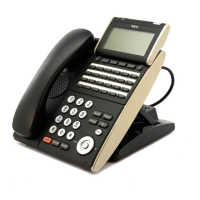
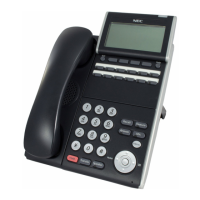
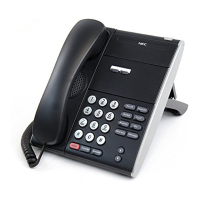
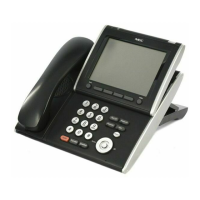
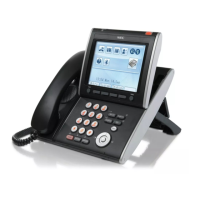
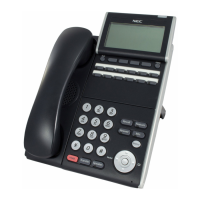
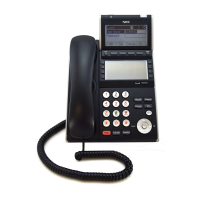
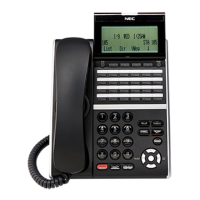
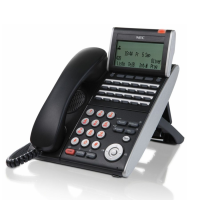
DT700 Series Phones
1-16 DT700 User Guide
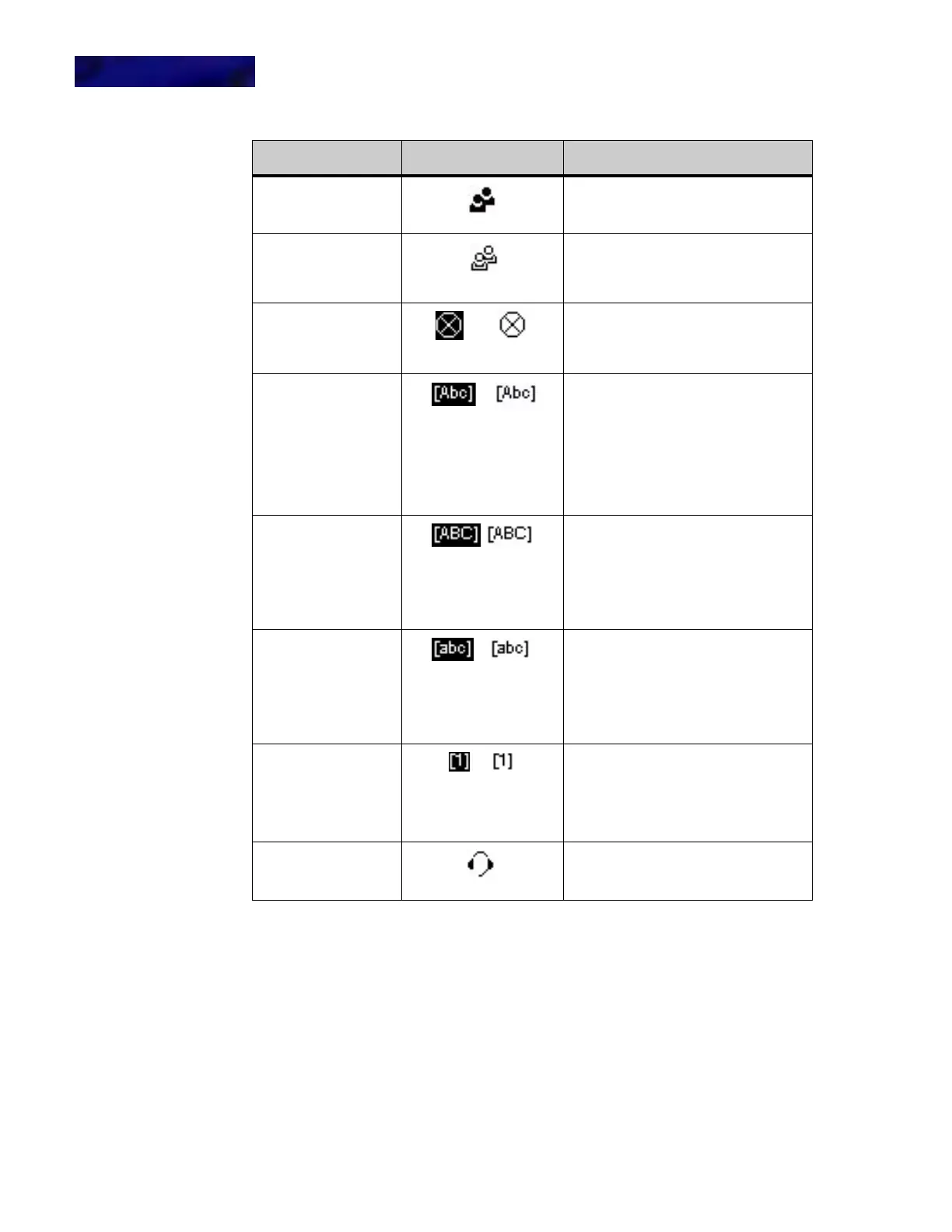
VOLUME DISPLAY ICONS
When you adjust the volume levels on your phone of the handset using the d Up and
b Down keys on the cursor pad, there is an icon that indicates the volume level you
are adjusting.
Call Conferencing
This icon indicates that you have two
other callers in a 3-way conference
call.
Call Conferencing
Hold
This icon is displayed when you have
two other callers in a 3-way conference
and have the conference (both callers)
on hold.
DND This icon indicates the phone is
currently set for Do Not Disturb.
(This feature may not be available on
all systems)
Keypad in first letter
uppercase entry
mode
This icon indicated that the keypad will
generate the first letter in a word in
uppercase characters, and the rest of
the letters in a word in lowercase
characters when entering data.
Example: Abc D Efg
To switch between keypad entry
modes, press the * key on the
telephone keypad.
Keypad in all
uppercase entry
mode
This icon indicates that the keypad
generates all uppercase characters
when entering data.
Example: ABC D EFG
To switch between keypad entry
modes, press the * key on the
telephone keypad.
Keypad in all
lowercase entry mode
This icon indicates that the keypad
generates all lowercase characters
when entering data.
Example: abc d efg
To switch between keypad entry
modes, press the * key on the
telephone keypad.
Keypad in numeric
entry mode
This icon indicates that the keypad
generates numeric characters when
entering data.
To switch between keypad entry
modes, press the * key on the
telephone keypad.
Headset This icon indicates that the headset is
active.
Feature Icon Description



 To Next Page