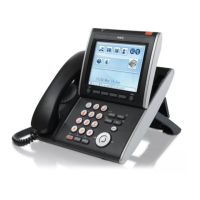
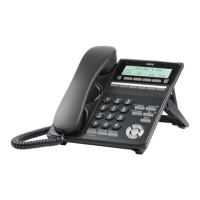
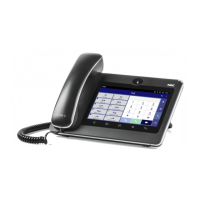
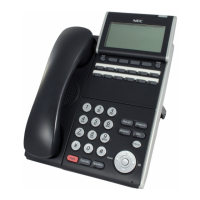
DT700 MICROBROWSER AND ENHANCED PROGRAMMABLE KEYS
Using Enhanced Programmable Keys
9-204 DT700 Phone User Guide
Your current call is placed on hold, and the phone attempts the transfer.
If you have multiple calls on hold, the phone will transfer the call that is currently in
focus.
Note: To place an attended/consult transfer call, press the Transfer key on your
phoneset. Once an attended/consult transfer is started, use the Transfer key
on the phoneset to complete the transfer.
Figure 9.35 Transfer Key
Non-idle call states
• If the other workgroup member’s line is currently connected to another call, you will
also have the option to monitor the current call for that user (if you have Supervise
privileges).
Figure 9.36 Monitor soft key
• If the other workgroup member has a call on hold, you will also see an option to
pickup the call that user has on hold.
Figure 9.37 Pickup soft key
PARK EXTENSION KEY
To park a call to a Park Extension
• While on a call, press the Park Extension key.
Your current call is parked at the Park Extension. All users who have a Park
Extension key for that number will be able to see there is a call parked on that
extension.

 To Next Page
 Loading...