78Neural Capture
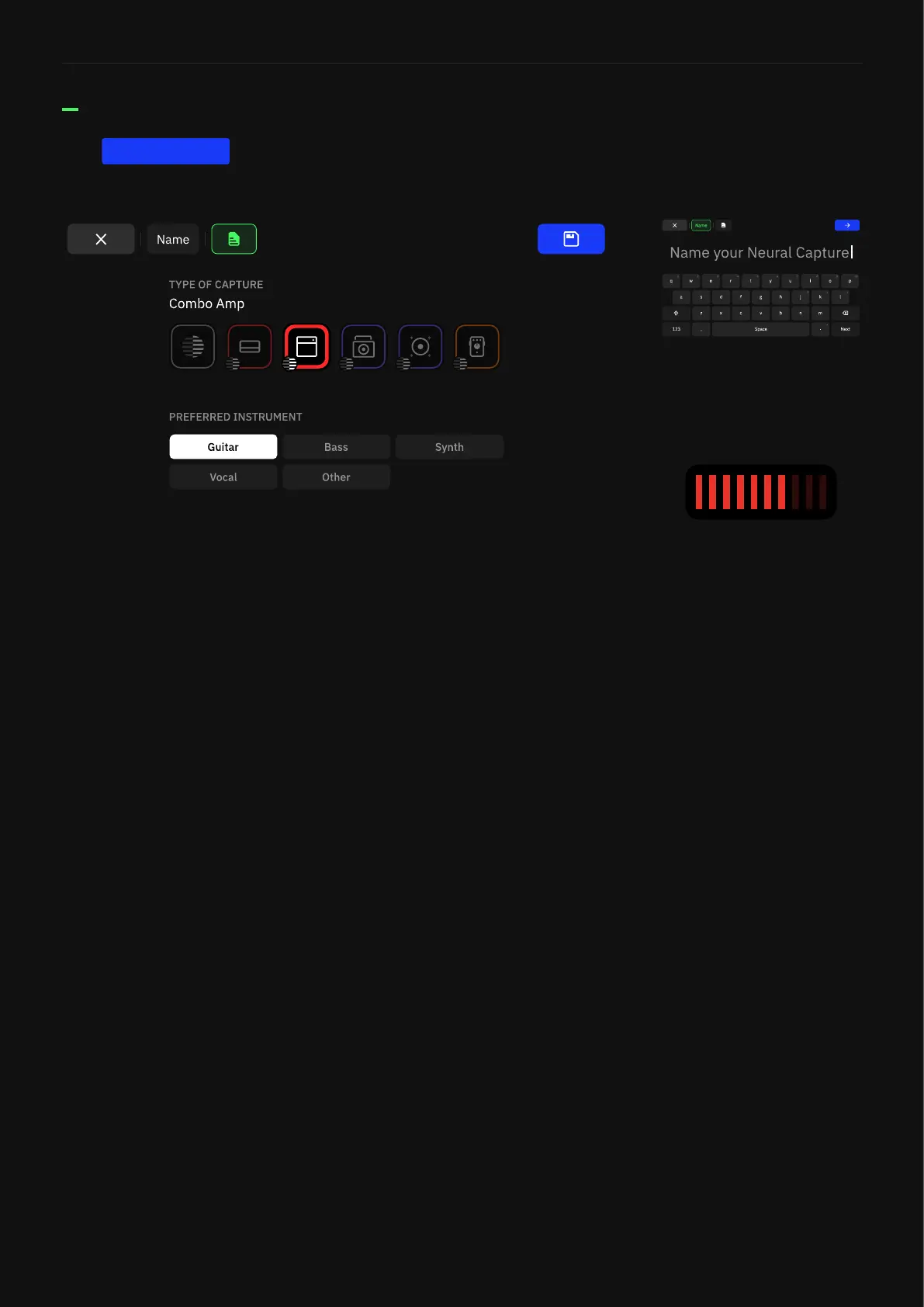
Tap to save your Neural Capture.
After naming your Neural Capture, you can add two types of
metadata: Capture Type and Preferred Instrument. It is also
possible to add this metadata when editing a Preset on Quad Cortex
or on Cortex Cloud/Mobile.
Each type has its own icon. It will display on The Grid when the
Capture type has been set.
Saving a Neural Capture
SAVE
Gain metadata is automatically
calculated by Quad Cortex when
creating a Neural Capture.
Quad Cortex determines how
saturated a Neural Capture is,
giving a raking of 1-10; 1 being
a clean tone and 10 being the
most saturated distortion.



 To Next Page