77Neural Capture
The Quad Cortex will measure the latency of the target device and
send recorded signals to it that will be used for modeling. After the
sanity check, Quad Cortex will train a neural network to emulate the
tone and dynamic response of the target device with unprecedent-
ed accuracy and realism.
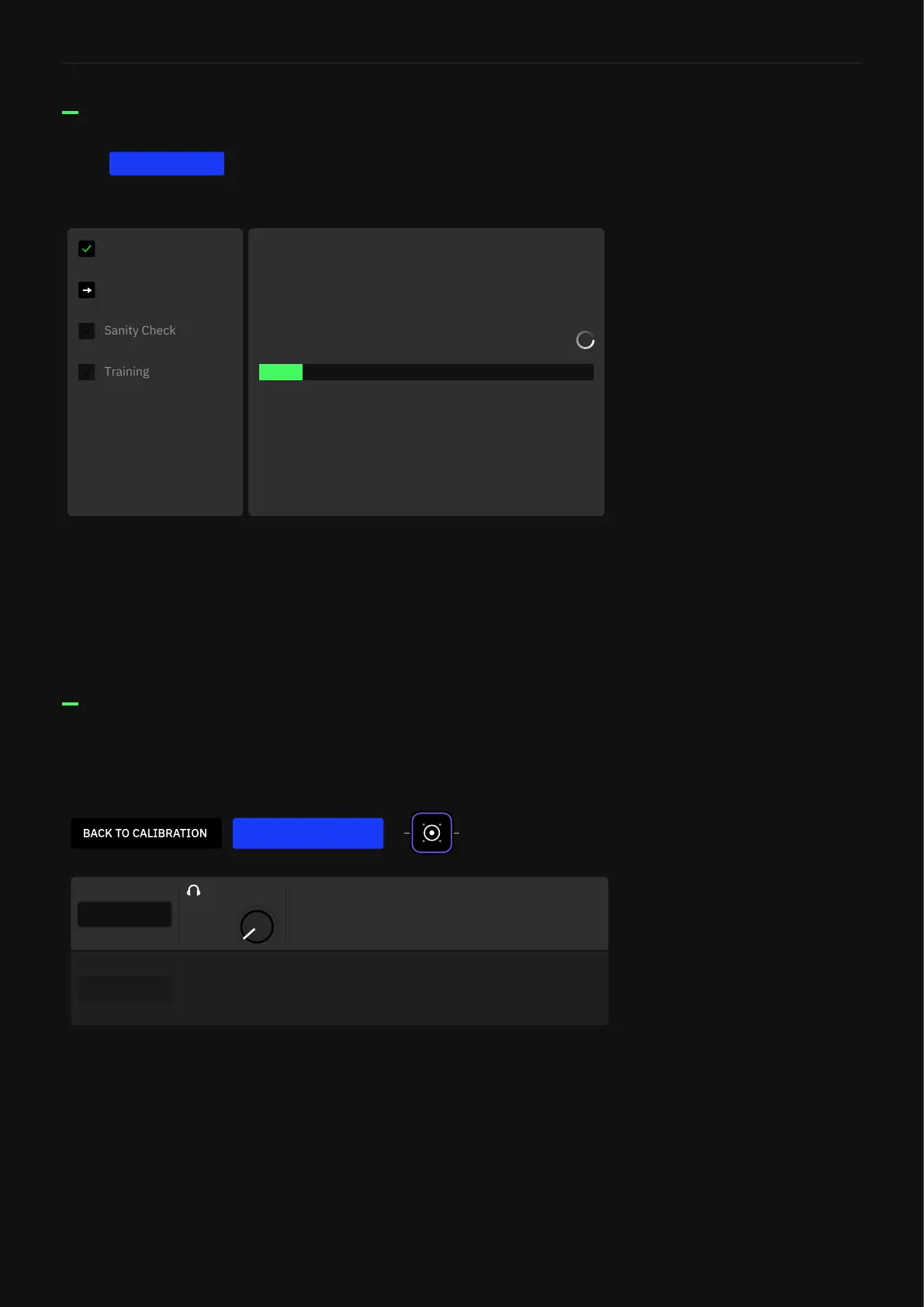
Tap to begin. The progress window will show the
following steps:
START CAPTURE
Capture Process
• CORTEX & REFERENCE: Tap them to toggle between the
original device signal and the Neural Capture. Footswitch A can
be pressed or turned to switch between the two.
• HEADPHONES: Sets the output level of Quad Cortex in the mix
(Footswitch B assigned automatically).
• BACK TO CALIBRATION: Start the Neural Capture process
again.
After the Capture process, your Neural Capture will be ready for
testing.
Testing a Neural Capture
Calibration
Recording Signals
7
Neural Capture in progress
Recording a bunch of signals that will be used for modeling.
%
SAVE
Your Neural Capture is ready. Switch between the reference and Quad Cortex using
the buttons below.
0.00
LEVEL
CORTEX
REFERENCE



 To Next Page