13
About this manual 1
This manual consists of:
• A section-by-section operational overview of all parts of the console surface
• Technical & physical specifications including power consumption,
dimensions, weight and other relevant information
• Schematics and reference drawings of D-Type pin-outs
There is a Heading Index at the start.
There is also a table explaining the Acronyms and Abbreviations of the most
commonly used buttons and functions on page 58 of this document.
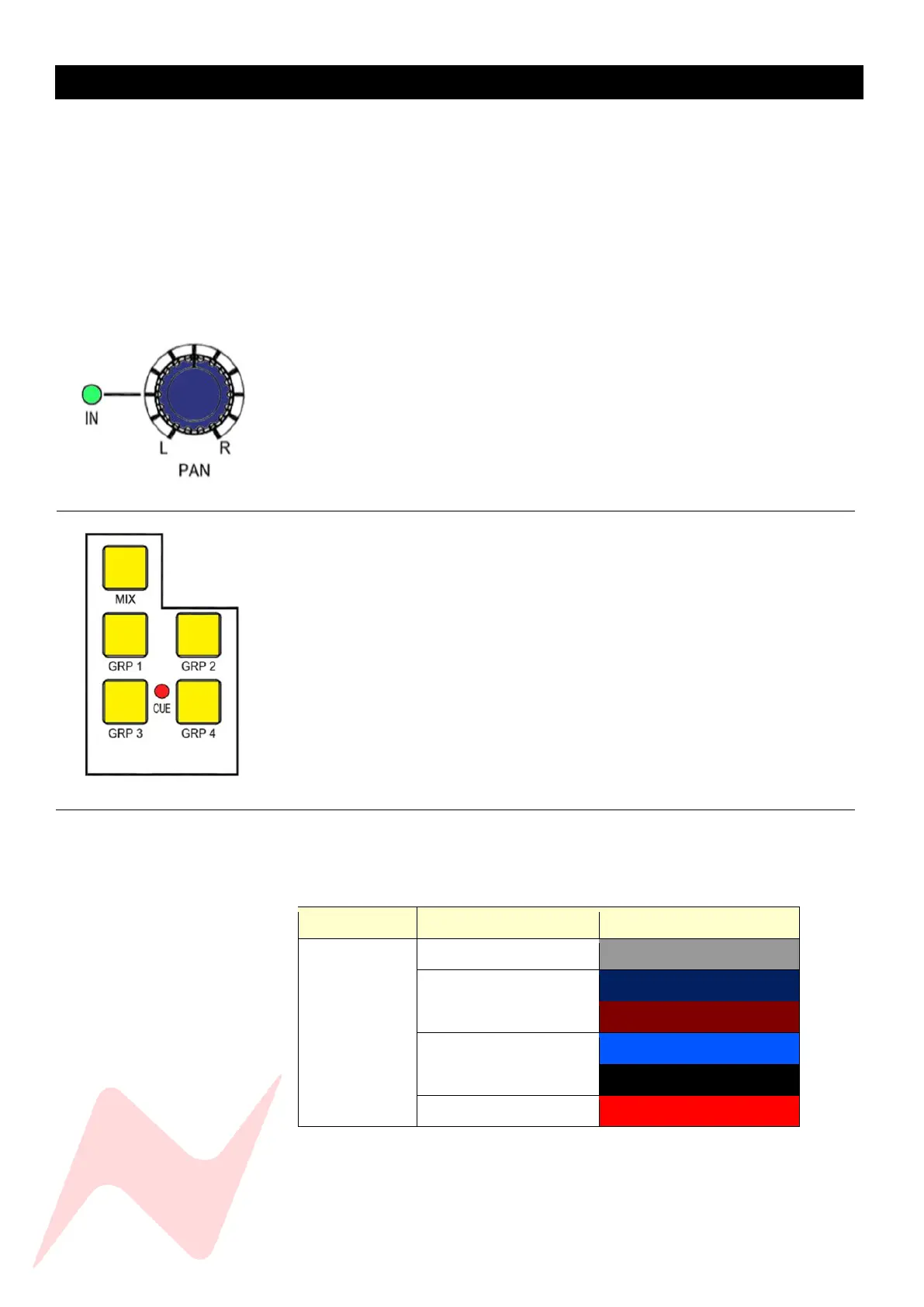
Many rotary controls on the 8424 have a push-activation ON/OFF function.
Simply push the pot to switch the control ON or OFF.
Where relevant, the ON/OFF state of the control is displayed by an adjacent LED.
Conventions used 1
All button names / rotary controls are shown in BOLD CAPITALS.
Additional Global controls and notes for set parameters are shown
in bold grey italics.
An arrow-shaped bullet-point indicates you should do this action.
Console surface colour coding 1
The knobs and buttons on the Channel Strip and master sections of the
console are colour-coded for ease of operation.



 To Next Page