42
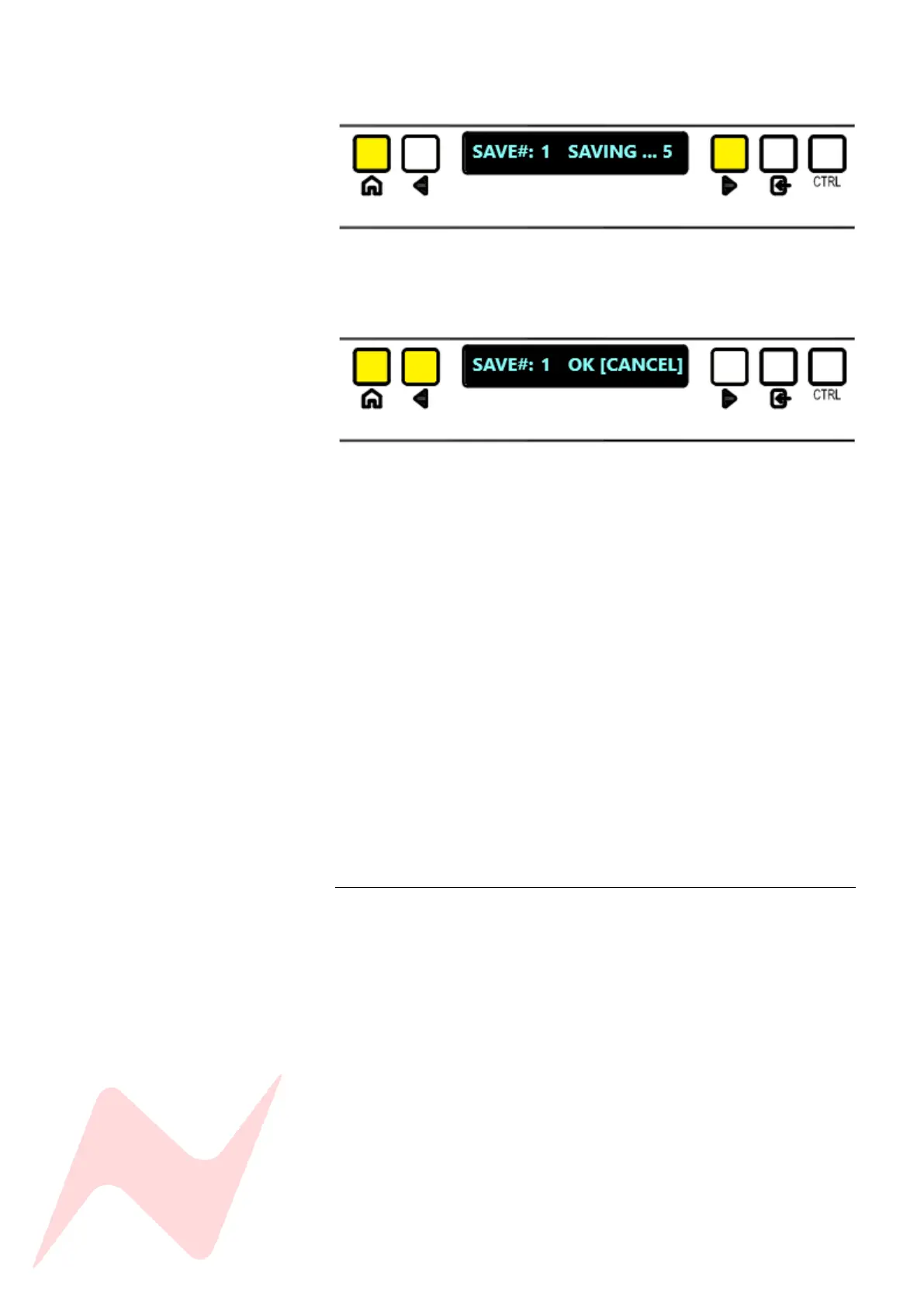
Once pressed, a 5 second countdown will begin while the console panels
are preparing to save settings.
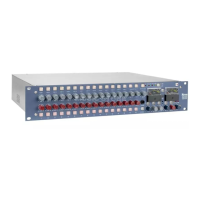
If you do not wish to save over the selected store, either press the
HOME button or select CANCEL
Once the save process is complete, switch settings, channel trims, pot
positions, and fader levels are now stored, along with the master section
switch settings, pot positions and fader levels.
8424 settings exempt from the console store –
• Talkback Level
• Solo Settings
• Control room Monitor CUT
• 1073 1 Trim
• 1073 2 Trim
• Instrument DI 1 Level
• Instrument DI 2 Level
• Master menu settings (except IPA> DIR, ILM, SOLO
[LATCH/MOMN], GRP 1 PRE, GRP 2 PRE, GRP 3 PRE, GRP 4 PRE)
• TB menu options
• OCS Menu Options
Once saved, the services screen will revert to the top title menu.
Load 1
The load option allows users to select any of the 99 Recall Stores to recall.
Loading a Recall store will overwrite the current console switch settings
automatically, the user can then choose to recall the hard pots and fader
settings or to leave them in their current state. Stores can only be loaded
from an active recall save file, if there is no data stored on the selected store
number, the load process will not begin.
The MONITOR CUT will always activate after loading a console snapshot as
a safety feature.


 To Next Page