55
Parallel Processing 1
The 8424 has the capability of sending Input A (DAW interface Outputs 1-24)
to two locations on the same channel strip. Both into the main channel input
and into each channel CUE Input. This is the same function that enables In-
Line Mode (ILM).
Since this function splits the DAW signal into each channel and sends it to
both the Channel fader and to the CUE controls, this allows for parallel
processing of mix signals by adding a hardware insert onto one of the signal
paths Channel - INS or Cue - INS I/P C and leaving the other signal
unprocessed. Both processed and unprocessed signals can be blended into
the Stereo Mix bus independently.
To enable this function-
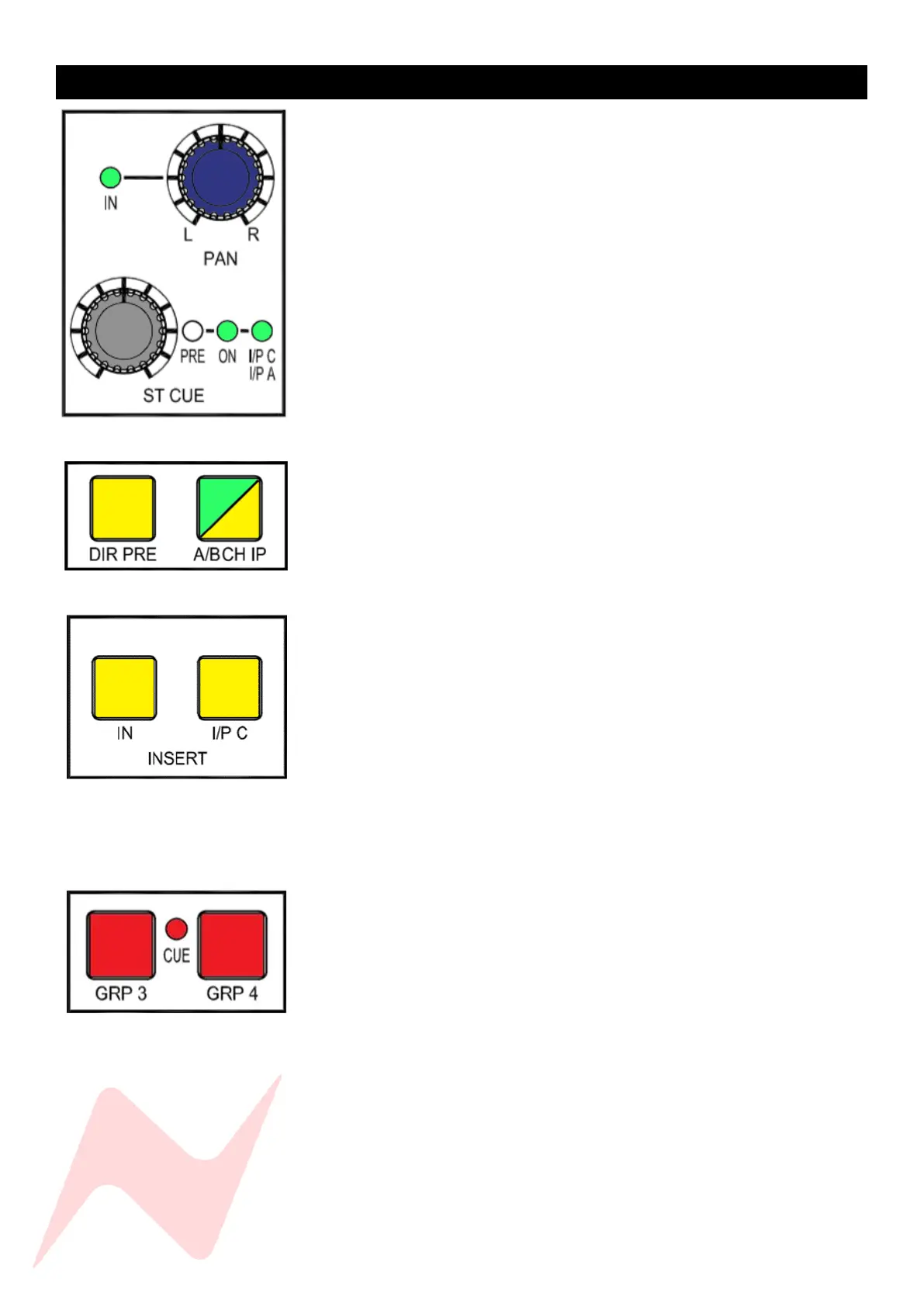
Select channel Input A either on the top of the channel strip via the
A/B CH IP button. Alternatively, this can be globally selected by
pressing the A/B CH IP button in the master section of the console.
Select Cue Input A for each channel by Pressing and holding the CUE
PAN and then press the ST CUE controller twice. Alternatively, this
can be globally selected by selecting ILM from
Services>MASTER>ILM [Y]
The signal for each selected channel fader and CUE is now being fed
from the same DAW interface output simultaneously. Depending on
how you wish to process this, hardware inserts can be added to either
the channel fader by pressing INS, or to the CUE controls by pressing INS
and I/P C.
The CUE signals for the selected channels can be blended into the Stereo
Mix fader signal by pressing the CUE BUS button above the stereo
master fader.
Alternatively, the cue signals can be routed to the groups by pressing
and holding the ST CUE Pan pot and then pressing GRP 3 or GRP 4
button. Group 3+4 buttons will illuminate Red to indicate Cue to group
routing.
Unprocessed Channel and Processed Cue signals can now be blended
together using both the channel faders and the ST CUE LEVEL controls
for all 24 DAW returns. Cue to group routing can be used to parallel
process large groups of DAW return signals by using the Group Insert
points.



 To Next Page