23
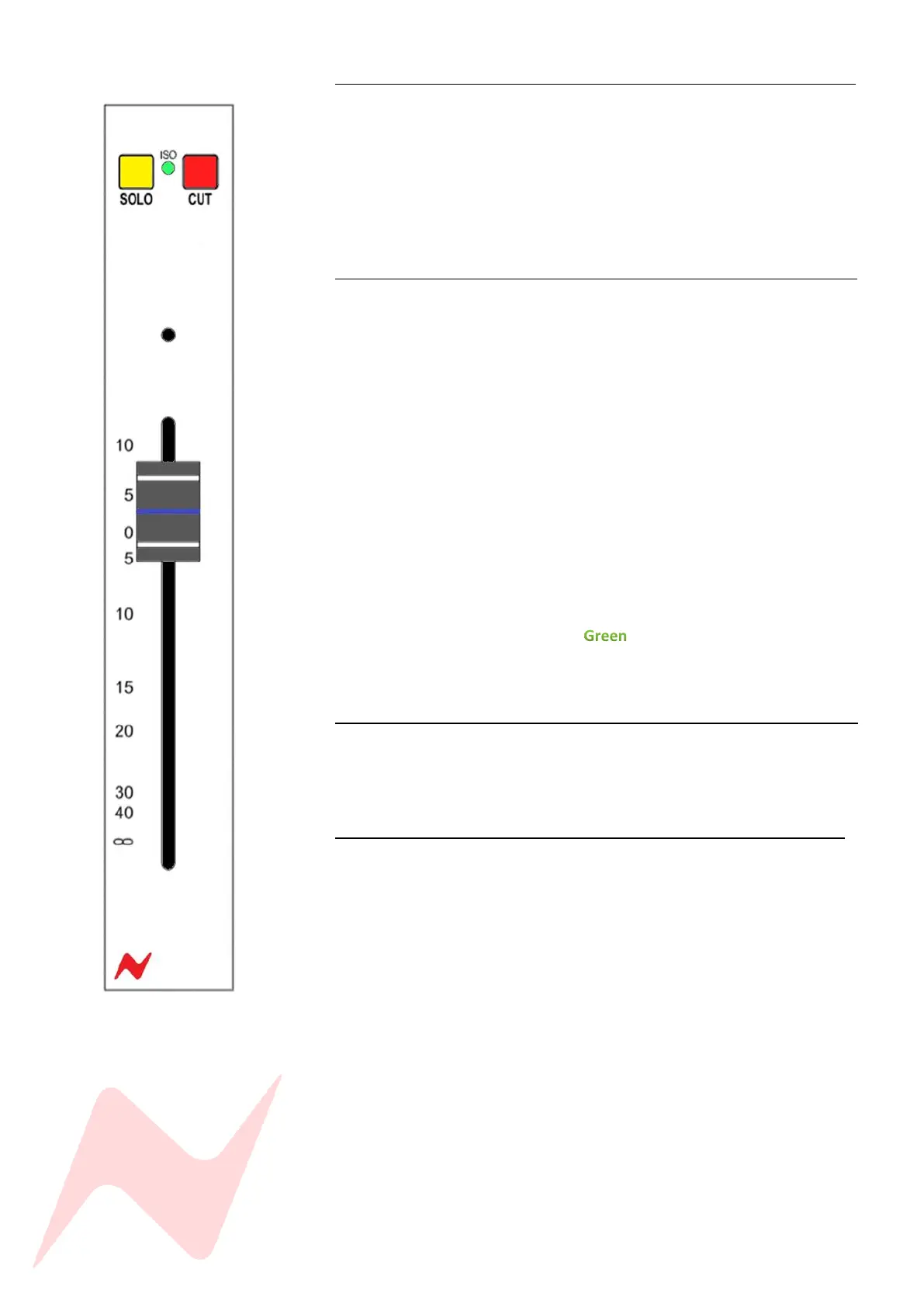
Solo 1
The SOLO button will isolate the selected Group channel into the Stereo Mix
bus and group outputs. The Group solo is destructive by default (SIP) but
can be set to non-destructive modes; Pre-fader PFL or After-fader AFL which
is set in the control room monitor section of the console by pressing the
AFL/PFL level control or by Isolating on a channel by channel basis.
More information on solo modes can be found on page 32
ISO 1
Removes the selected Group channel from the default SIP (solo-in-place)
system and activates the groups non-destructive solo AFL/PFL bus. The
isolated groups are SOLO SAFE. When any other solo is active on the console
A CUT will not be applied to any group that has been isolated. Similarly, any
group that is isolated can now be soloed without activating the CUT on all
other channels/groups. The group solo bus is now routed either pre-fader
(PFL) or after-fader (AFL) to the engineer headphones and monitor path via
the PFL/AFL bus.
PFL or AFL is selected in the control room monitor section of the console by
pressing the AFL/PFL level knob.
To isolate a Group-
Press and hold the CUT button on the selected group, then press the
SOLO button.
The ISO light will illuminate to indicate that the group is now
protected from destructive solo. And will not cut any channels that
are in destructive solo (SIP) mode.
CUT 1
CUT will remove the selected groups audio from the Stereo Mix bus and
group output audio paths. The groups audio is muted when the CUT light is
illuminated.
Group Fader 1
Each Group has a 100mm precision fader for precise level control which runs
from -inf to +10dB.



 To Next Page