57
Firmware Update Software 1
The Neve firmware update software can be found at www.AMS-
Neve.com >8424productpage >supporting documentation. The
software program is used to check if your unit’s firmware is up to date
and if necessary, perform firmware updates if required. The windows
application is 32-bit software supported by windows 10. The MAC 64-
bit software supports OSX Catalina 10.14/10.15 only.
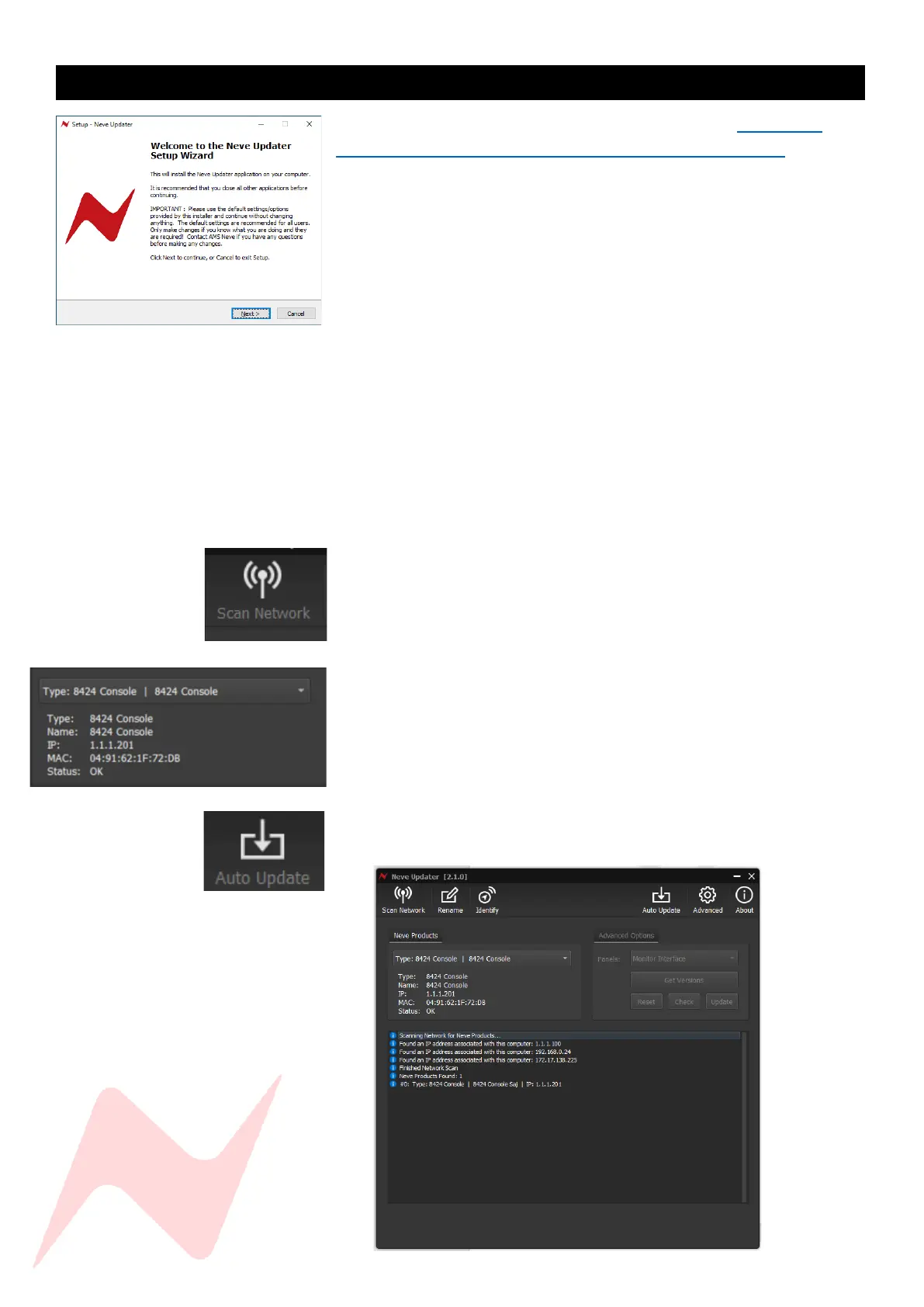
First the software must be installed.
Run the installer package on your PC/MAC and follow the on-screen
steps. Once installed the software is ready to be connected to your
8424 Console. Once connected and scanned the software will prompt
the user to begin firmware update if required.
To perform a firmware update-
Set the 8424 IP address via the services screen, full
instructions found on page 40 under System
Connect the unit via the COMMS ethernet connection to your
computer using a CAT5/CAT6 ethernet cable
Run the update software program
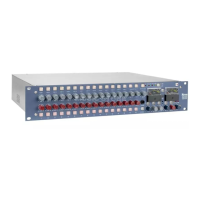
Click ‘scan network’
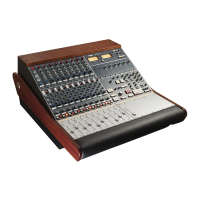
Discovered units will appear in the Neve Products dropdown
box.
Product type, Name, IP address and MAC address will be
displayed underneath
Select the unit to update from the drop-down menu
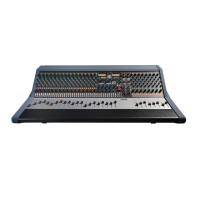
Click Auto Update
an indication will appear on screen informing which panels
require firmware updates and the update process will begin


 To Next Page