58
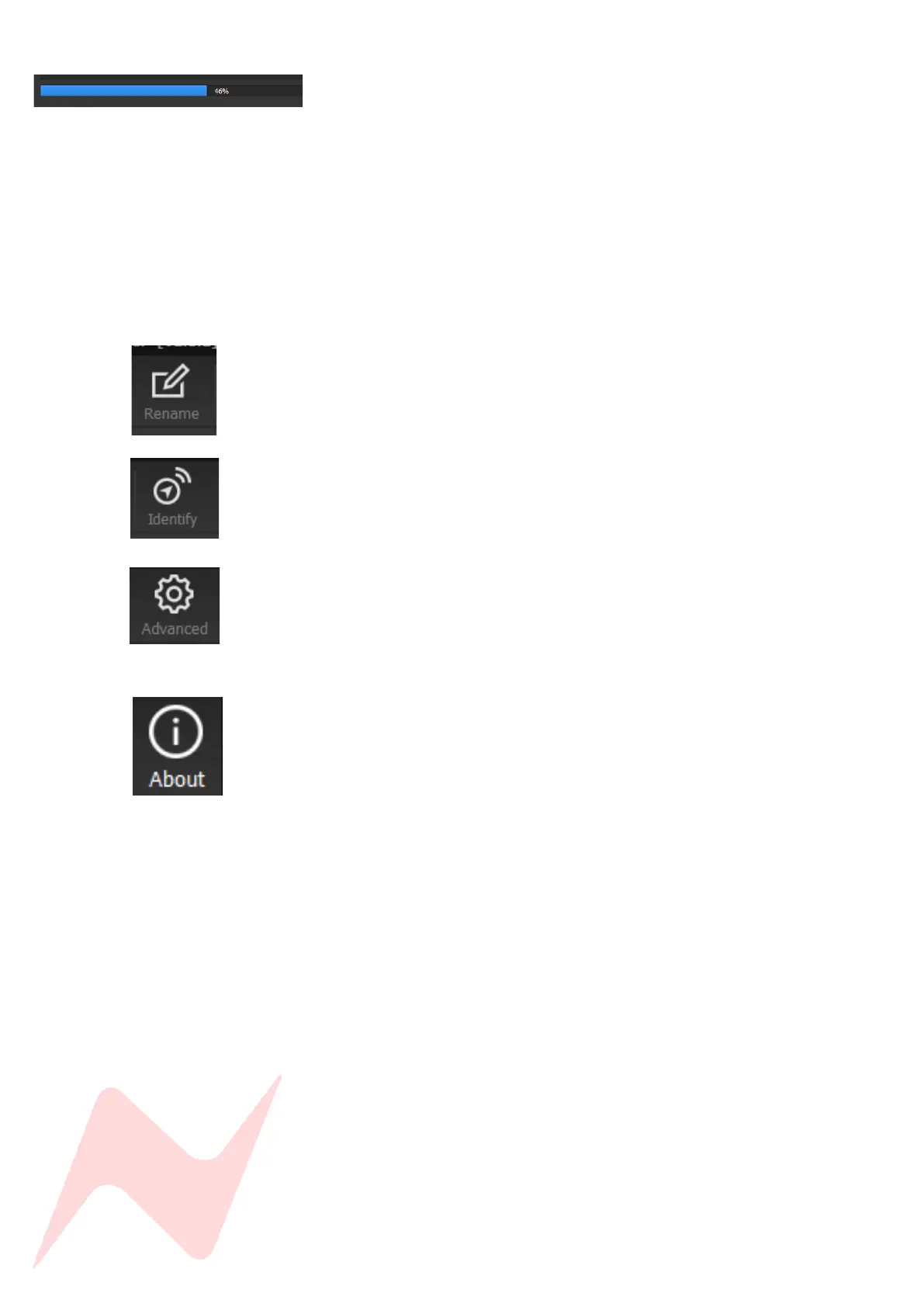
The software will update the firmware in three stages which is
indicated on the progress bar.
• 1
st
grey progress indicator is entering boot mode then another is
shown to indicate erasing memory status.
• 2
nd
blue indicates update progress.
• 3
rd
grey indicates exiting program mode.
• Lower thin grey progress indicator is overall progress.
The 8424 front panel will enter boot mode when programming, please
do not press any buttons on the unit during this process.
Units can be renamed by clicking rename (Max 21 characters)
Identify not in use.
Advanced is reserved for the use of AMS Neve engineers when
manually uploading firmware.
It is not recommended for end-users to enter this mode.
The About window displays the software system information and the
available firmware versions.



 To Next Page