4.8 Saving/Recalling the Setting and Correction Value
4-40 ZM2376
The item for Save/Recall is setting (only setting) at first. Therefore, if you enter the memory
number and press the _ENTR_
key, only the setting can be saved or recalled.
You can temporarily change the item to Correction (only correction value) or Both by entering the
decimal point
_._
or negative sign
_-_.
RECALL : Correction Correction value only
Perform EXIT operation without performing saving or calling, and the measurement screen will
come back.
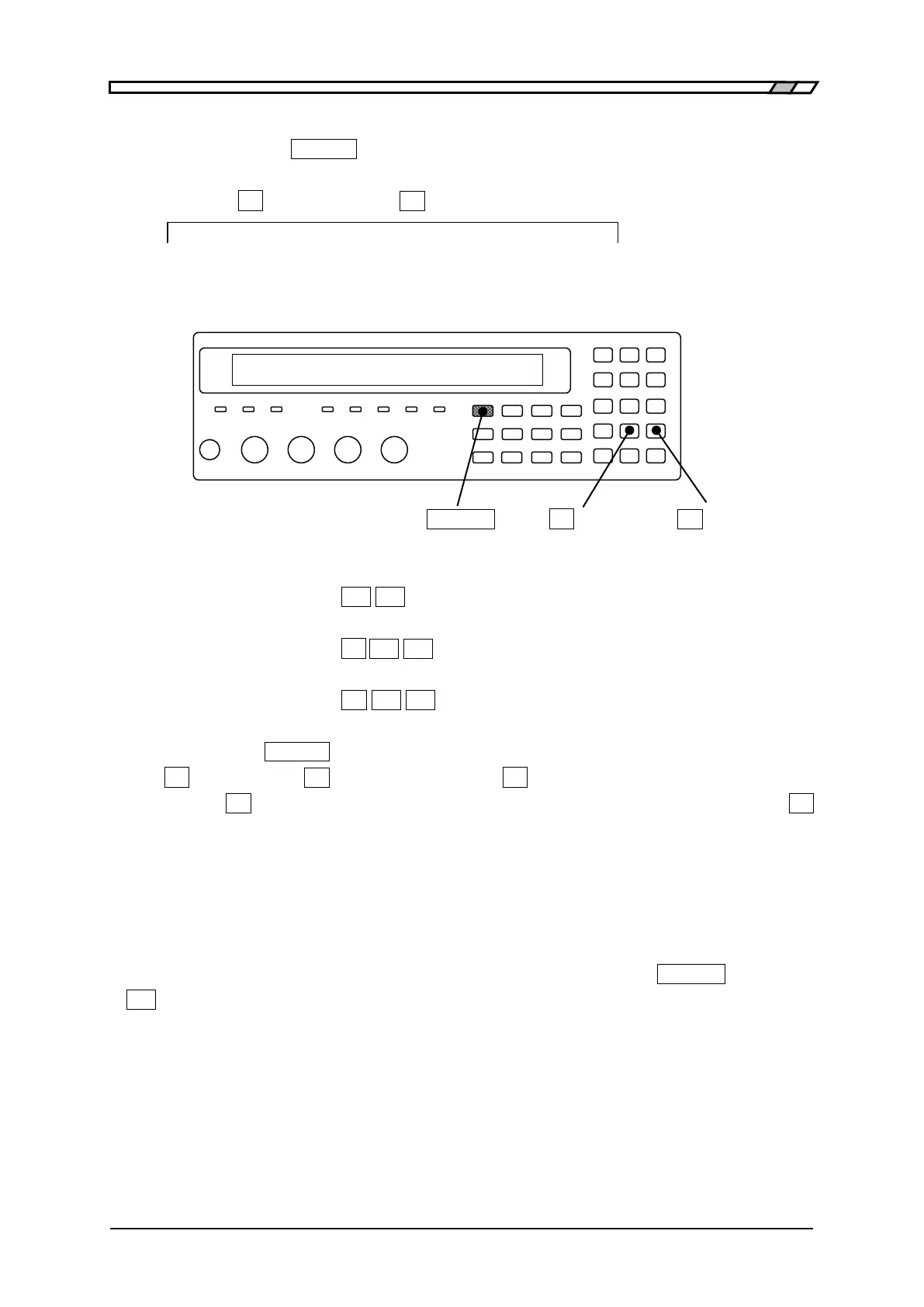
_SHIFT_
_._
| [SAVE] _-_
| [RECALL]
Examples of specifying
Setting (Setting only)
ex.) _2_ _1_ Input the numeric value only
Correction (Correction value only)
ex.) _._
_2_ _1_ Input the decimal point before numeric value
Both (Both setting and correction value)
ex.) _-_ _2_ _1_ Input the negative sign before numeric value.
Before entering the _ENTR_
key, you can change the item for Save/Recall by entering the decimal
point
_._
or negative sign
_-_
. For example, press the _._
key to change the item to Correction, and
then press the
_-_
key to change it to Both. Meanwhile, when the item is Correction, press the _._
key to change the item back to Setting.
After performing Save/ Recall, the item for Save/ Recall turns back to the setting.
The load standard value is treated as a set with the corresponding load correction value.
Initializing the setting/correction value memory
The contents of setting/correction value memory cannot be initialized by the _SHIFT_
+ [INIT] and
_1_ key.
It is possible to initialize the setting/correction value memory by the operation of “Fully
initialization” in system setting menu. However, the setting of interface is also initialized.
Fully initialization “4.14 Initializing of All Settings”.



 To Next Page