3.5 Basic Operations
3-52 ZM2376
3.5.6.7 OPEN Correction
Executing the OPEN correction can make the admittance zero when the measurement terminals are
opened.
The OPEN correction value can be measured by opening the measurement terminals, or can be set
with numeric values.
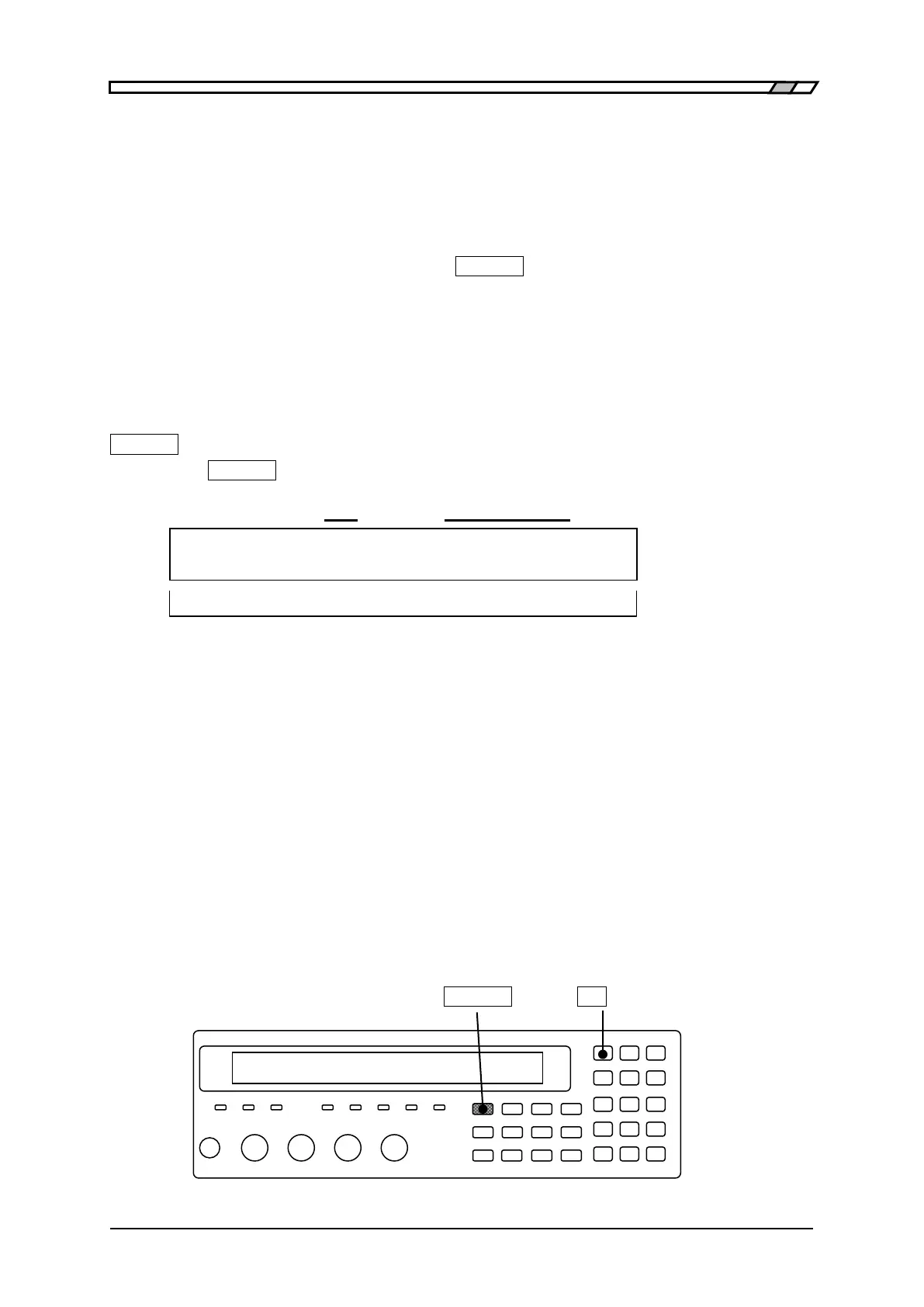
With the measurement terminals open, press the _SHIFT_
+ [OPEN] keys to display the OPEN
correction menu, and select Measure, so that the admittance when the measurement terminals are
opened can be corrected to zero.
To set the spot OPEN correction value at the current measurement frequency with a numeric value,
set the correction value in the spot OPEN correction menu and finally select ON.
The operation of OPEN correction is executed with the OPEN correction menu.
_SHIFT_
+ [ OPEN ]
Press the _SHIFT_
+ [OPEN] keys to display the OPEN correction menu.
OFF|ON Lower limit - Upper limit (or SPOT)
OPEN Correction:OFF 100Hz - 1.0MHz Current setting
0)OFF 1)ON 2)Measure 3)SPOT >NEXT Options (first page)
4)LowFREQ 5)UppFREQ <PREV Options (second page)
OFF Disables the OPEN correction and returns to the measurement screen.
OPEN correction value is held internally.
ON Enables the OPEN correction and returns to the measurement screen.
Measure Measures the OPEN correction values.
Upon completion, enables the OPEN correction and returns to the
measurement screen.
SPOT Displays the spot OPEN correction menu.
When the spot correction is enabled, the correction value is measured with
only the current frequency.
LowFREQ Displays the lower limit frequency setting menu for the global correction.
This can prohibit the correction with unused low frequencies.
UppFREQ Displays the upper limit frequency setting menu for the global correction.
This can prohibit the correction with unused high frequencies.
Perform the EXIT operation to return to the measurement screen.
_SHIFT_ _7_ | [OPEN]



 To Next Page