3.5 Basic Operations
3-33 ZM2376
3.5.6 Setting of Basic Measurement Conditions
3.5.6.1 Measurement Frequency
The measurement frequency is displayed at the top right of measurement screen.
• • • • • • • 1.00000M Measurement frequency Hz
• • • • • • • 1.00 V Measurement signal level
_FREQ_
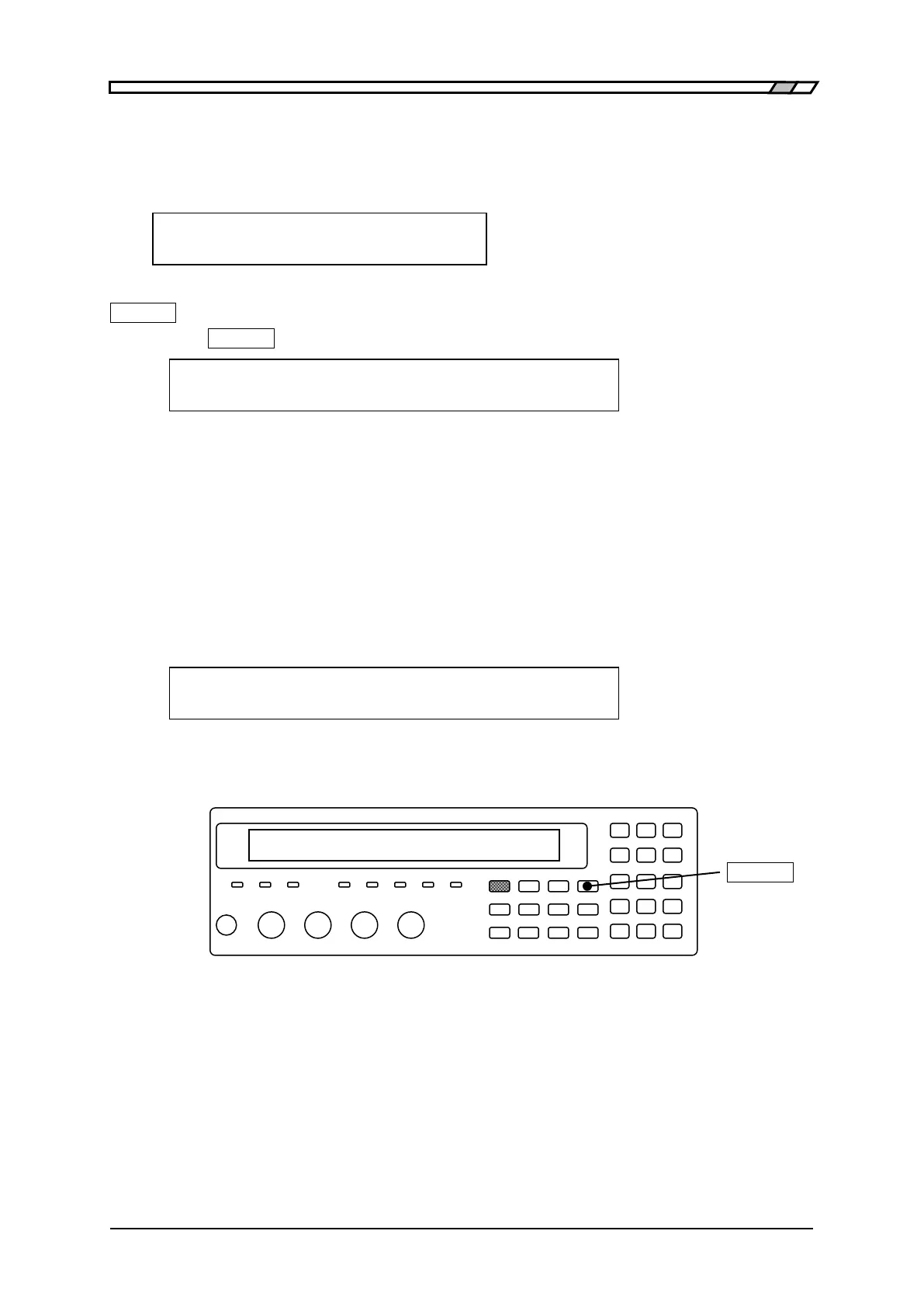
Press the _FREQ_
key to display the measurement frequency setting menu.
Frequency: 1.00000MHz Current setting
0)120 1)1k 2)10k 3)100k 4)1M 5)Entry Options
120 120Hz
1k 1kHz
10k 10kHz
100k 100kHz
1M 1MHz
Entry Displays the measurement frequency input menu to input a numeric value.
If a setting is made or the EXIT operation is performed, the measurement screen comes back.
Entry: The measurement frequency input menu is as follows.
Frequency: 1.00000MHz Current setting
1mHz to 5.50000MHz Available value ranges
The setting resolution is 6 digits (1mHz when < 100Hz).
If a setting is made or the EXIT operation is performed, one-previous menu comes back.
_FREQ_



 To Next Page