3.5 Basic Operations
3-20 ZM2376
3.5.2 Basic Key Operations
Primary function
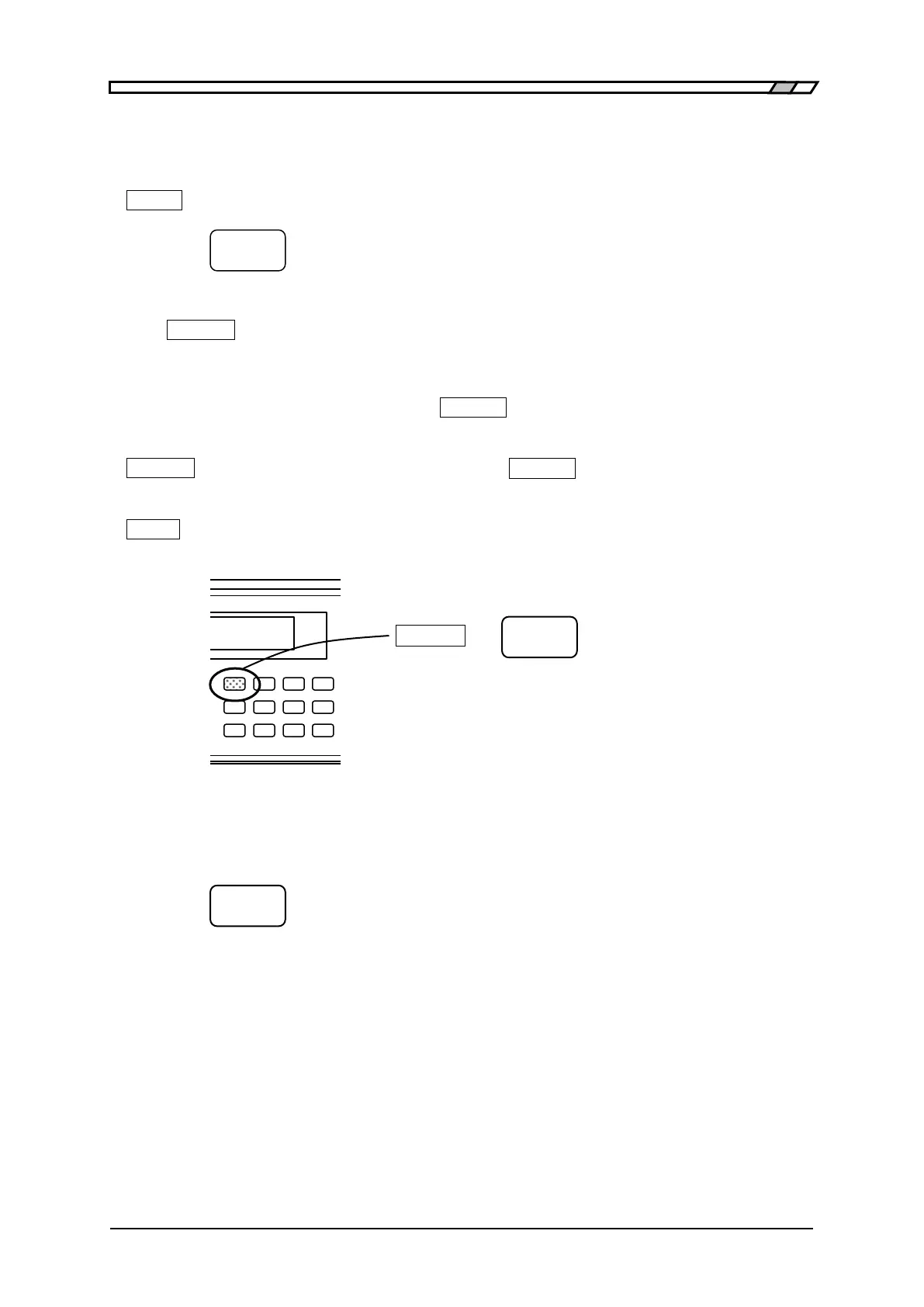
Press each key on the front panel, and the function written on the key top will operate.
_TTT_ key: Indicates the key with “TTT” written on the key top.
Secondary function
If the _SHIFT_ key (blue) is pressed, the secondary function written with blue characters above the
key becomes active. At this time, SHIFT is displayed at the bottom right of character display. In this
state, press any key, and the secondary function of that key will operate.
If the secondary function operates once or the _SHIFT_ key is pressed again, the SHIFT state is
cancelled.
_SHIFT_
+ [AAA] Indicates that after pressing the _SHIFT_ key, the key with AAA (blue)
written above the key is pressed.
_TTT_ | [BBB] key Indicates the key with TTT written on the key top and BBB written above or
under the key.
Tertiary function
The tertiary function (BBB) written under the key operates according to the operation flow or
situations at that time.



 To Next Page