4.12 Disabling the Key-Operation of Panel
4-54 ZM2376
4.12 Disabling the Key-Operation of Panel
The key-operation of panel can be disabled.
Disabling/enabling the key-operation through the front panel
_SHIFT_
+ [ KEY LOCK ]
Press the _SHIFT_
+ [KEY LOCK] keys allows alternately switching between disabling (lock)
and enabling (unlock) for key-operation.
However, even if key-operation is disabled, only the following functions are effective:
•Enabling function for the key-operation with the _SHIFT_
+ [KEY LOCK] keys.
•Restoring function from Remote into Local (panel operation) with the _LOCAL_
key.
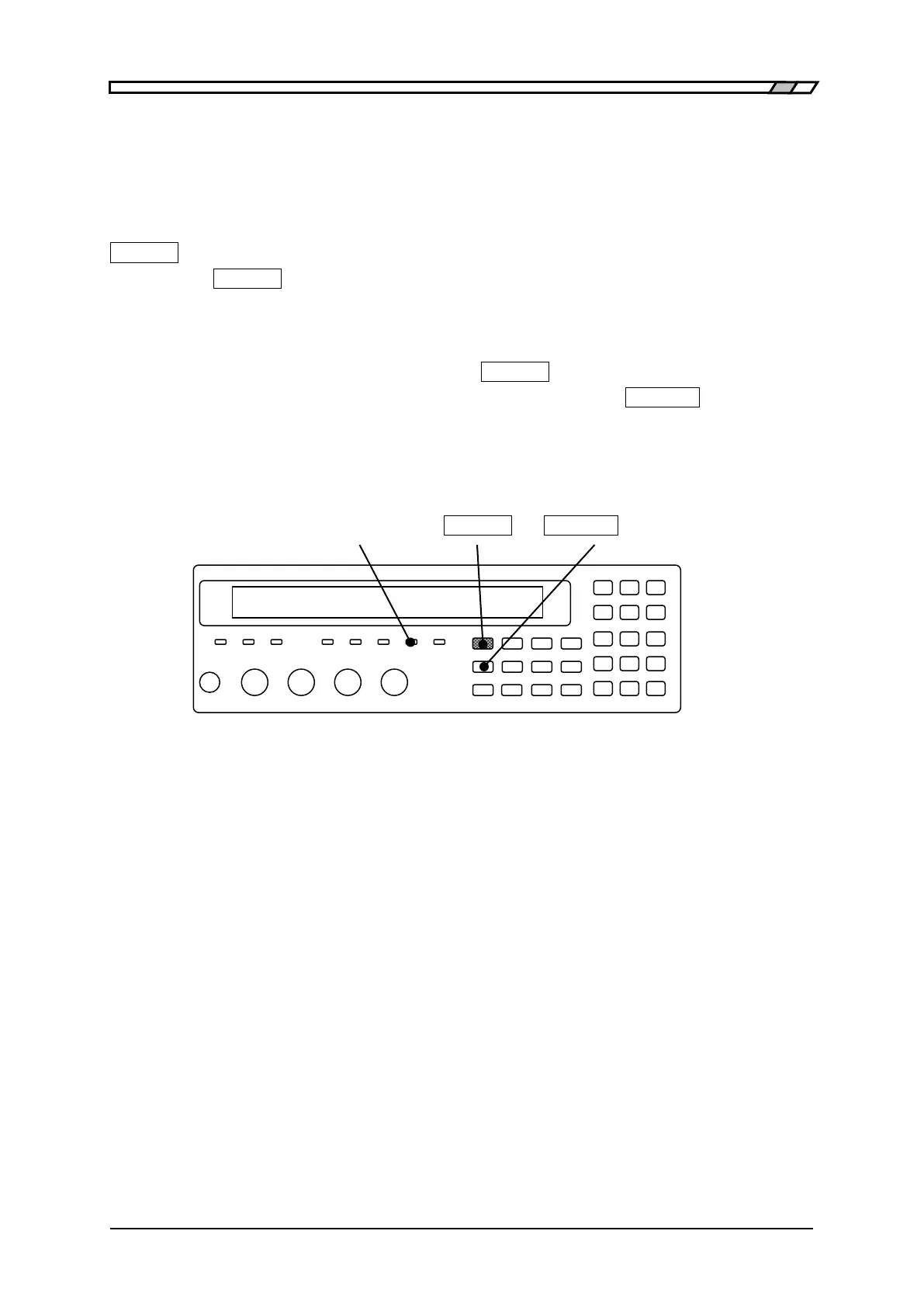
KEY LOCK lamp
The KEY LOCK lamp of front panel lights up while the key-operation is being disabling.
KEY LOCK lamp _SHIFT_ _LOCAL_
| [KEY LOCK]
Disabling the key-operation through the Handler interface
If /KEY_LOCK signal of handler interface is set to “1” (low level), the key-operation of panel can be
disabled for that period. The /KEY_LOCK signal is disabling all key-operation. Also in this case, the
KEY LOCK lamp lights up.
Locking by the /KEY_LOCK signal cannot be canceled by the panel operation or remote control
interface. Only when the /KEY_LOCK signal is set to “0” (high level), it can be canceled.



 To Next Page