4.6 Measuring with More Than One Condition (Multi-measurement)
4-30 ZM2376
4.6 Measuring with More Than One Condition (Multi-measurement)
The multi-measurement function allows you to measure one DUT with more than one condition for
comprehensive pass/fault comparison or sent these measured values to the measured data buffer collectively.
When the multi-measurement is performed, register a measurement condition in each step of the
multi-measurement list. Parameters other than the frequency should be saved in the setting/correction value
memory.
Multi-measurement list Step 0 •••
Step n Frequency (n)
Spot correction value (correction value memory n)
Settings other than frequency (setting memory m)
Step 31 •••
In the multi-measurement step n, the measurement is performed at the frequency (n) which is
registered in the list. Also, each spot correction value of OPEN/SHORT/LOAD is recalled from the
correction value memory n. Other settings than the frequency (ex. signal level, upper and lower limits
of pass/fail comparison) are recalled from a given setting memory m associated in the list.
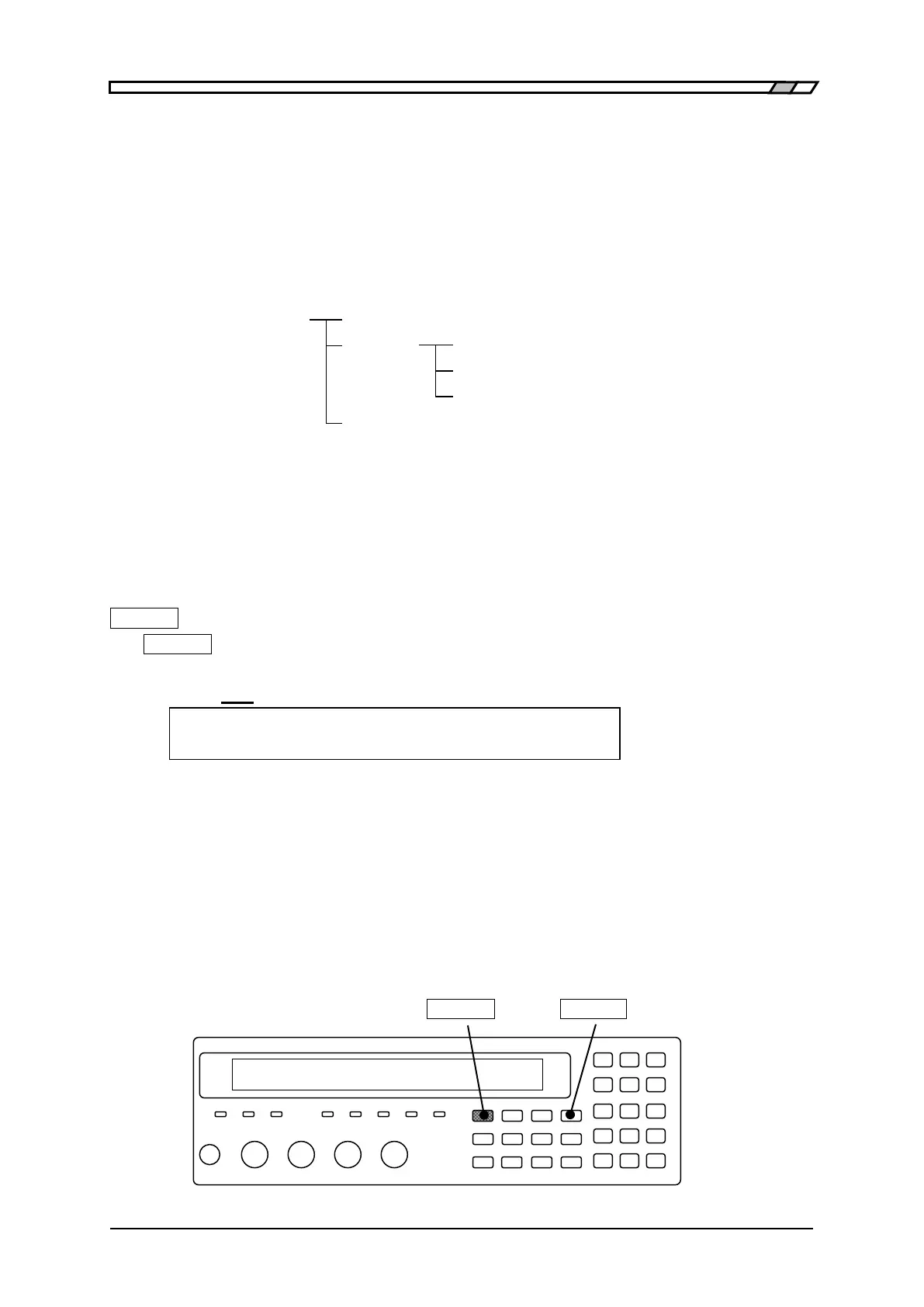
Setting multi-measurement functions
_SHIFT_
+
[
LIST
]
_SHIFT_
+ [LIST]
keys to display the multi-measurement menu.
Operation Mode
LIST:OFF Current setting
0)OFF 1)SEQUENCE 2)STEP 3)Entry Options
OFF Disables the multi-measurement and returns to the normal measurement
(initial value).
SEQUENCE Enables the multi-measurement in sequence mode.
Measures in all steps in the order of the list once triggered.
STEP Enables the multi-measurement in step mode.
Measure step-by-step at each trigger. It is useful to read the measurement
value at each step.
Entry Displays the multi-measurement list input menu.
If a setting is made or the EXIT operation is performed, the measurement screen comes back.
_SHIFT_ _FREQ_ | [LIST]



 To Next Page