4.10 Applying the DC Bias Voltage
4-44 ZM2376
4.10 Applying the DC Bias Voltage
ZM2376 allows the measurement where DC bias voltage up to 5V is applied on polar capacitance,
PN junction of semiconductor and etc. It is also possible to compensate the electromotive force of
battery to measure the impedance. It cannot be ON when the secondary parameter is DC resistance
Rdc.
_BIAS_
Press the _BIAS_
key to display the DC bias setting menu.
Output status Auto mode Bias voltage
DC BIAS: OFF AUTO 1.500V Current setting
0)OFF 1)ON 2)AUTO 3)TRACK 4)DC Volt Options
OFF Turns off (0V) the DC bias output.
The set value of DC bias voltage is retained inside.
The auto DC balance and auto DC cancel functions are disabled.
ON Turns on (preset voltage) the DC bias output.
The auto DC balance and auto DC cancel functions are disabled.
AUTO Turns on the DC bias output and enables the auto DC balance function and the
auto DC cancel function.
This function is mainly used to measure the impedance of the battery.
The measurement range is restricted to 100Ω or less.
TRACK Turns on the DC bias output and enables the auto DC cancel function. The auto
DC balance function is disabled.
This function is mainly used to measure DUT with a leak current.
DC Volt Display the DC bias voltage input menu.
Press the ON/OFF or perform EXIT operation, and the measurement screen comes back.
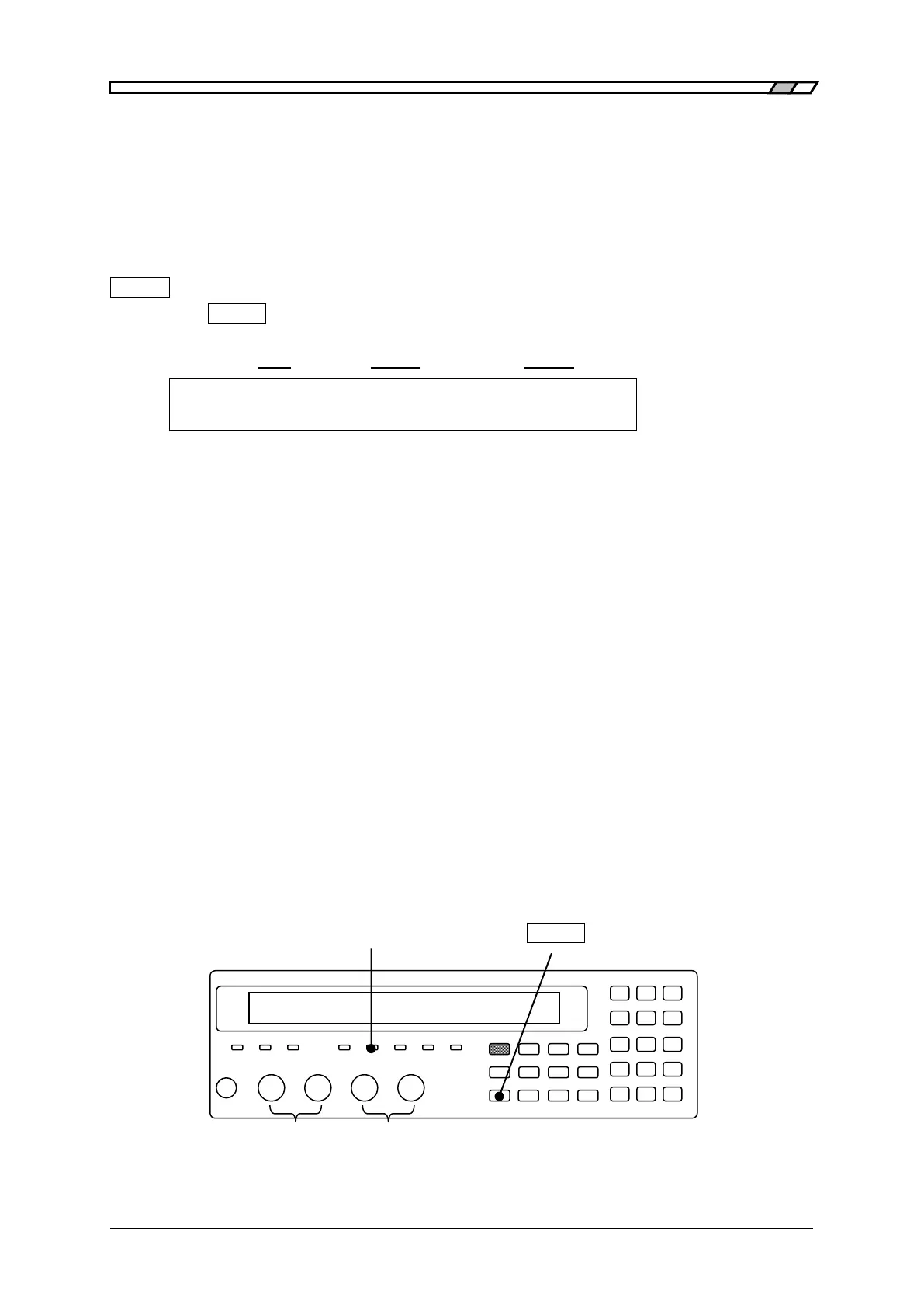
BIAS ON lamp
The BIAS ON lamp of front panel lights up during DC bias output ON.
BIAS ON lamp _BIAS_
Bias polarity: Reference Plus



 To Next Page